Always catching in to Typed / Bookmarked in Referrer Reports | Community
Skip to main content
saibul
Level 4
Aug 31, 2020 2:02 AM UTC
Solved

Always catching in to Typed / Bookmarked in Referrer Reports

OS: RHEL 7.6 (Maipo)
Server: AEM-6.5.1 SP-6.5.1

Adobe Launch

---------------------------------------------

When we try to take below Referrer reports always the counts are showing under Typed / Bookmarked.

  • Reports/Traffic Sources/Referring Domains,
  • Reports/Traffic Sources/Referrer Types
  • Reports/Traffic Sources/Referrer

In some of the blogs they mentions if(search-engine) -> else if() -> else if() -> else { "Typed / Bookmarked" ). 


Agreed, but what I missed here to get the actual values. if I need to set s.referrer where I need to configure or set. 


Thanks in advance

This post is no longer active and is closed to new replies. Need help? Start a new post to ask your question.
raj_mandalapu
raj_mandalapuAccepted solution
Level 7
Sep 1, 2020 2:32 AM UTC

By default, Adobe Analytics tracks referrer from document.referrer, but here it is not behaving like that, seems something is overriding, you need to check internal URL filters or check custom code editor.

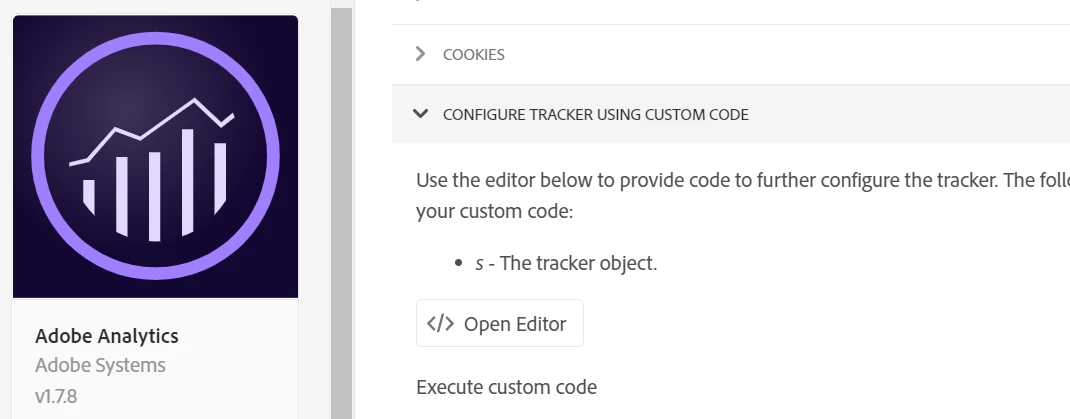
You can override this using s.referrer plugin, for this, you need to write code in Adobe Launch custom code editor.

Example:

s.referrer=document.referrer;
If you are using Launch then you can use Adoeb analytics plugin code editor to place your custom code.


2 replies

raj_mandalapu
raj_mandalapuAccepted solution
Level 7
Sep 1, 2020 2:32 AM UTC

By default, Adobe Analytics tracks referrer from document.referrer, but here it is not behaving like that, seems something is overriding, you need to check internal URL filters or check custom code editor.

You can override this using s.referrer plugin, for this, you need to write code in Adobe Launch custom code editor.

Example:

s.referrer=document.referrer;
If you are using Launch then you can use Adoeb analytics plugin code editor to place your custom code.


Translate
khurshid
Employee
Aug 31, 2020 1:29 PM UTC

If you need to set s.referrer arbitrarily, use the Referrer Override field in the Analytics extension. Also, check if Internal URL Filters setting for the report suite is configured correctly.

Translate