Help with measuring scroll depth plug in | Community
Skip to main content
New Participant
February 26, 2024
Solved

Help with measuring scroll depth plug in

  • February 26, 2024
  • 1 reply
  • 825 views

Hi


I am new to analytics in general and I have been tasked with finding how many users are scrolling to the bottom of a product listing page and are then clicking the LOAD MORE button


After searching I found the following article 


Adobe plug-in: getPercentPageViewed 


Our account manager has installed this.


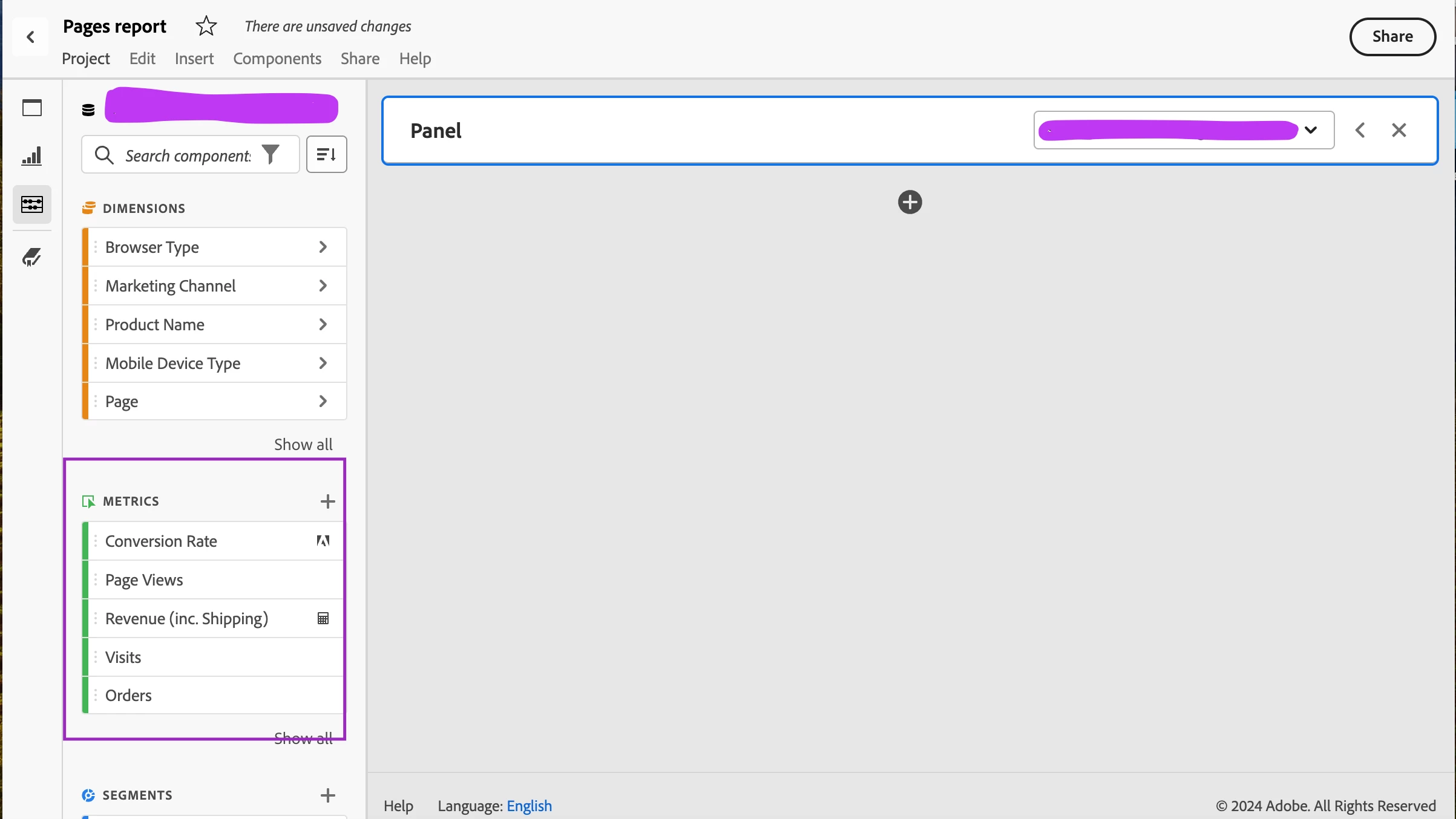
Am i right in thinking i should be able to see the following under Metrics? (highlighted section in image below)

window._ppvPreviousPage

window._ppvInitialPercentViewed

window._ppvHighestPercentViewed

window._ppvFinalPercentViewed

window._ppvHighestPixelsSeen

window._ppvFoldsAvailable

window._ppvFoldsSeen
 

This post is no longer active and is closed to new replies. Need help? Start a new post to ask your question.
Best answer by Jennifer_Dungan

This ^


window._ppvPreviousPage

window._ppvInitialPercentViewed

window._ppvHighestPercentViewed

window._ppvFinalPercentViewed

window._ppvHighestPixelsSeen

window._ppvFoldsAvailable

window._ppvFoldsSeen


Are all the calls to return the cookies that are storing the values from the previous page, but you have to determine which dimensions should store the values.


From the documentation:

if(s.pageName) getPercentPageViewed(); if(_ppvPreviousPage) { s.prop1 = _ppvPreviousPage; s.prop2 = "initialPercent=" + _ppvInitialPercentViewed + " | highestPercent=" + _ppvHighestPercentViewed + " | finalPercent=" + _ppvFinalPercentViewed + " | foldsAvailable=" + _ppvFoldsAvailable + " | foldsSeen=" + _ppvFoldsSeen; }


Basically this is sending the "Previous Page Name" to prop1, and a concatenation of the various percentages into prop2.


Presumably, prop2 would then use Classification rules to process each individual value into its own classification.

1 reply

ezhil_raja
New Participant
February 26, 2024

You will have to map these variables to eVars to see dimension data in reports. Please refer to this documentation https://experienceleague.adobe.com/docs/analytics/implementation/vars/plugins/getpercentpageviewed.html?lang=en for implementation instructions.

Jennifer_Dungan
Jennifer_DunganAccepted solution
New Participant
February 27, 2024

This ^


window._ppvPreviousPage

window._ppvInitialPercentViewed

window._ppvHighestPercentViewed

window._ppvFinalPercentViewed

window._ppvHighestPixelsSeen

window._ppvFoldsAvailable

window._ppvFoldsSeen


Are all the calls to return the cookies that are storing the values from the previous page, but you have to determine which dimensions should store the values.


From the documentation:

if(s.pageName) getPercentPageViewed(); if(_ppvPreviousPage) { s.prop1 = _ppvPreviousPage; s.prop2 = "initialPercent=" + _ppvInitialPercentViewed + " | highestPercent=" + _ppvHighestPercentViewed + " | finalPercent=" + _ppvFinalPercentViewed + " | foldsAvailable=" + _ppvFoldsAvailable + " | foldsSeen=" + _ppvFoldsSeen; }


Basically this is sending the "Previous Page Name" to prop1, and a concatenation of the various percentages into prop2.


Presumably, prop2 would then use Classification rules to process each individual value into its own classification.