Report Builder Issue: Blank Window | Community
Skip to main content
Level 2
Nov 1, 2018 3:30 PM UTC

Report Builder Issue: Blank Window

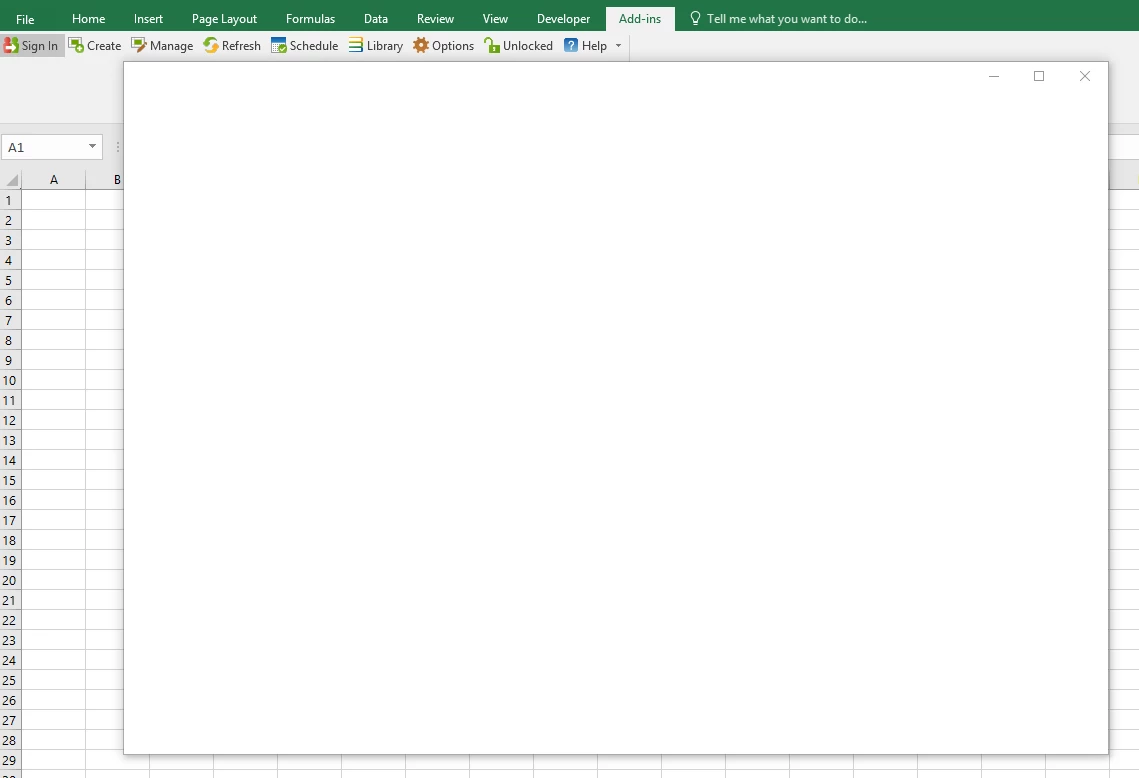
Hello - For months I haven't been able to get report builder to load. Whenever I click on any button in the add on part of excel a blank window pops open. I've tried uninstalling and reinstalling multiple times. Confirmed our IT team isn't blocking it and even deleted all my browser cache to see if that would work. Can anyone give me any direction here? I have the correct version installed as well, 64 bit.
This post is no longer active and is closed to new replies. Need help? Start a new post to ask your question.

9 replies

Pablo_Childe
New Participant
Nov 9, 2018 2:32 PM UTC

Try re installing the plugin.

If that doesn't help can you use another computer I have a feeling you are using a locked build pc. IT says they are not blocking anything but likely it is. The key is check if you can access report builder from another pc.

You may need Adobe white listed on that pc.

Report Builder uses ports 80 and 443. Ensure that these ports are allowed through your organization's firewall. See also Adobe's Internal IP Addresses for additional firewall exclusions.

Translate
Gigazelle
Employee
Nov 6, 2018 5:59 PM UTC

I believe that Report Builder uses Internet Explorer to do its logging in. Was that the browser's cache/cookies that you cleared?

Are you able to reach my.omniture.com in IE?

Translate
Level 2
Nov 7, 2018 3:29 PM UTC

my.omniture.com loads in both IE and Edge. I also cleared my cache/cookies in both browsers and still the same result in report builder.

Translate
Gigazelle
Employee
Nov 7, 2018 7:58 PM UTC

Just double checking here: when you go to About Excel, is it running the 32-bit or 64-bit version?

About Office: What version of Office am I using? - Office Support

I ask because I've seen more than once where a user is running a 64-bit OS but has 32-bit Office installed.

Also, does your organization use proxy servers to access the internet? Are you able to use the computer from another network, such as one from home to troubleshoot?

Translate