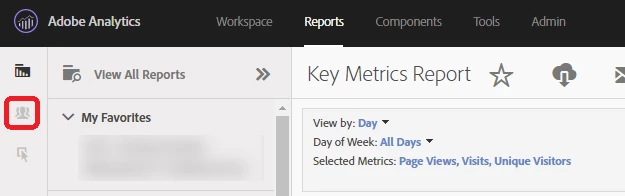
Reports: Looking at them with a segment applied
Hi, after a nearly 10 year hiatus from using Adobe Analytics (it was just Omniture Site Catalyst back then as most of you know), I find myself using it once again.
My challenges and questions for today are:
1) I'd like to view reports with a segment applied to it while I am in the reports section. For example, if I am in REPORTS>CONTENT>PAGES, the default view is unsegmented list of Pages and Pageviews
I know that I can use Compare to Segment and see how the unsegmented data compares to whatever segment I enter.
However I would like to apply a segment before this so I can just see data that is segmented (e.g. just pageviews generated by visits who have an iOS operating system)
Can this be done right in the reports section (the training video on Lynda.com shows this was possible back in 2016 but its now 2018 and the interface has changed and can't determine how to do this).
If it can't be done in REPORTS how do I go about doing this?
Thanks in advance!