
User friendly Labeling of Segment + Metrics in WS report
Hi All,
After working with non -Analytics people and showing them Adobe reports I realized that they need to really dig in to understand report metrics. They are overwhelmed by stacked segments and metrics.
What I was thinking, why dont we create labels by combining segments and Metrics. This idea came to me after seeing that we can rename Legends in WS graphs to simpler ones.
Example:
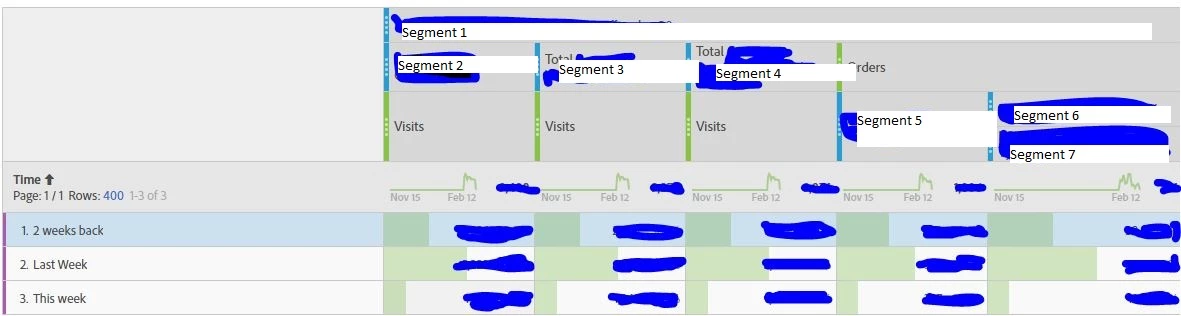
Current structure : Multiple segments and metrics that make it confusing.(cant show any data due to privacy)
Suggested Labels:
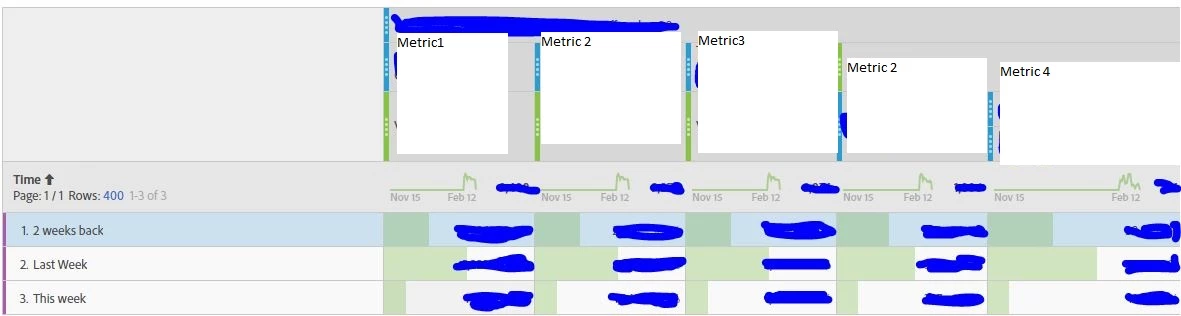
I am suggesting that is it possible that we just select a metric and a segment or segments and then right click. There can be an option Create Label > Edit Label > Give custom name.
You may say that we can create Custom Metrics. But there are 3 issues with it.
1) Creating a Custom Metric is a bit time consuming. For one it may be fine but on the go I found it time taking some times.
2) Not always we need a custom metric.
3) Too many custom metrics will confuse the user.
Hence, can this ability be created ?