Visit Expiration - Mobile App (con't) | Community
Skip to main content
Level 2
Feb 23, 2023 11:44 AM UTC
Solved

Visit Expiration - Mobile App (con't)

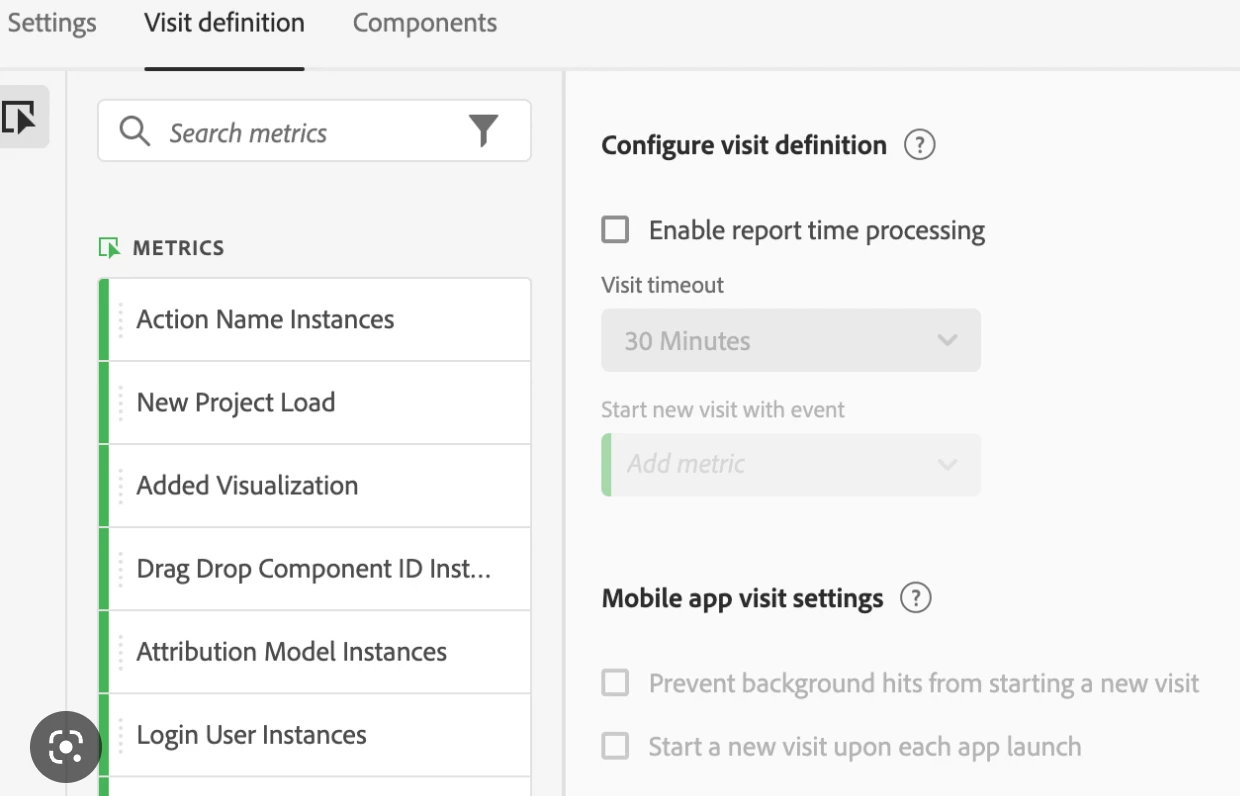
From the topic "Visit Expiration - Mobile App", we learned that the visit definition is based on Adobe Analytics Server's calculation and we could customize it via Virtual Report Suite, as below,

https://experienceleaguecommunities.adobe.com/t5/adobe-analytics-questions/visit-expiration-mobile-app/m-p/383464#M3969


However, I cannot find Virtual Report Suite. When I go to Admin> Report suite > Create new report suite.

I  cannot see any option to create Virtual Report Suite as well.

How can I re-definite the visit for mobile app tracking by myself?

Thank you


I cannot find the below screen from Adobe Analytics.


This post is no longer active and is closed to new replies. Need help? Start a new post to ask your question.
Jennifer_Dungan
Jennifer_DunganAccepted solution
Level 2
Feb 23, 2023 4:35 PM UTC

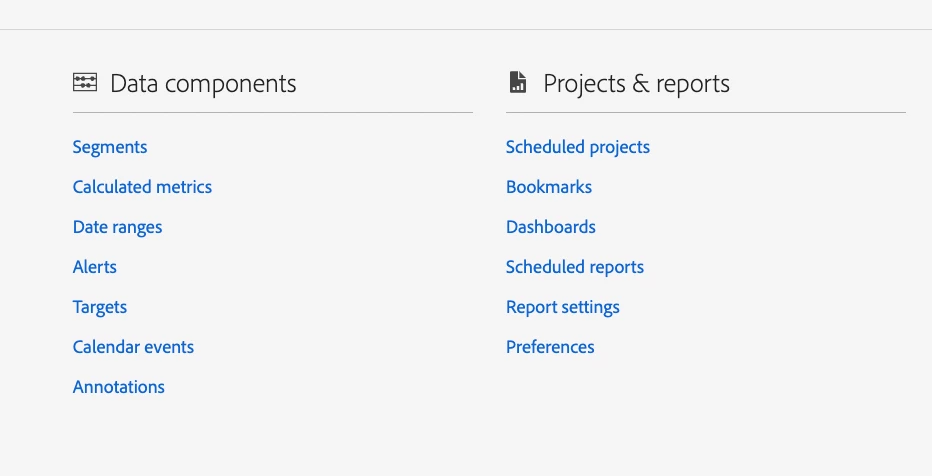
Virtual Suites are created under Components > Virtual Report Suite


If you cannot see this, then it means Virtual Report Suite management has not been granted to you from the Admin Console.


You will have to discuss that with your system admin.

2 replies

Jennifer_Dungan
Jennifer_DunganAccepted solution
Level 2
Feb 23, 2023 4:35 PM UTC

Virtual Suites are created under Components > Virtual Report Suite


If you cannot see this, then it means Virtual Report Suite management has not been granted to you from the Admin Console.


You will have to discuss that with your system admin.

Translate
JosonAuthor
Level 2
Mar 2, 2023 9:41 AM UTC

Thank you. You are right. My system admin can access it.

Translate
