New
Workspace visualizations automatically re-size to fit the available space
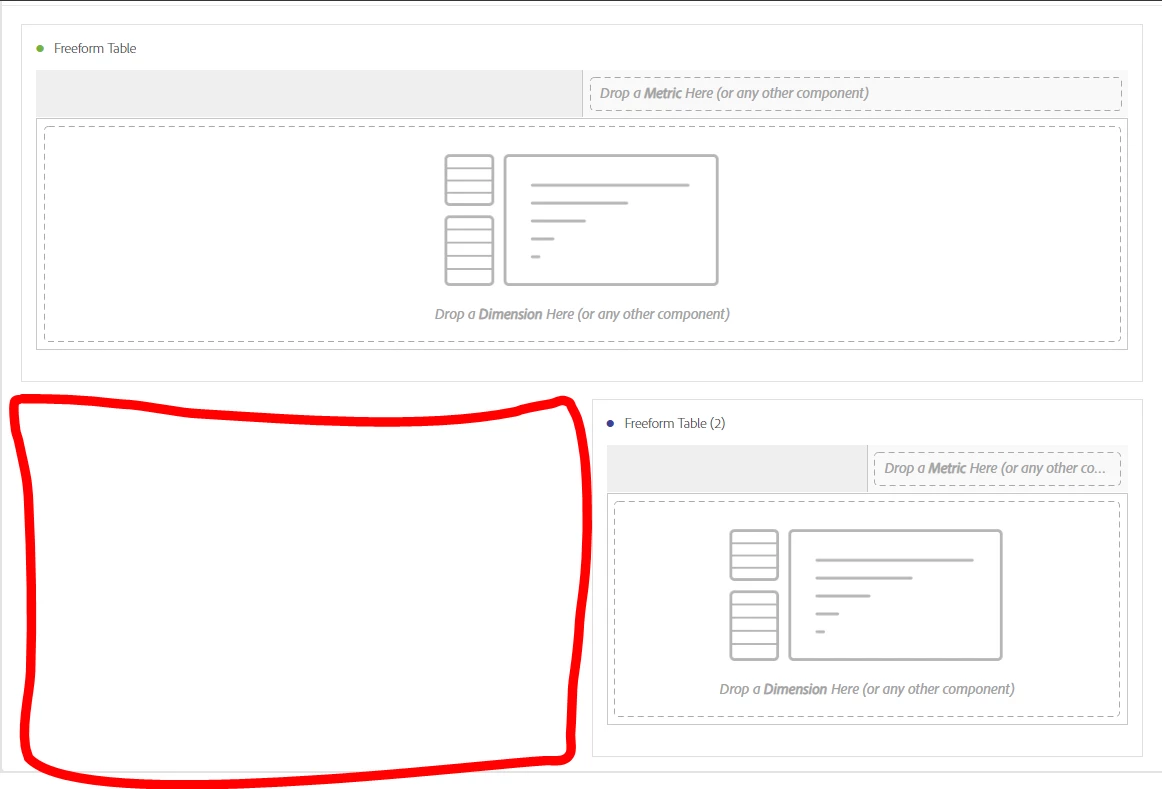
Sometimes in a Workspace I want to have several visualizations in a row, or have multiple visualizations of different shapes and sizes. If I have a gap in my Workspace that I want to fill with a visualization, it would be useful if when I drag the visualization over it automatically resizes to fit the space I have left, rather than being the width of a whole row and shifting all my existing visualizations out the way. e.g in the image below it would size to fit in the red space rather than knocking my existing visualization out the way.