Adobe Experience Platform Debugger not displaying Analytics events | Community
Skip to main content
New Participant
July 12, 2022
Solved

Adobe Experience Platform Debugger not displaying Analytics events

  • July 12, 2022
  • 3 replies
  • 2280 views

Hello, 


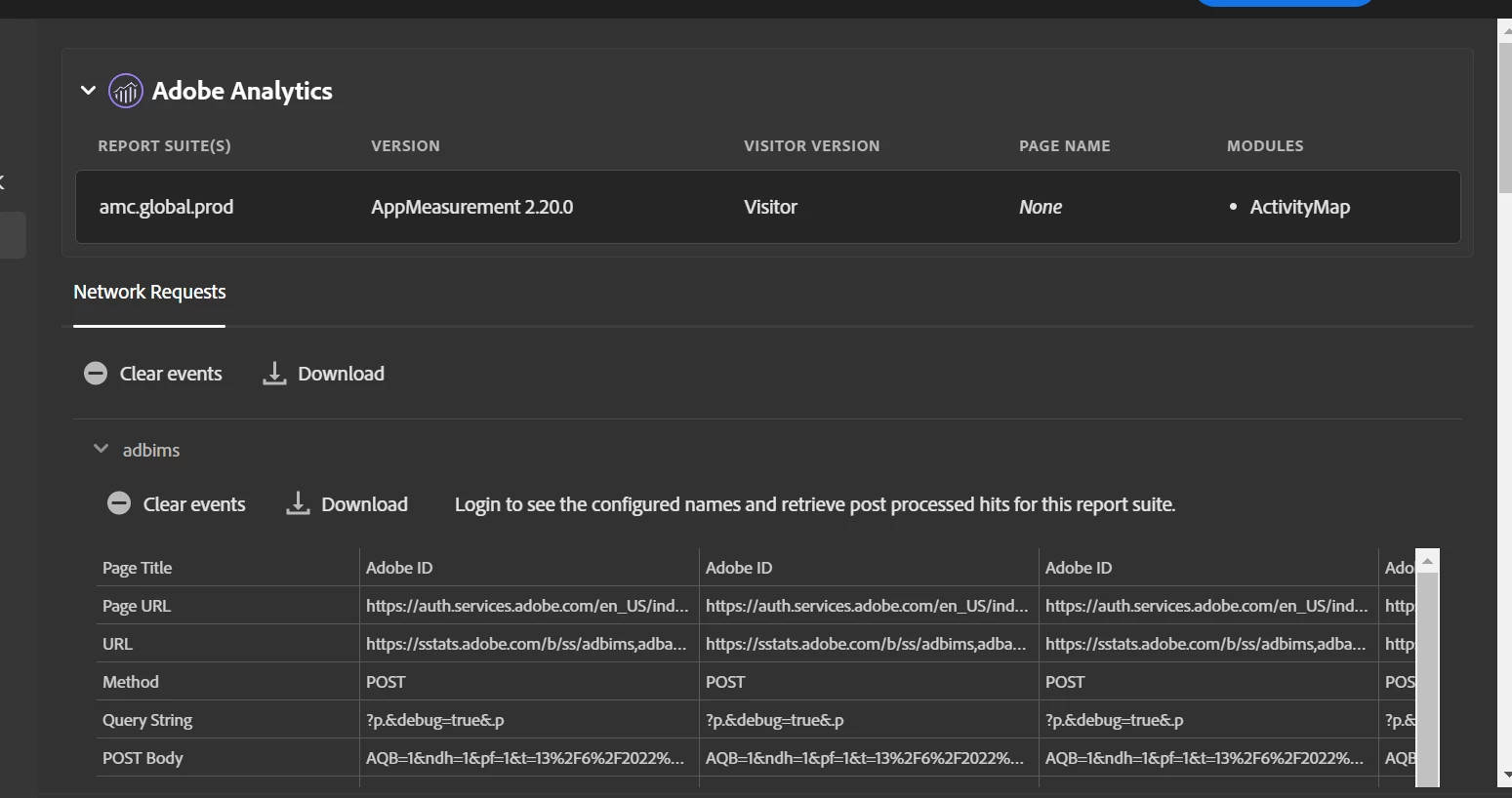
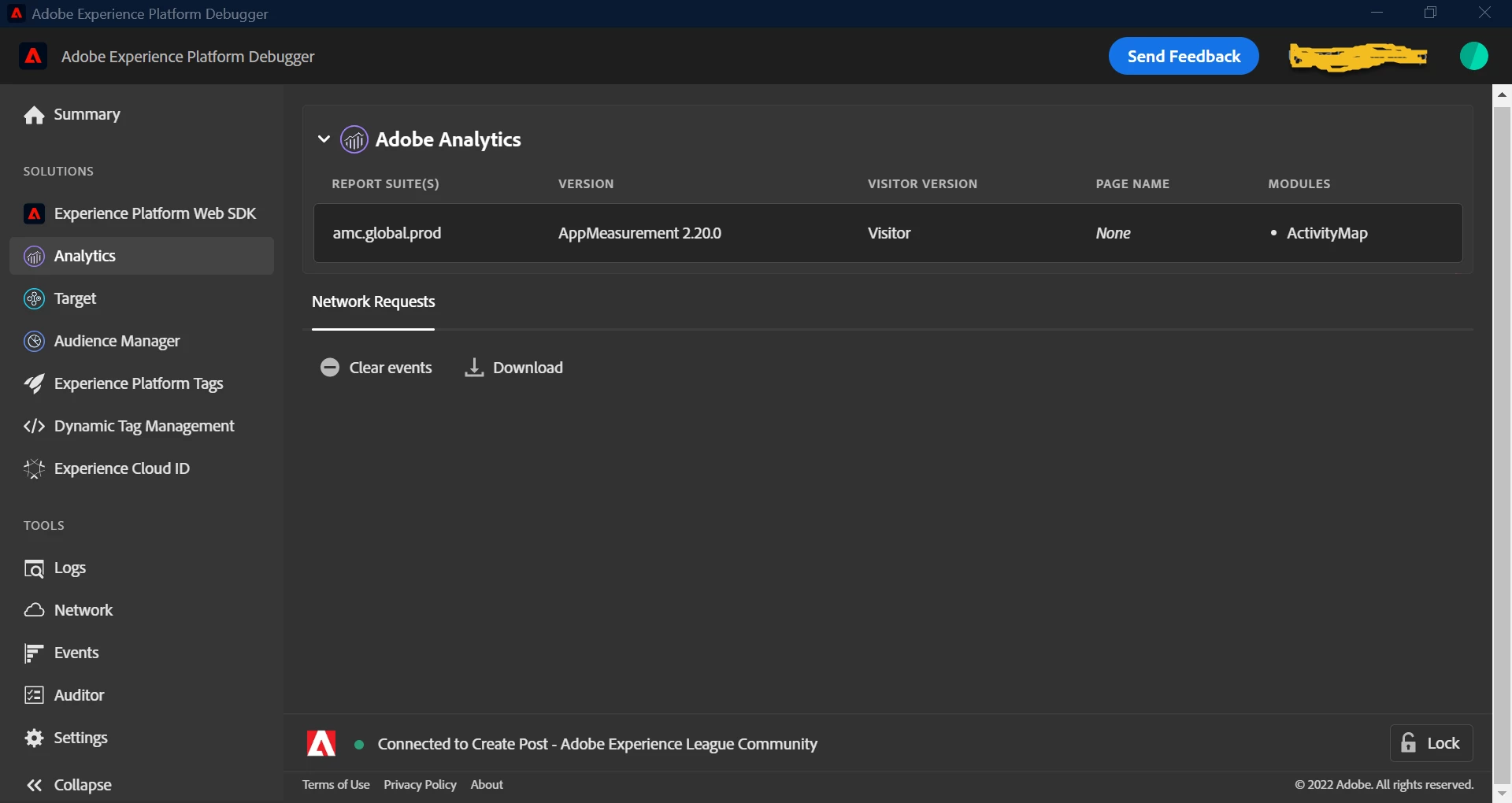
I have been having a lot of trouble with the Analytics solution in the Adobe Experience Platform  Debugger. When I open a page, the platform debugger has recently stopped showing events in the Analytics tab. There is minimal information up top but not nearly the depth i need. I have tried uninstalling ande reinstalling as well as signing in to my adobe account and this has not fixed the issue. Attached is a screenshot of what my debugger looks like. Anyone know how to resolve this?



This post is no longer active and is closed to new replies. Need help? Start a new post to ask your question.
Best answer by VaniBhemarasetty

@andrewo35306423 I have checked just now on our demo sitehttps://luma.enablementadobe.com/content/luma/us/en.html

I am able to see the sever calls to adobe analytics 

Please check if third-party cookies are allowed or not on your browser and check if any js scripts are blocked or not

3 replies

Employee
July 13, 2022

That's odd. Works for me on the "Create post" page. What happens with the FireFox add on? https://addons.mozilla.org/en-US/firefox/addon/adobe-experience-platform-dbg/


VaniBhemarasetty
VaniBhemarasettyAccepted solution
Employee
July 13, 2022

@andrewo35306423 I have checked just now on our demo sitehttps://luma.enablementadobe.com/content/luma/us/en.html

I am able to see the sever calls to adobe analytics 

Please check if third-party cookies are allowed or not on your browser and check if any js scripts are blocked or not

New Participant
July 13, 2022

The same issue faced by me too, the debugger is not opening too.

Tried uninstalling and reinstalling.

Cleared all browser cookies too.