CSS Selector Error: socket hang up | Community
Skip to main content
Jojo_the_monkey
New Participant
July 19, 2017
Solved

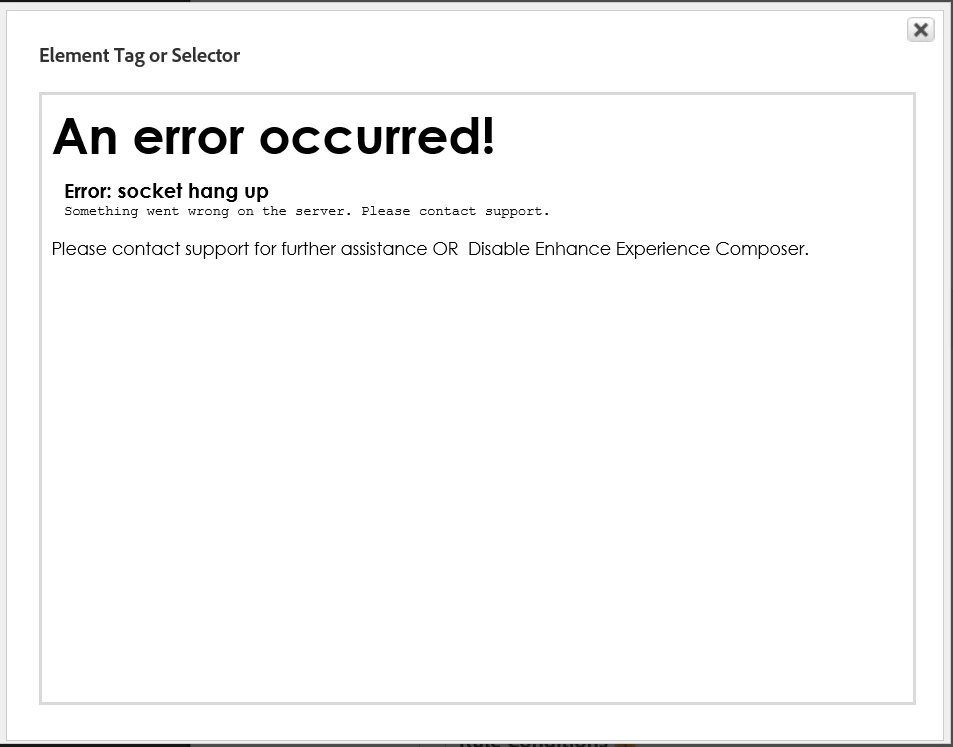
CSS Selector Error: socket hang up

  • July 19, 2017
  • 3 replies
  • 1169 views

I'm attempting to use the CSS Selector for the Tag field in the Conditions tab but after I specify the webpage an Error displays:
This post is no longer active and is closed to new replies. Need help? Start a new post to ask your question.
Best answer by jantzen_b

I'm seeing the same issue when I try to load your website in the selector. Unfortunately, the issue seems like it may be limited to your website. I was able to test a few secure and non secure pages from other sites without issue. You're welcome to open a ticket with Client Care to see if there is anything they can do.

Otherwise, I'd recommend just using your browser's developer tools or an add-on/extension to capture the CSS path. There are a number of add-on/extensions that make the process very easy. You would then just copy and paste the selector across to the DTM UI.

3 replies

jantzen_b
jantzen_bAccepted solution
Employee
July 19, 2017

I'm seeing the same issue when I try to load your website in the selector. Unfortunately, the issue seems like it may be limited to your website. I was able to test a few secure and non secure pages from other sites without issue. You're welcome to open a ticket with Client Care to see if there is anything they can do.

Otherwise, I'd recommend just using your browser's developer tools or an add-on/extension to capture the CSS path. There are a number of add-on/extensions that make the process very easy. You would then just copy and paste the selector across to the DTM UI.

Jojo_the_monkey
New Participant
July 19, 2017
jantzen_b
Employee
July 19, 2017

What is the URL of the site you are entering after clicking the CSS selector icon? Is that URL behind a firewall or is it accessable from the web?