Enabling dataset for profile using UI and API | Community
Skip to main content
New Participant
December 1, 2023
Solved

Enabling dataset for profile using UI and API

  • December 1, 2023
  • 1 reply
  • 920 views

Hello,


I had to enable a dataset for upsert function which can be done using API call.

For this, we first we need to disable the dataset for profile.


I disabled the dataset for profile using UI and then ran the API call adding profile enabled true and upsert true condition.

It was run successfully.

But in UI I see it is still not enabled for profile.


Could someone let me know how to check if dataset has been enabled for profile or not.


Thank you

This post is no longer active and is closed to new replies. Need help? Start a new post to ask your question.
Best answer by abhinavbalooni

 Hey @shivanim 


I am assuming you refered to this documentation: https://experienceleague.adobe.com/docs/experience-platform/catalog/datasets/enable-upsert.html?lang=en


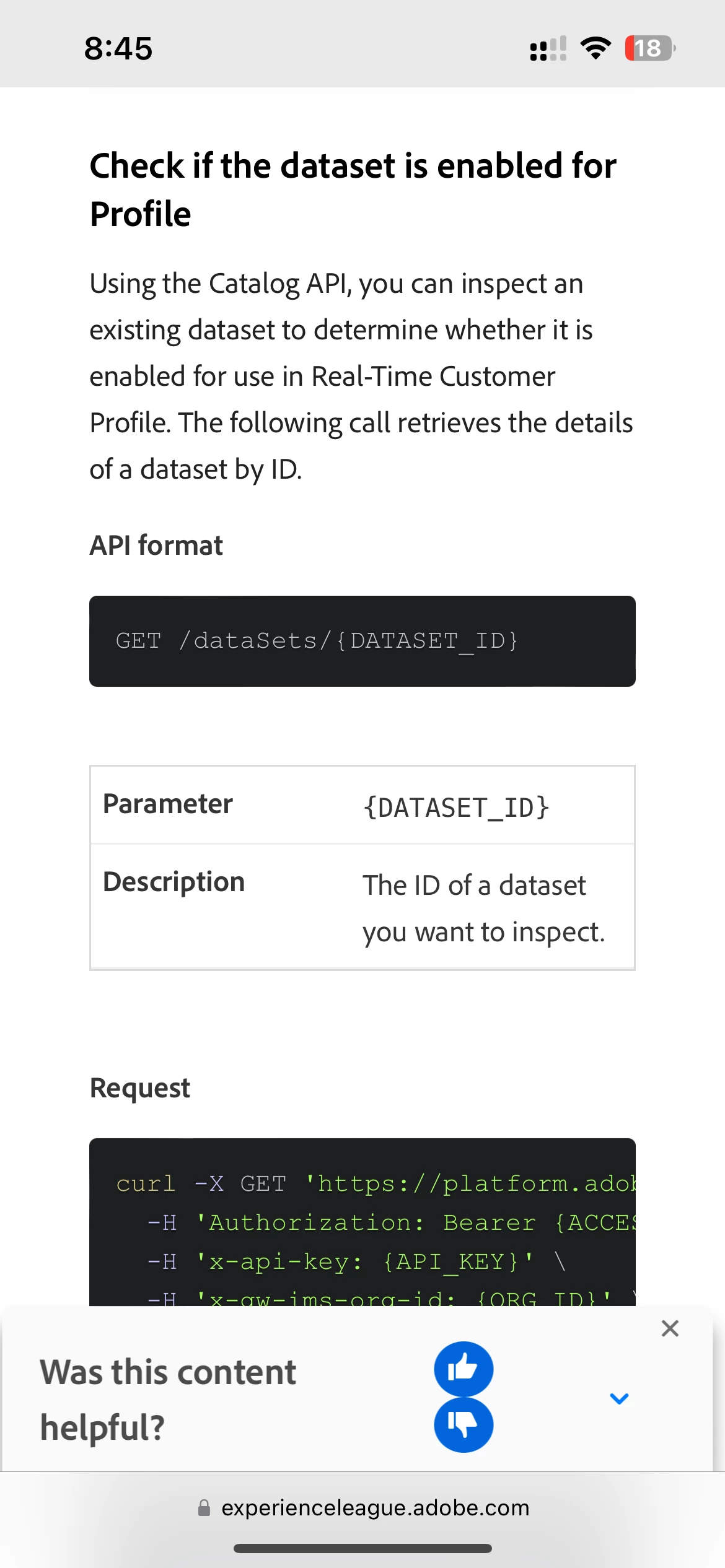
In this document there is a section where it mentions check if the dataset is enabled for profile.


Make the hit using the API endpoint provided under this section and in the response look for unifiedprofile value. If it enabled it should say enabled:true.


This should help you verify if the dataset is indeed enabled for profile or not.


Cheers,

Abhinav

1 reply

abhinavbalooni
abhinavbalooniAccepted solution
New Participant
December 1, 2023

 Hey @shivanim 


I am assuming you refered to this documentation: https://experienceleague.adobe.com/docs/experience-platform/catalog/datasets/enable-upsert.html?lang=en


In this document there is a section where it mentions check if the dataset is enabled for profile.


Make the hit using the API endpoint provided under this section and in the response look for unifiedprofile value. If it enabled it should say enabled:true.


This should help you verify if the dataset is indeed enabled for profile or not.


Cheers,

Abhinav