
Highlight when Custom Code exists in Analytics Set Variables | Community
Skip to main content
Andrey_Osadchuk
New Participant
September 23, 2018
New

Highlight when Custom Code exists in Analytics Set Variables

  • September 23, 2018
  • 3 replies
  • 4834 views

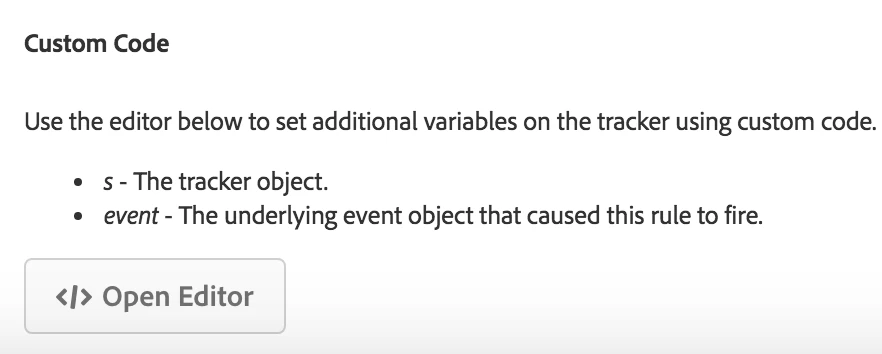
As an analytics developer I want to know if the Custom Code is set in the Adobe Analytics Set Variables action.

At the moment this element does not have any indication that the custom code exists. Developers have to always check what is inside.

Please highlight the block shown in the screenshot below so that it will be clear that the Custom Code is not empty.

---
3 replies

Andrey_Osadchuk
New Participant
October 6, 2018

@christophers7554118, I presume you could misunderstand the purpose of the idea described above.

New Participant
October 2, 2018

You can always check this in the console of the page you are on by referencing whatever you have set that tracker eVar or prop to:

s.evar9

or if you want to trace out the value of the data element that shares the value of your analytics variable,  you can do the following to trace out to the console:

_satellite.logger.info('MY DATA ELEMENT = ' + _satellite.getVar("my_data_element"));

New Participant
September 24, 2018

I posted a similar idea here: Add an indicator if the "Set Variable" action contains custom code

My idea was even one step higher in the rule overview, so you don't even have to open the action.