This can be done fairly easily... I will assume you know how to create your rules with appropriate triggers, so I will focus solely on the Custom Code Action...
I have a few of these on our site, and I use a Javascript tag (mostly cause I want to use some extra logic on my calls... )
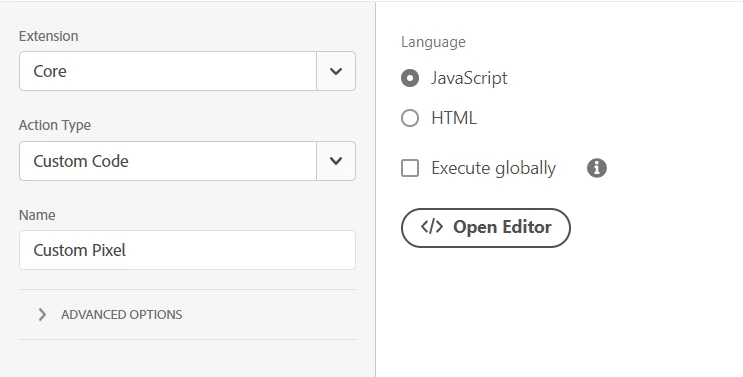
In the Code Editor, I use something like:
var alphanumberID = _satellite.getVar('alphanumberID');

var PixelConversion = document.createElement('img');
PixelConversion.src='https://xyz.w11c.net/ap?id=' + alphanumberID + '&t=marketing';
document.getElementsByTagName('body')[0].appendChild(PixelConversion);
Basically, I am creating a new element (img), adding a src attribute to it (with some code to inject the ID into the conversion string), then appending the element to the body so that it will trigger.
This assumes that the alphanumericID value changes based on the use / site / etc... so I would use a Data Element (or Data Elements) to provide the value, and pass it into the pixel string... this is one of the benefits of using JS for this, you can keep your ID configs separate... possibly using something like the Lookup Table Utility extension to drive a different id for site/use... or using multiple constant values that applied for each use.... If the ID changes, you don't have to modify the script, you just have to update your Data Element.
If the number alphanumeric doesn't need to change, I suppose you could do a simple HTML tag route:
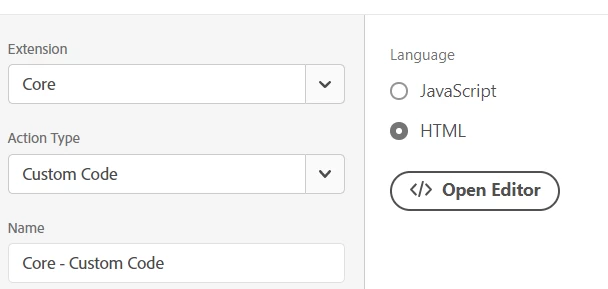
and just use:
<img src-"https://xyz.w11c.net/ap?id=123abc&t=marketing" />directly in the Editor.... I don't use this method much, as I prefer to separate the IDs from the code...
You can try both methods and see which works better for you.
