No Analytics Call Generated after adding Custom Code to Analytics Extension | Community
Skip to main content
New Participant
September 9, 2022
Solved

No Analytics Call Generated after adding Custom Code to Analytics Extension

  • September 9, 2022
  • 1 reply
  • 2655 views

Hi,

I have a dev site set up on adobeaemcloud.com where I am tracking page load & button click rules. We have ACDL implemented here so cmp:show & cmp:click events are triggered on page load & button click respectively.

Initially, the plugin code for getPreviousValue & others was blocking the server calls, so I added the Common Analytics extension plugin.

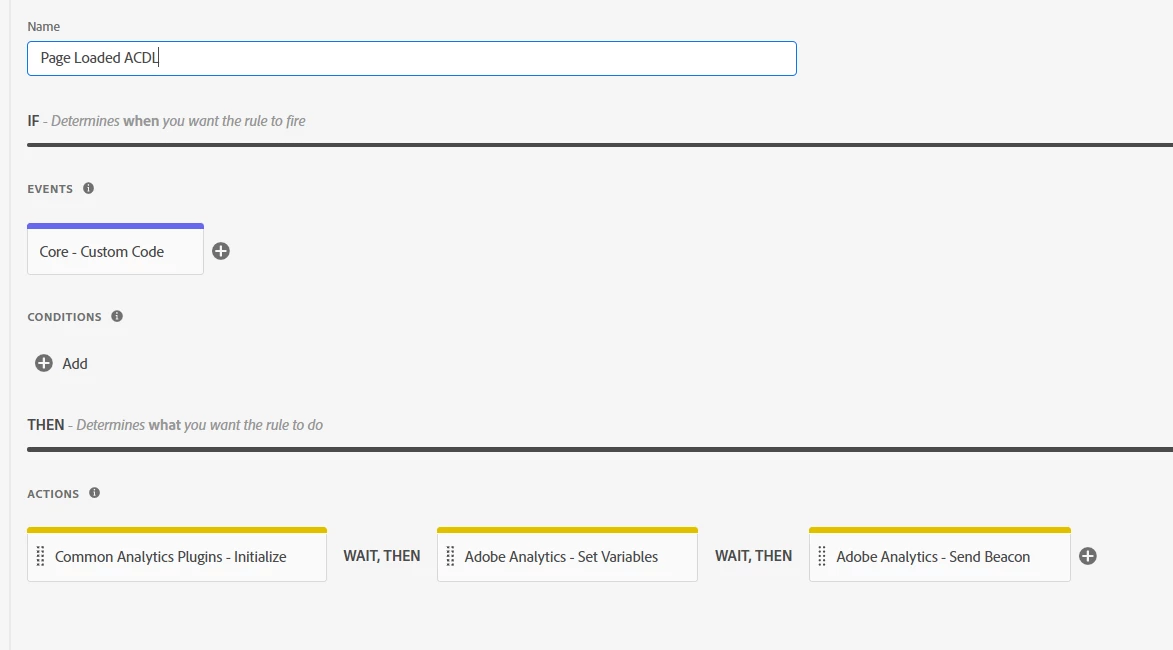
My Page Load  Rule - Initialising the plugins that I need, set variables & send beacon
Custom Code config in Adobe Analytics Extension
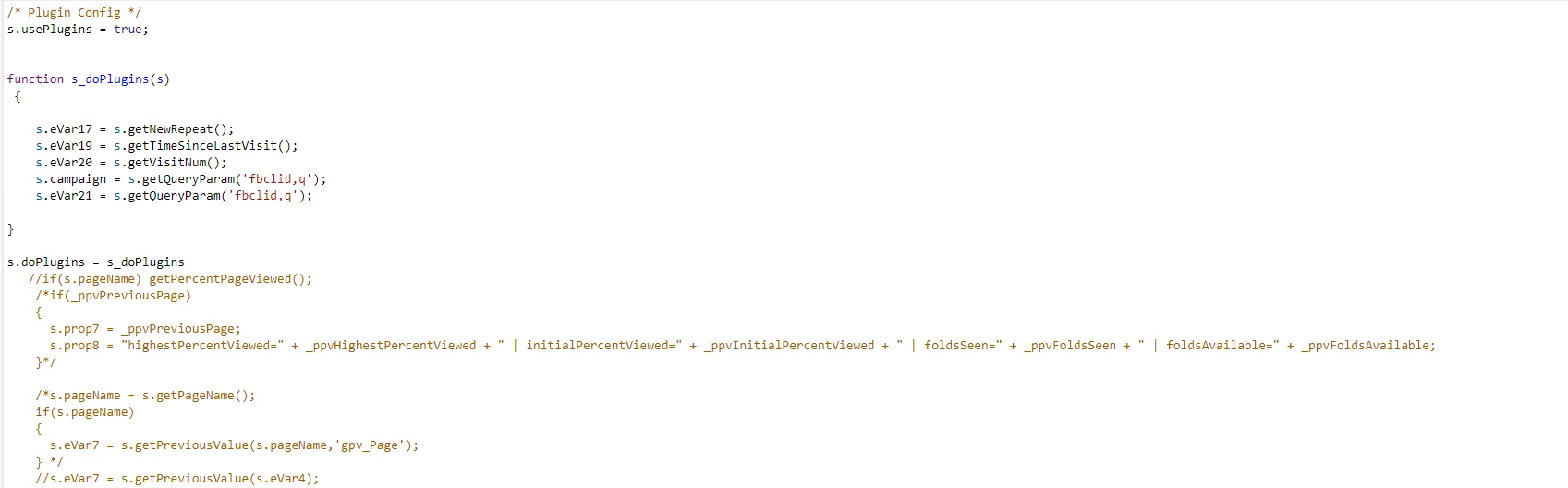
As soon as I add the code in comments (custom code config) into the function, the analytics server calls get blocked. 
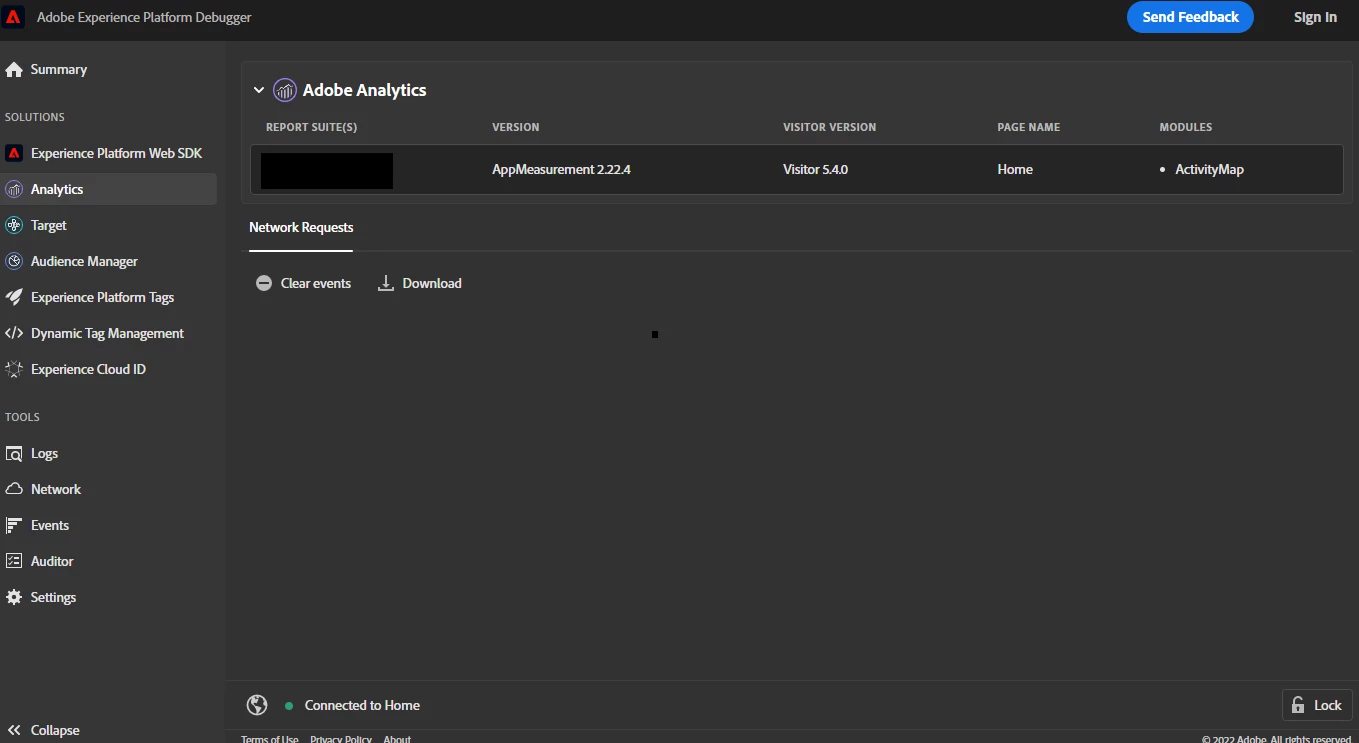
 

However, even though I have generic plugin code as shown in the above screenshot (which was working earlier), its still blocking the server calls.

Would really appreciate any suggestions. 
 

This post is no longer active and is closed to new replies. Need help? Start a new post to ask your question.
Best answer by hs_vk

Firstly, since you had created a data element for getPageName(), then you should use that data element instead to set your s.pageName. I.e.

s.pageName = _satellite.getVar('getPageName data element');

Anyway, I would expect that any of your 4 options would work. I wonder, if you use the above _satellite.getVar() method, will you be able to set eVar7 properly? E.g. from option 1

s.pageName =  _satellite.getVar('getPageName data element');

s.eVar7 = s.getPreviousValue(s.pageName, "gpv_Page")


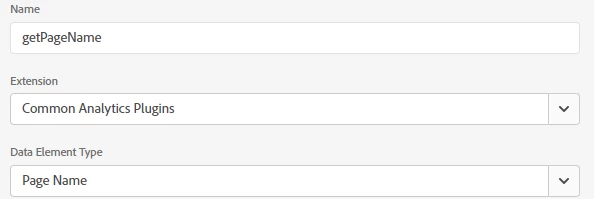
Thanks. To clarify, I had to create a data element for getPageName() as without the data element the below code didn't work. I was not getting Page Name at all w/o the DE.


s.pageName = getPageName();

s.eVar4 =  getPageName();


I have now updated custom code to 

/* Plugin Config */
s.usePlugins=true;
s.doPlugins = s_doPlugins

function s_doPlugins(s)
{
s.eVar17 = s.getNewRepeat();
s.eVar19 = s.getTimeSinceLastVisit();
s.eVar20 = s.getVisitNum();
s.campaign = s.getQueryParam('fbclid,q');
s.eVar21 = s.getQueryParam('fbclid,q');

s.pageName = _satellite.getVar('getPageName');
s.eVar7 = s.getPreviousValue(s.pageName,'gpv_Page');
}


Rules:

1. Rule 1: Initialises all plugins needed on Library Loaded - Page top

2. Rule 2: Fires on an event and sets variables, no custom code added to the rule

3. Rule 3: For Scroll Depth Tracking


Data element:

1. getPageName 


2. Other common analytics plugin related DE


Still unable to get Previous page name. See function in console below


I read this thread where the issue was due to the domain & was resolved after publishing to production. As my domain for my dev environment is adobeaemcloud.com, is it possible that would be causing the issue?


1 reply

yuhuisg
New Participant
September 9, 2022

1. If you're letting Launch manage the Analytics library for you, ensure that you have made the tracker globally accessible. This checkbox setting is available in the Adobe Analytics extension > Library Management > Manage the library for me > Make tracker globally accessible.

2. In Common Analytics Plugins, verify that you've enabled your 3 plugins (found in your commented code): getPercentPageViewed, getPageName, getPreviousValue.


If you still get the same result after performing the above 2 steps, then comment your code block by block (or line by line) till you're able to isolate the problem.

hs_vkAuthor
New Participant
September 9, 2022

Hi @yuhuisg 

Please see below response.


1. Tracker has been made globally accessible as per your comment.


2. The plugins needed have been enabled in the Common Analytics Plugin


3. Pretty sure the code highlighted below is blocking the server calls. I had added that code to track previous page name.

Would you know why that blocks the server calls & if there's an alternate method to track previous page without the plugin.

PS: Cannot add Previous page name to the Datalayer


yuhuisg
New Participant
September 9, 2022

Does s.getPageName() work by itself?

In your browser console, do you see any errors when loading your page, in particular, errors that might be related to this custom code? If so, please share a screenshot of those errors.
