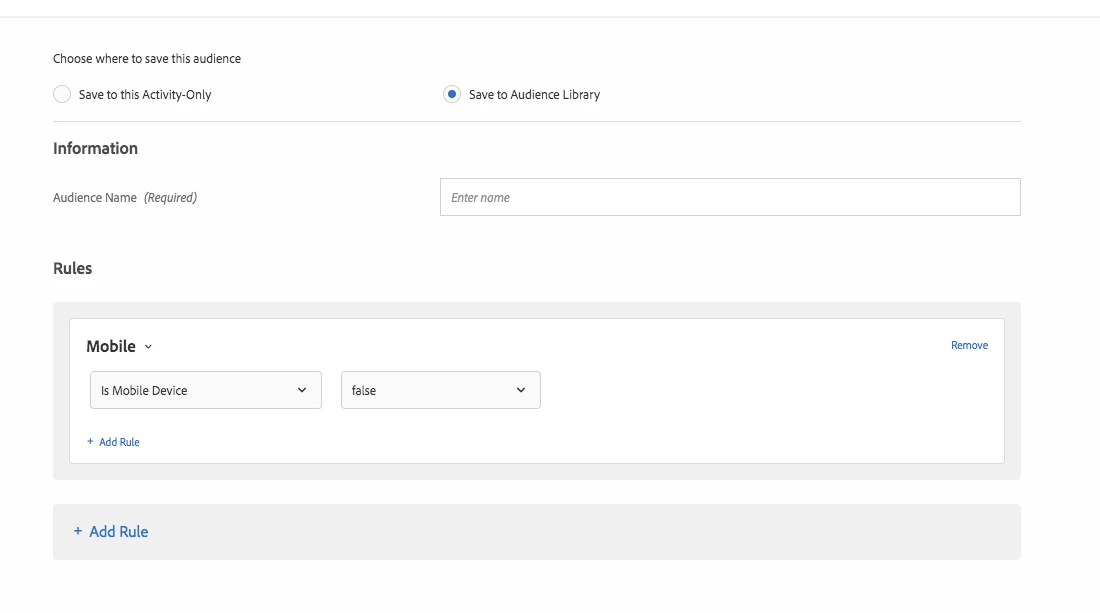
Here is the step by step,
1. Create an A/B activity and the experiences that go with the a/b activity.
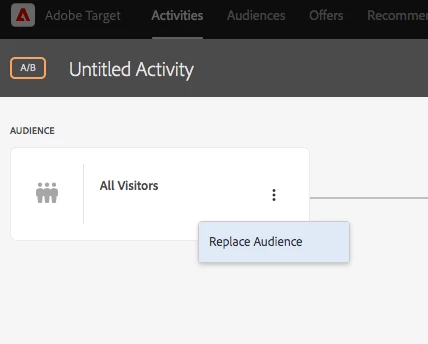
2. In the targeting step of creating the activity, click the three dots and select replace audience. Screenshot below
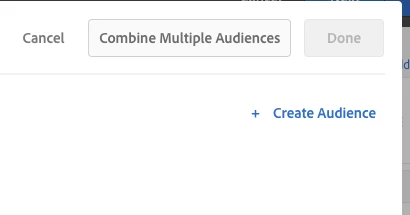
3. Click "Create Audience" on the right hand side of the page. Screenshot below
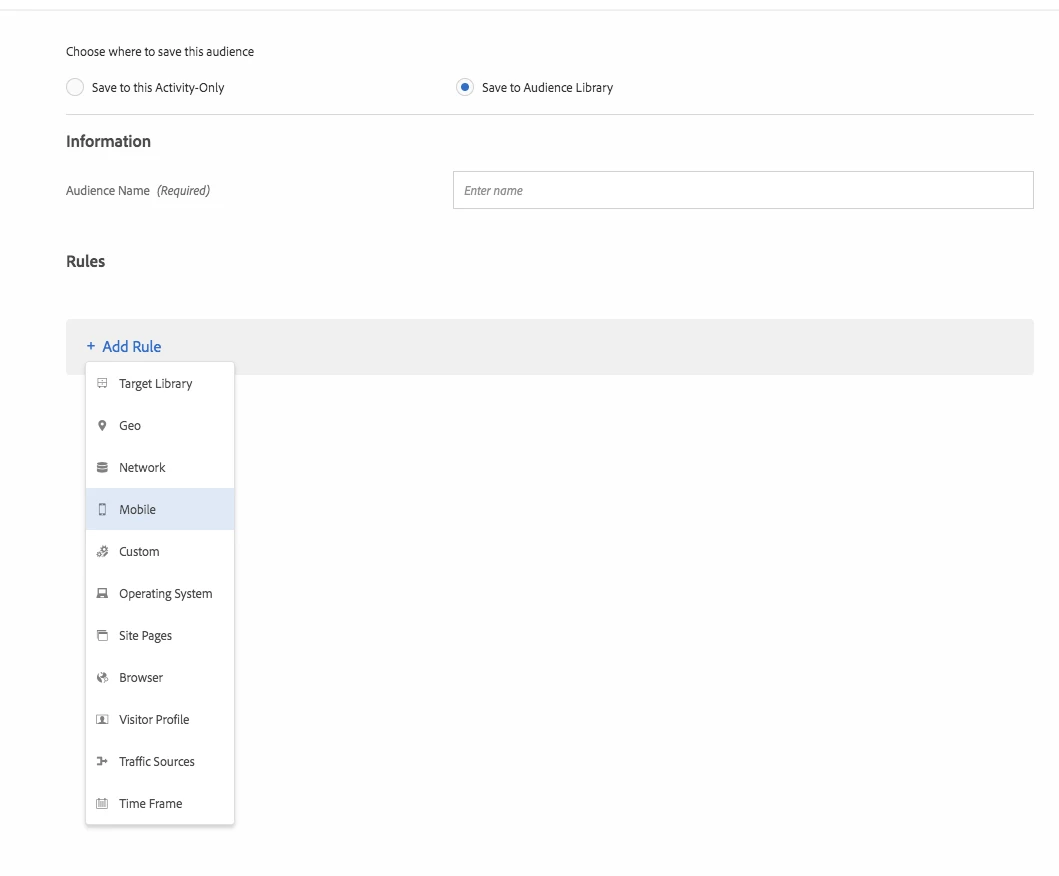
4. In the drop down menu, select "Mobile". Screenshot below
5. Finally, select from the nested drop down menu, "is Mobile Device" and set it to false. Save and you are now excluding this traffic from your a/b activity.