Can't Implement target through Launch | Community
Skip to main content
New Participant
November 8, 2019
Solved

Can't Implement target through Launch

  • November 8, 2019
  • 11 replies
  • 16904 views

Hi all,

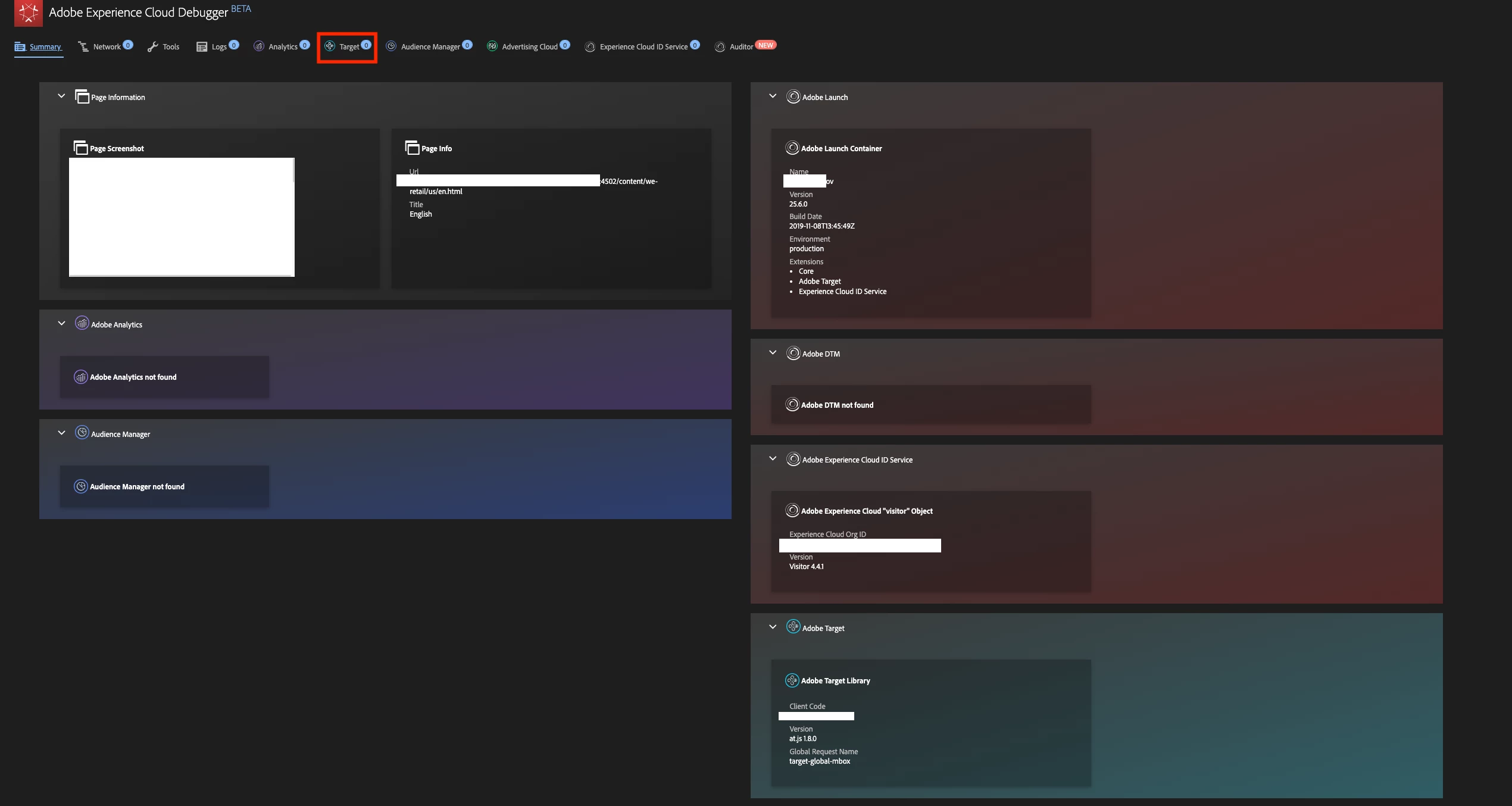
I'm trying to integrate target into AEM through Adobe Launch. I have done all the steps of this guide (Add Adobe Target)​ but when I use the debugger seems that there are 0 request for the mbox. What could be the issue?
This post is no longer active and is closed to new replies. Need help? Start a new post to ask your question.
Best answer by ryanr7

gabrieleg61567923​ & Sh1ju​,

cookieDomains should be set to the explicit subdomain you are using. No wildcard options. This worked for me on your site Sh1ju:

window.targetGlobalSettings = {

  cookieDomain: "adobe-258915.appspot.com"

};

-Ryan

11 replies

Sh1ju
New Participant
November 13, 2019

Yes ...Its working.Thank you

ryanr7Accepted solution
Employee
November 13, 2019

gabrieleg61567923​ & Sh1ju​,

cookieDomains should be set to the explicit subdomain you are using. No wildcard options. This worked for me on your site Sh1ju:

window.targetGlobalSettings = {

  cookieDomain: "adobe-258915.appspot.com"

};

-Ryan

Sh1ju
New Participant
November 13, 2019

Hi,

I am new to Adobe Launch and Target.I got the same error while testing a URL.

I am using Adobe Launch to load Adobe Target V2

Error:

[page-init] Adobe Target content delivery is disabled. Ensure that you can save cookies to your current domain, there is no "mboxDisable" cookie and there is no "mboxDisable" parameter in query string.

Demo URL : Sample Page for testing Adobe Target

aveggianiAuthor
New Participant
November 12, 2019

Yes already tried that, but still same error.  :/

Employee
November 11, 2019

Yes that is correct . If its still not working , you could maybe try  , adding the code in the at.js file itself .

aveggianiAuthor
New Participant
November 11, 2019

So if I trigger before the load target the javascript below should work? Because I tried with different domain but It doesn't work.

Employee
November 11, 2019

gabrieleg61567923​ Thanks for confirming that your using a cloud based instance. Please check Use cloud-based instances with Target .If you intend to use cloud-based instances with domains included on the Public Suffix List, make sure that you customize the cookieDomain setting. For more information, see targetGlobalSettings() .

Hope this helps.

aveggianiAuthor
New Participant
November 11, 2019

Can't share the url. Yes I'm using a cloud based instance.

Employee
November 11, 2019

gabrieleg61567923​ Is there a url that we can access to replicate this issue? Also are you using a cloud based instance?

aveggianiAuthor
New Participant
November 11, 2019

Here the error I see

I'm now trying to use  "at.js 2.2.0" but it doesn't work as well.