delete Customer Attribute Data | Community
Skip to main content
New Participant
May 21, 2020
Solved

delete Customer Attribute Data

  • May 21, 2020
  • 2 replies
  • 5337 views


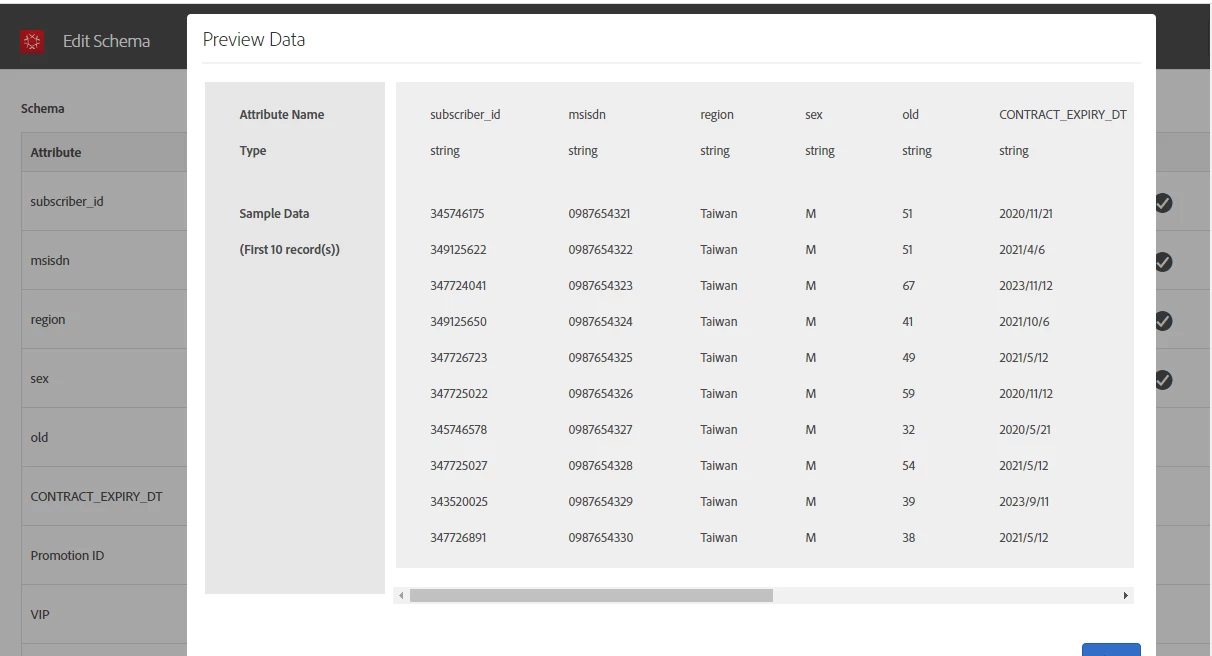
I have uploaded data(.csv) in customer attribute .

After that I found  uploaded  wrong data  how could I delete the data,TKS


This post is no longer active and is closed to new replies. Need help? Start a new post to ask your question.
Best answer by Tanvi_Agarwal_

Hi @royl85951084 !


Customer attribute files once uploaded, cannot be deleted from the datasource. However


  1. You can still unsubscribe any parameter from Target/Analytics OR
  2. Re-upload the customer ID with updated values, this will overwrite the values.

https://docs.adobe.com/content/help/en/core-services/interface/customer-attributes/t-crs-usecase.html#task_6568898BB7C44A42ABFB86532B89063C

    3. Also Customer ID parameters will be automatically deleted from Target servers after visitor profile lifetime.

2 replies

Tanvi_Agarwal_
Tanvi_Agarwal_Accepted solution
Employee
May 21, 2020

Hi @royl85951084 !


Customer attribute files once uploaded, cannot be deleted from the datasource. However


  1. You can still unsubscribe any parameter from Target/Analytics OR
  2. Re-upload the customer ID with updated values, this will overwrite the values.

https://docs.adobe.com/content/help/en/core-services/interface/customer-attributes/t-crs-usecase.html#task_6568898BB7C44A42ABFB86532B89063C

    3. Also Customer ID parameters will be automatically deleted from Target servers after visitor profile lifetime.

PratheepArunRaj
New Participant
May 21, 2020

Dear royl85951084,

Can you check out the link: https://docs.adobe.com/content/help/en/core-services/interface/customer-attributes/t-crs-usecase.html

It has the steps to update the schema (delete attributes) and also the source.

Thank You, Arun.