New
Experience code editor - use more of the screen/ retain adjusted size
Hi
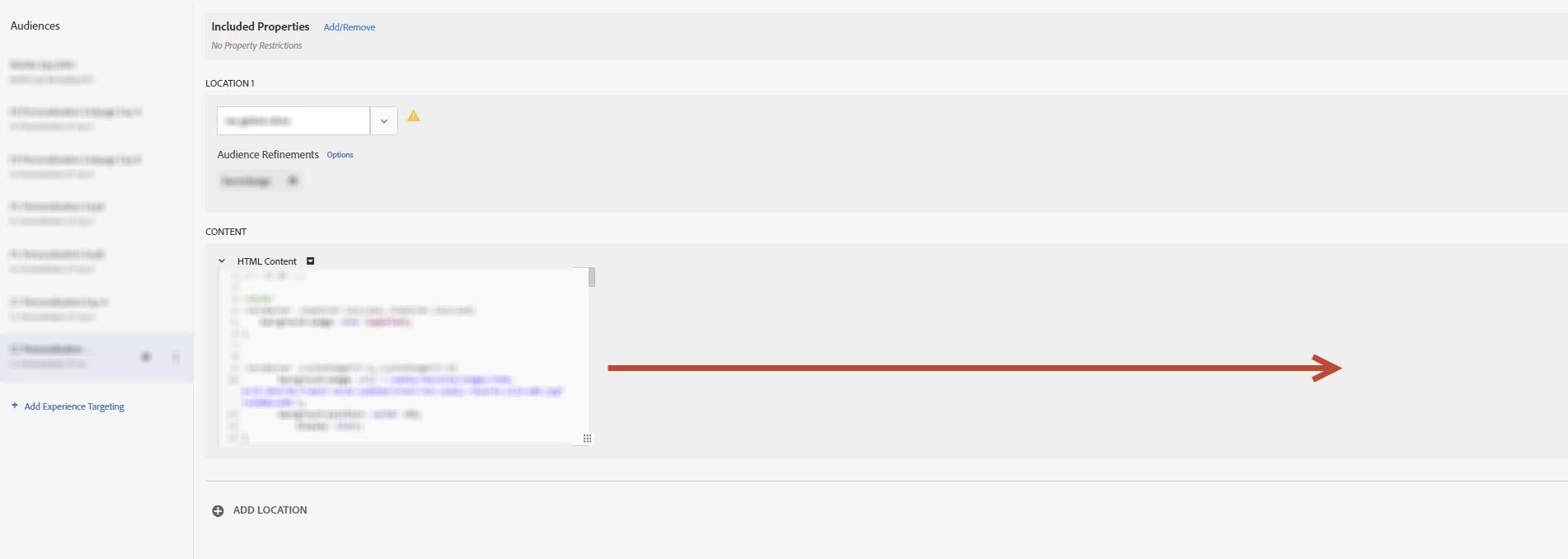
I work on a wide screen monitor so find it bizarre that the code editor will only take up a third of the width by default.
In order to see more of my code I therefore widen and lengthen this window, fine. However, as soon I save, look at another experience, etc, it'll revert back to the original size. Is there anyway to make this a bit more smart, e.g. make the window a reasonable size for my display, or retain the size I adjust the window to?
Thanks
Dan