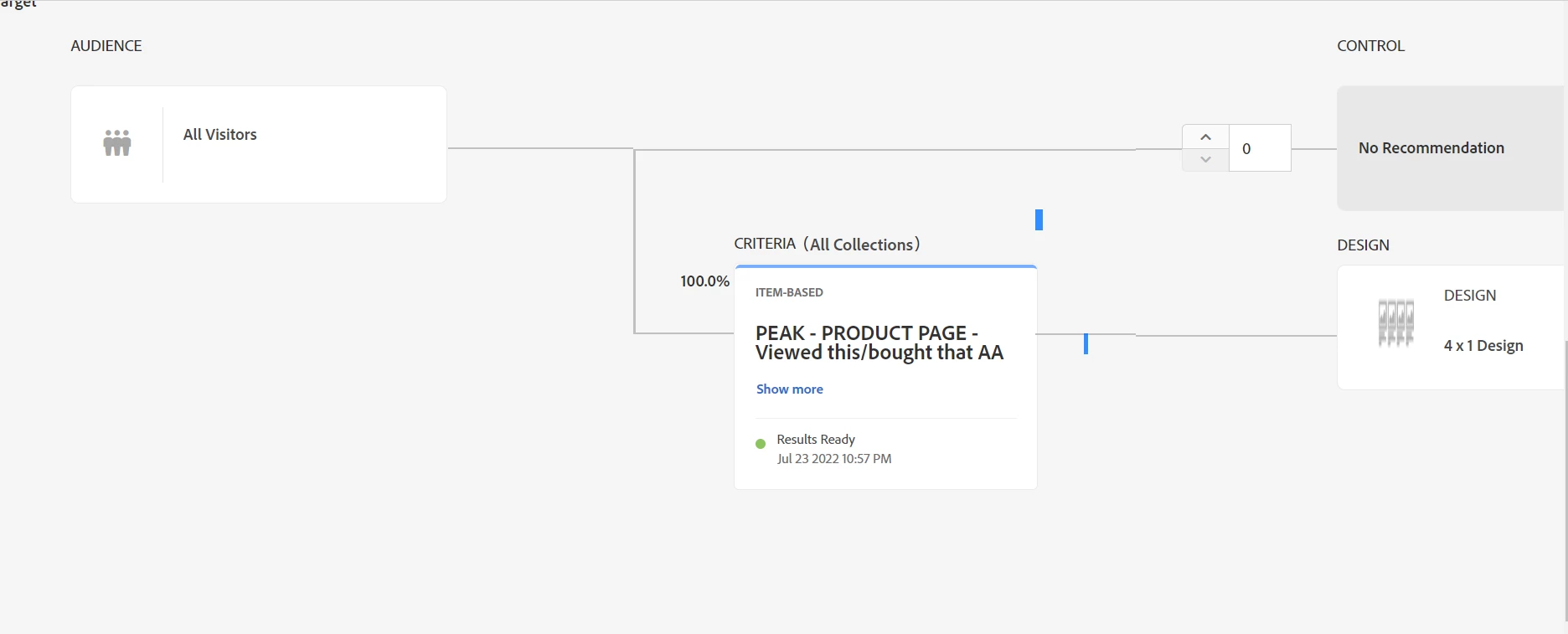
Have you uploaded feed OR created custom mboxes to collect product data into the Adobe Target recommendations catalog?
Below are the steps you need to take before configuring the recommendations activity.
1. Upload feed via CSV/FTP (no need for custom mboxes to collect entity data in this case) OR trigger custom mbox on all PDP (using Adobe launch or any other tag manager that you have) with necessary mbox params like entity.id, entity.name, entity.price, and so on.
2. Once the feed is uploaded or custom mbox has been placed on all PDPs create a collection.
3. Create a design with help of entity attributes, for example, entity1.name, entity2.name etc.
4. Create criteria.
5. Create recommendations activity in VEC or FEC.
for more details on criteria where you are facing issues visit https://experienceleague.adobe.com/docs/target/using/recommendations/criteria/algorithms.html?lang=en
Entire documentation on how to setup recommendation activity in Adobe Target - https://experienceleague.adobe.com/docs/target/using/recommendations/recommendations.html?lang=en
Hope this helps