Using adobe.target.getOffer , the result does not execute | Community
Skip to main content
New Participant
February 10, 2023
Solved

Using adobe.target.getOffer , the result does not execute

  • February 10, 2023
  • 2 replies
  • 1582 views

Using adobe.target.getOffer, success or failure doesn't console.log anything. All relevant offers have been configured. Please see what the problem is, thanks a lot.


console.log('getOffer begin:') is printed, but the success or error console is not executed.
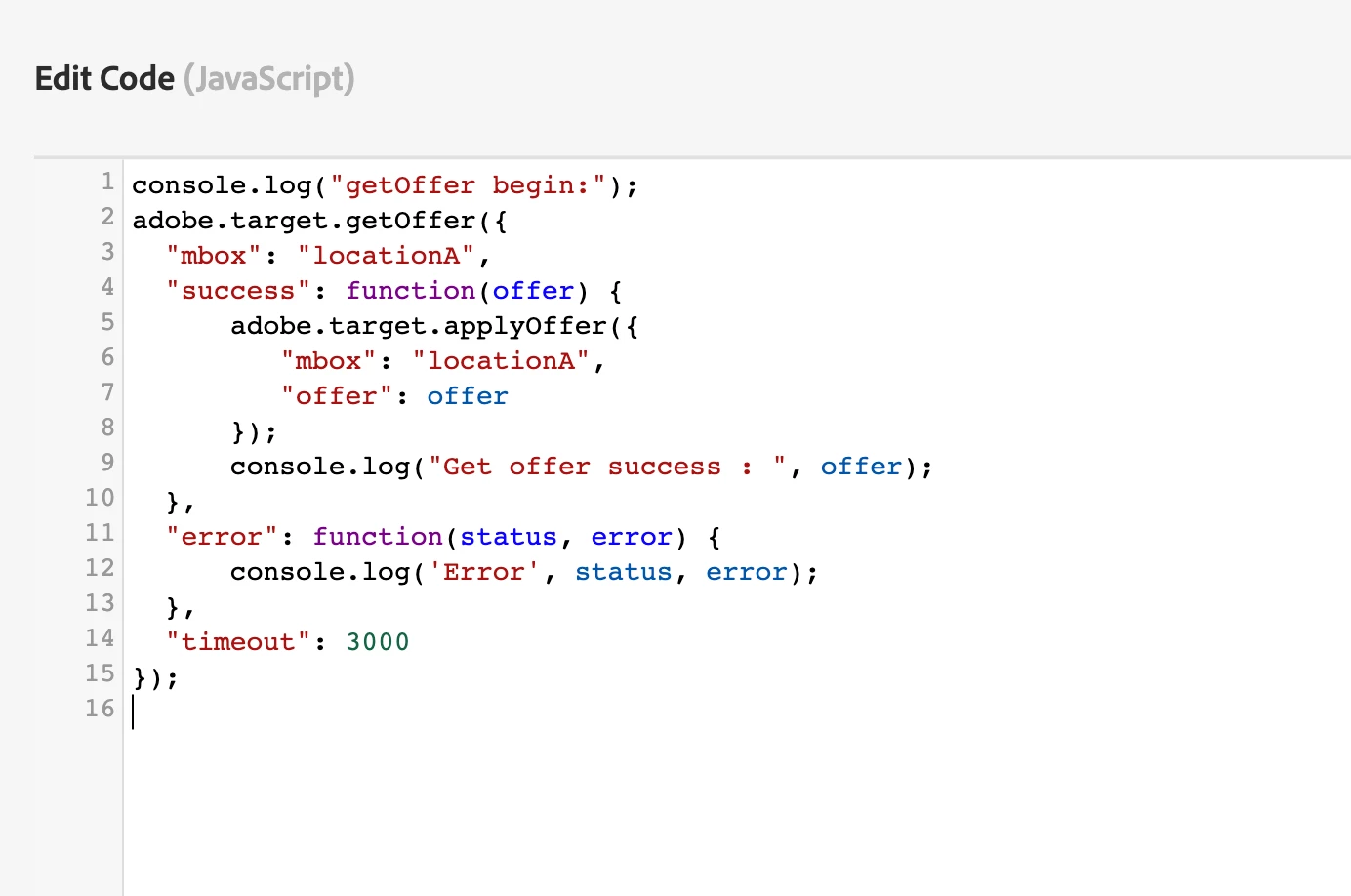
console.log("getOffer begin:"); adobe.target.getOffer({ "mbox": "locationA", "success": function(offer) { adobe.target.applyOffer({ "mbox": "locationA", "offer": offer }); console.log("Get offer success : ", offer); }, "error": function(status, error) { console.log('Error', status, error); }, "timeout": 3000 });

 

This post is no longer active and is closed to new replies. Need help? Start a new post to ask your question.
Best answer by Perrin_Ennen

Hello @yan_yan,
Here is also an overview of how I created a test activity for it:


Location 1

target-global-mbox

Content

<script> adobe.target.getOffer({ "mbox": "locationA", "success": function (offer) { if (offer.length) { adobe.target.applyOffer({ "mbox": "locationA", "offer": offer }); console.log("Get offer success : ", offer); } else { console.log('Offer not available'); } }, "error": function (status, error) { console.log('Error', status, error); }, "timeout": 3000 }); </script>


Location 2

locationA

Content

<script>console.log("Offer locationA")</script>


-> Console Output:

  • Offer locationA
  • Get offer success : [{...}]

If there was no offer or default content stored for location 2 - it would look like this in the console:


-> Console Output:

  • Offer not available


Hope this helps you.


Best regards

2 replies

Amelia_Waliany
Employee
February 15, 2023

Hi @yan_yan , thanks for your question!

Did you find @perrin_ennen's answer helpful? If so please feel free to mark his reply as "Correct" and/ or follow up with a question or more context 🙂  Thanks so much to you both for your Adobe Target expertise and dedication! 

Perrin_Ennen
New Participant
February 12, 2023


Hello @yan_yan,
I recommend to check the offer again if the e.g. is empty - can also be checked more precisely. But here is an example of what I mean:

adobe.target.getOffer({ "mbox": "locationA", "success": function (offer) { if (offer.length) { adobe.target.applyOffer({ "mbox": "locationA", "offer": offer }); console.log("Get offer success : ", offer); } else { console.log('Offer not available'); } }, "error": function (status, error) { console.log('Error', status, error); }, "timeout": 3000 });

You can of course check with offer[0].content - even more - if desired. But basically you can see here if the expected offer arrives at all.


Hope this helps you.

yan_yanAuthor
New Participant
February 16, 2023

hi @perrin_ennen ,

Thank you for your reply. I tried, but I still can't print the console in Success or Failure.

Perrin_Ennen
Perrin_EnnenAccepted solution
New Participant
February 16, 2023

Hello @yan_yan,
Here is also an overview of how I created a test activity for it:


Location 1

target-global-mbox

Content

<script> adobe.target.getOffer({ "mbox": "locationA", "success": function (offer) { if (offer.length) { adobe.target.applyOffer({ "mbox": "locationA", "offer": offer }); console.log("Get offer success : ", offer); } else { console.log('Offer not available'); } }, "error": function (status, error) { console.log('Error', status, error); }, "timeout": 3000 }); </script>


Location 2

locationA

Content

<script>console.log("Offer locationA")</script>


-> Console Output:

  • Offer locationA
  • Get offer success : [{...}]

If there was no offer or default content stored for location 2 - it would look like this in the console:


-> Console Output:

  • Offer not available


Hope this helps you.


Best regards