Do not want to whitelist my IP every day | Community
Skip to main content
Best answer by _Manoj_Kumar_

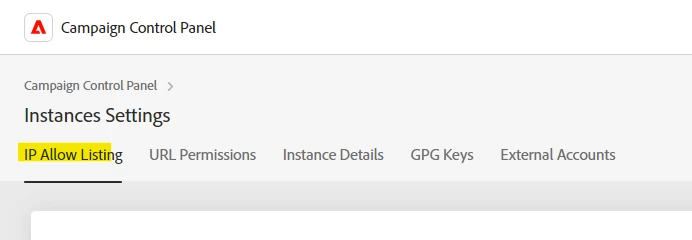
Hello @michael_soprano  It is not recommended but you can add 0.0.0.0/0 as CIDR range in Instance Settings under IP allow list.

Doing this will allow all IPs to access your instance.


The recommended option is to use a VPN with specific CIDR range and then add that range in IP allow list.

2 replies

_Manoj_Kumar_
_Manoj_Kumar_Accepted solution
New Participant
September 25, 2024

Hello @michael_soprano  It is not recommended but you can add 0.0.0.0/0 as CIDR range in Instance Settings under IP allow list.

Doing this will allow all IPs to access your instance.


The recommended option is to use a VPN with specific CIDR range and then add that range in IP allow list.

     Manoj     Find me on LinkedIn
Michael_Soprano
New Participant
February 7, 2025

Do you know why it does not work?


LakshmiPravallika
New Participant
September 18, 2024

Hi @michael_soprano ,


The Changes need to be done for your operator under '/Administration/Access Management/Operators/' and Edit the access parameters from "Private company network (VPN+LAN)" to "Public Network".


Hope this helps.


Regards,

Pravallika.

Michael_Soprano
New Participant
September 19, 2024

Did it. Will let you know.