How to get HTML Content of delivery in query | Community
Skip to main content
New Participant
December 28, 2022
Solved

How to get HTML Content of delivery in query

  • December 28, 2022
  • 1 reply
  • 1520 views

Hello guys,


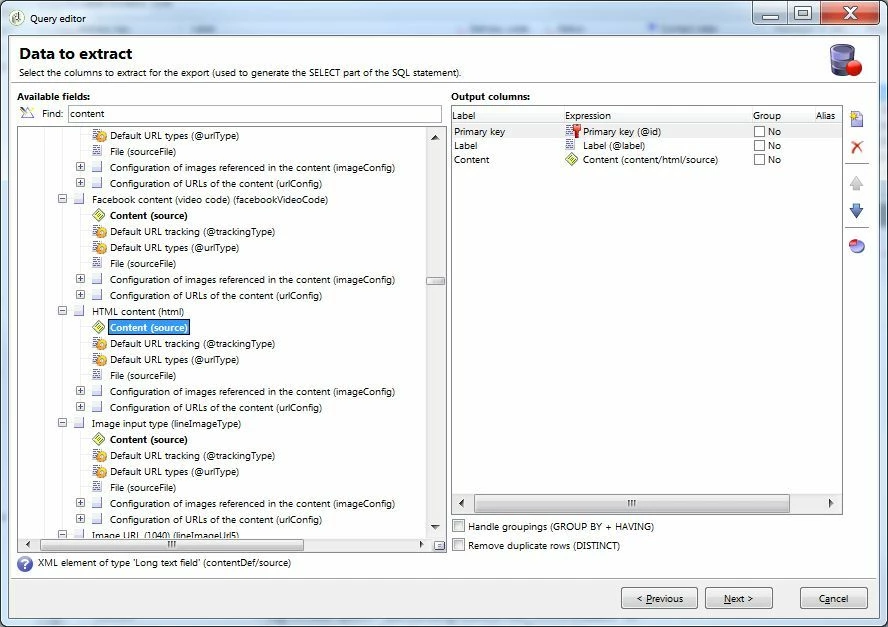
I am wondering if its possible to get a column for the HTML content on the query (using nms:delivery schema), like in this picture (old response to a similar question, but 2019):

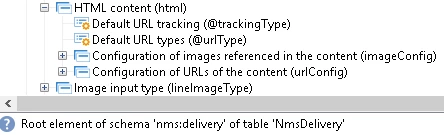
Nowadays it looks like the schema has changed, because that property is not longer in the schema that I am using

2019:

2022: 


Thank you in advance, and merry christmas!

This post is no longer active and is closed to new replies. Need help? Start a new post to ask your question.
Best answer by costa_n11

HI @linoshi 

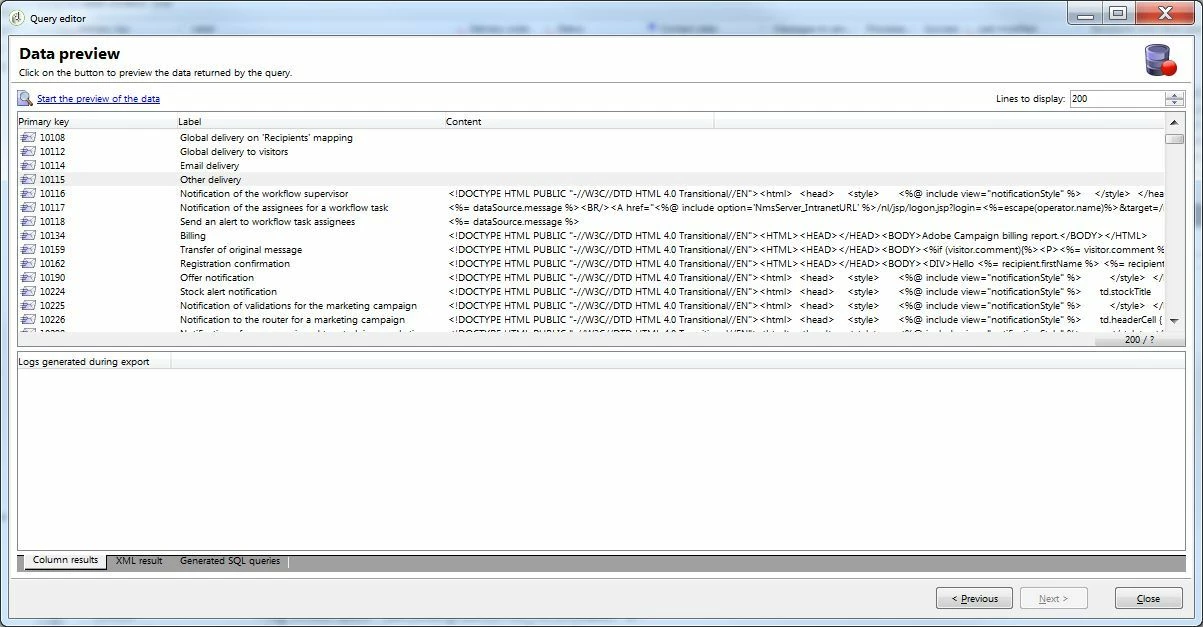
Content being a very large XML field, and you can't access it directly however there is a trick if you have to have it in a workflow, it is to export it in a file and load the same file straight after the export. it was done as a test / PoC very years back and the file format used was tabulation as a delimiter and in the file load activity, it is to set the field as Long Text and that records spam on multiple line...

Otherwise, you could use a JavaScript activity to get access to the information, depending of your use case that would work too...


If the use case is purely technical for technical audience, then JS is one route, if the use case is business centered, aka use by marketers, although the export/import is slight awkward, I would use that route as it uses standard workflow activities that marketers can understand...

Thanks

Denis
1 reply

Amine_Abedour
New Participant
December 29, 2022

Hello @linoshi,


i'm on the latest V7 build (the 9356) and i still have the property :


Maybe it's someting related to user rights 🤷‍

Br,

Amine


Amine ABEDOUR
costa_n11Accepted solution
Employee
December 29, 2022

HI @linoshi 

Content being a very large XML field, and you can't access it directly however there is a trick if you have to have it in a workflow, it is to export it in a file and load the same file straight after the export. it was done as a test / PoC very years back and the file format used was tabulation as a delimiter and in the file load activity, it is to set the field as Long Text and that records spam on multiple line...

Otherwise, you could use a JavaScript activity to get access to the information, depending of your use case that would work too...


If the use case is purely technical for technical audience, then JS is one route, if the use case is business centered, aka use by marketers, although the export/import is slight awkward, I would use that route as it uses standard workflow activities that marketers can understand...

Thanks

Denis