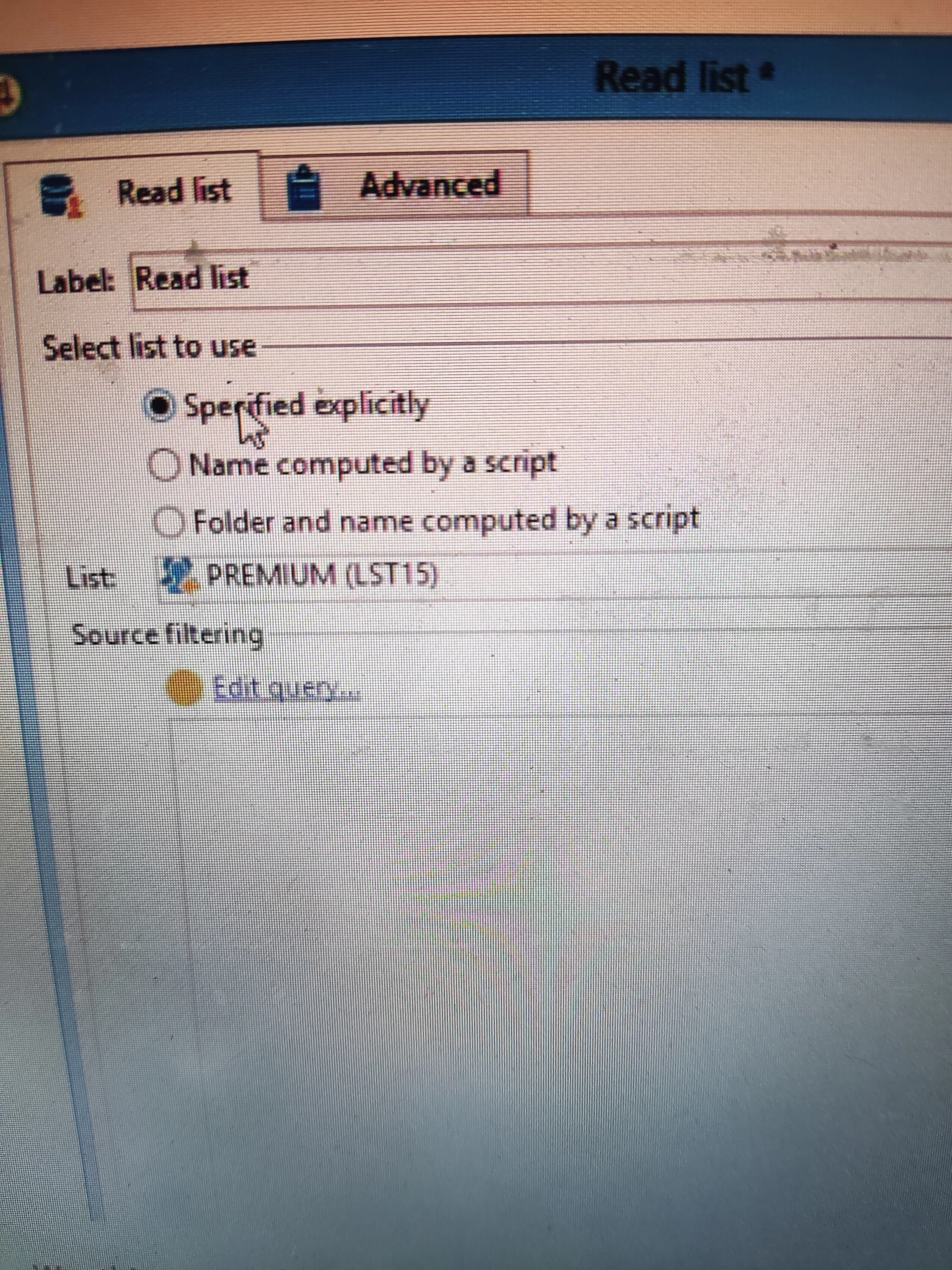
Hi @kd1-1 ,
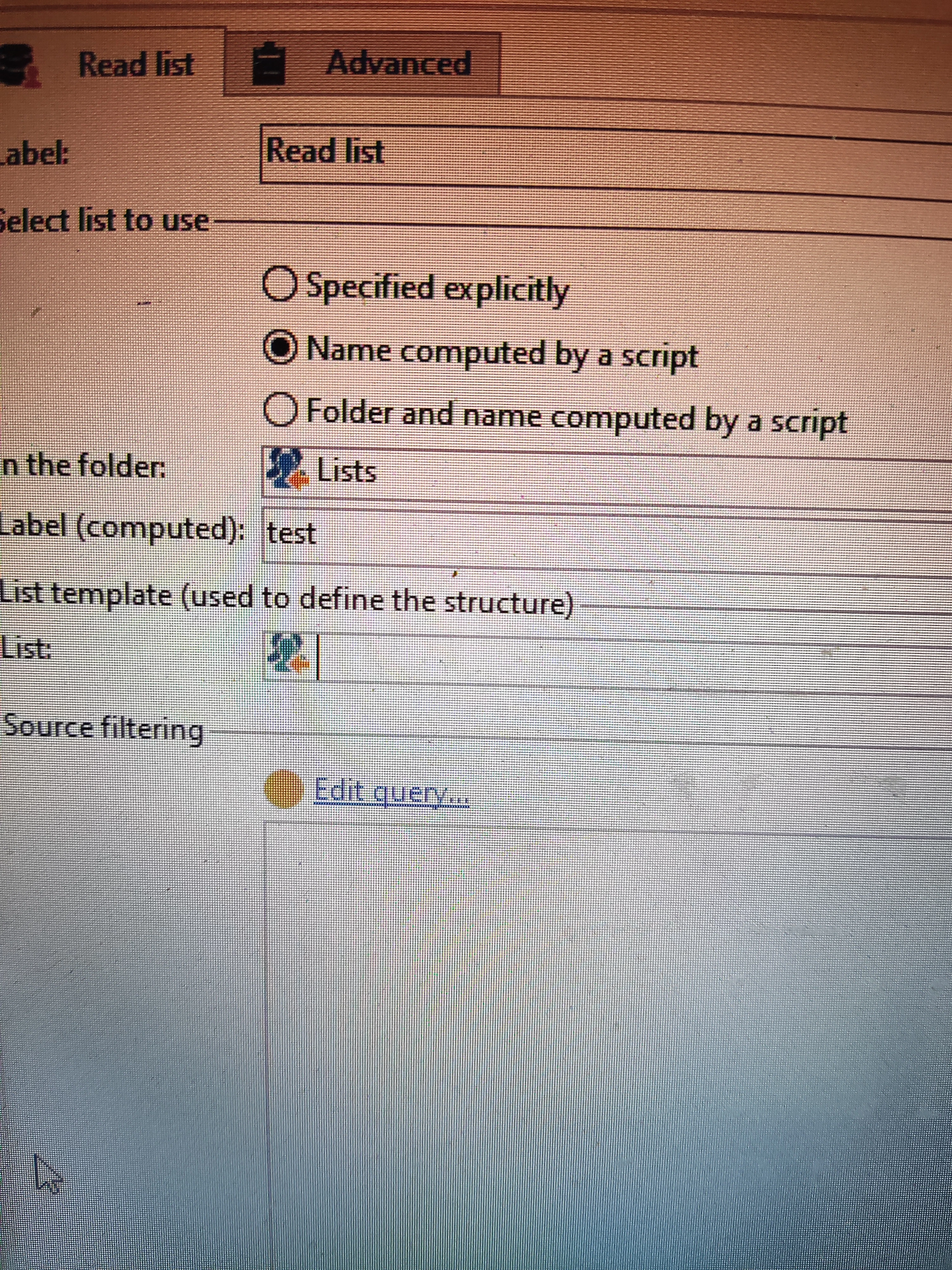
Name computed by a script
Consider a daily running workflow creates a List using List Update activity 'Name computed by a script' option enabled. Example, test_<%= formatDate(new Date(), "%2D/%2M/%4Y") %>
This will create a list with dynamic label each time the workflow runs.
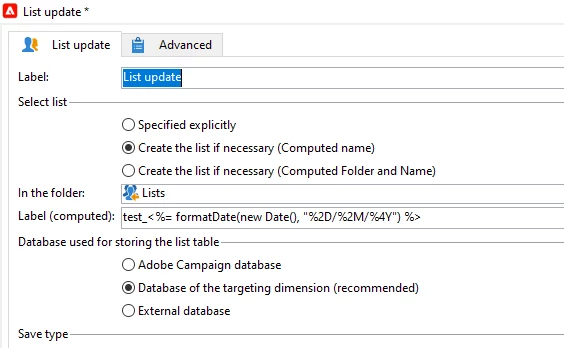
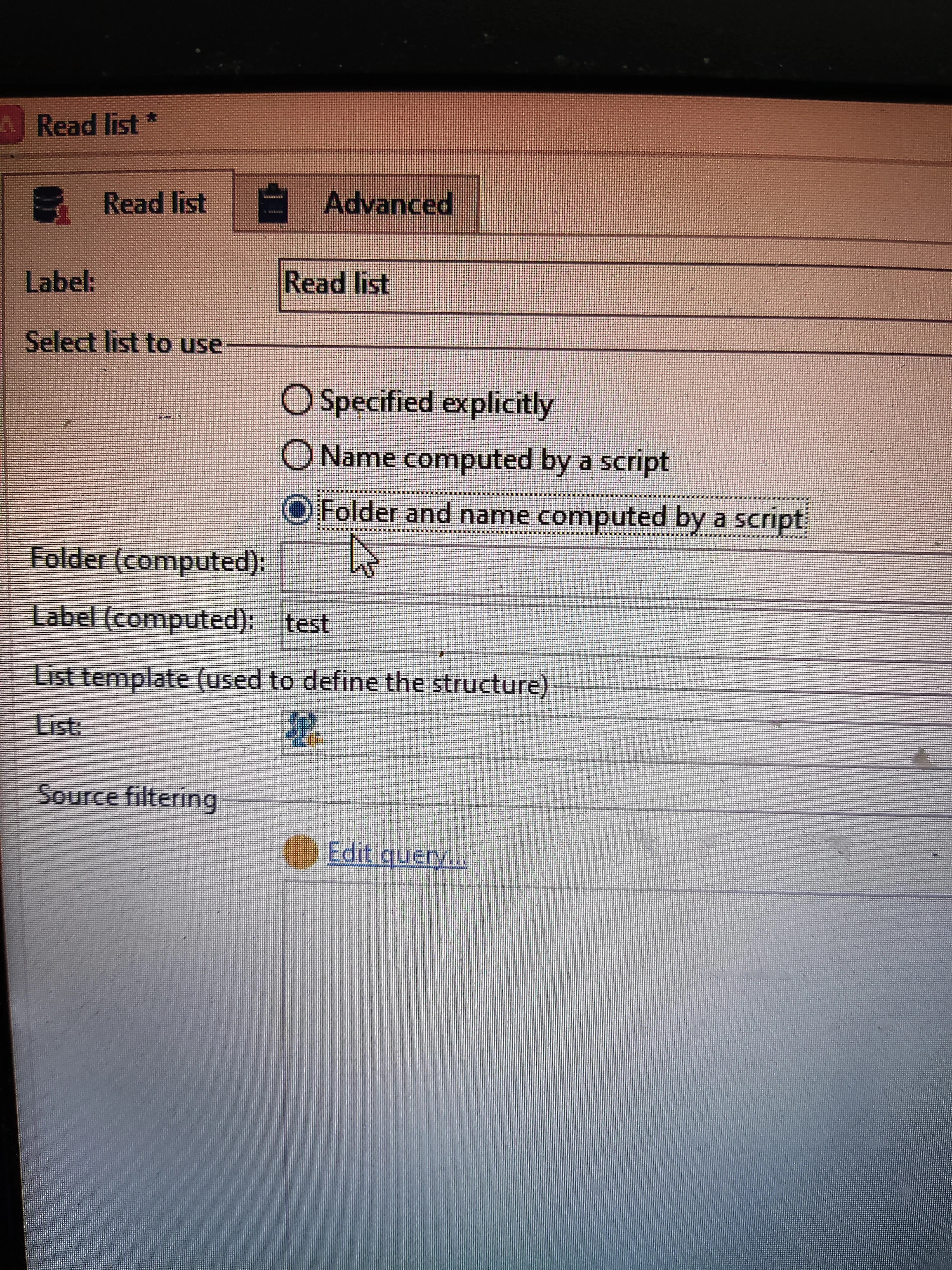
And if you want to call the same list in another workflow, Create Read List activity and need to call this list dynamically, select 'Name computed by a script' option and give the same list label script test_<%= formatDate(new Date(), "%2D/%2M/%4Y") .
Before this, Using the same workflow create a List having all the attributes which you plan to store in the list and name it as myList_template and call this template in 'List template' in read list activity
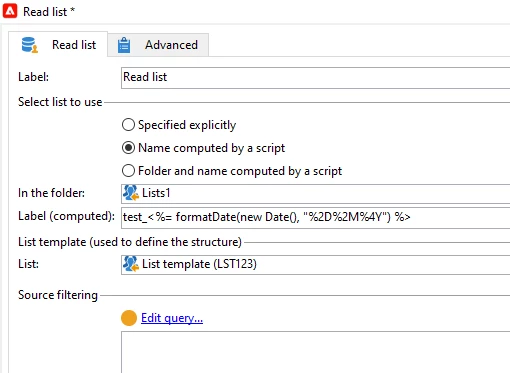
Same with the other option 'Folder and name computed by a script' . If you create a folder and list label to store the list with dynamic names using 'List update' activity, and if you want to call the list in another workflow dynamically, you can use this option.
~ ParthaSarathy S~ Click here to join ADOBE CAMPAIGN USER GROUP for Quarterly In-person | Hybrid | Virtual Meetups