kylej63422860
New Participant
November 27, 2019

Import a file of test profiles using a workflow

  • November 27, 2019
  • 2 replies
  • 11068 views

Hello,

I am looking to import a list of test profiles for use within Adobe Campaign Standard. I am assuming that you follow the same process as importing regular profiles but simply switch the "Dimension to Update" field in the Update Data tool. I'm importing a simple .txt file then trying to update. This seems to error out on me every time I try to run in.
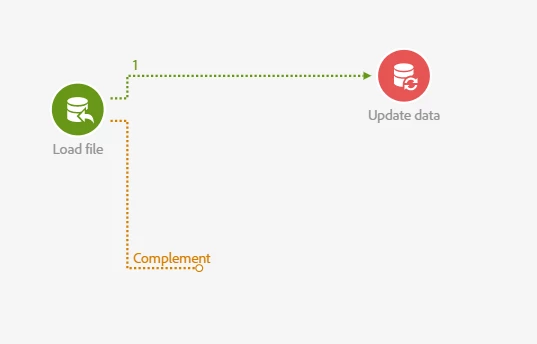
Is this the correct process meaning there is something off about my file or is there a different way this should be done? We have a house file of seeds I need to import so that makes creating them manually out of the question.

Thanks for your help!

-Kyle

This post is no longer active and is closed to new replies. Need help? Start a new post to ask your question.

2 replies

chan2111
New Participant
November 30, 2019

are you importing data from an sftp location?

prasannakumarmarru
New Participant
December 3, 2019

Chan,

Yes I am able to create seed addresses from a file.

It inserted. It should not matter whether the file is from SFTP or you directly uploaded on load file activity. I used a csv file.

Thanks!

Prem_Kumar_Gane
New Participant
November 28, 2019

Hi Kyle,

It seems to work, Could you please check the File Structure and Column definition in the "Load File" activity matches with your Fields data type in the Custom resources and ensure to have a Reconciliation Criteria element mapped for Update/ Insert or Update operation Type in the "Update Data" activity

Thanks,

Prem Kumar Ganesan