Installation of adobe campaign v5.11
Hi,
I'm currently in the process of installing adobe campaign application server v5.11 <build 5754> on an azure windows 2008 R2 Datacenter server. The reason installing an older version, is that we have a production v5.11 and want to upgrade to v7, and so I'm creating a staging mirror of prod to experiment with upgrade v5.11 to v6 and then v7, before carrying out the same migration on the production environment.
I went through the installation steps per v5.11 documentation
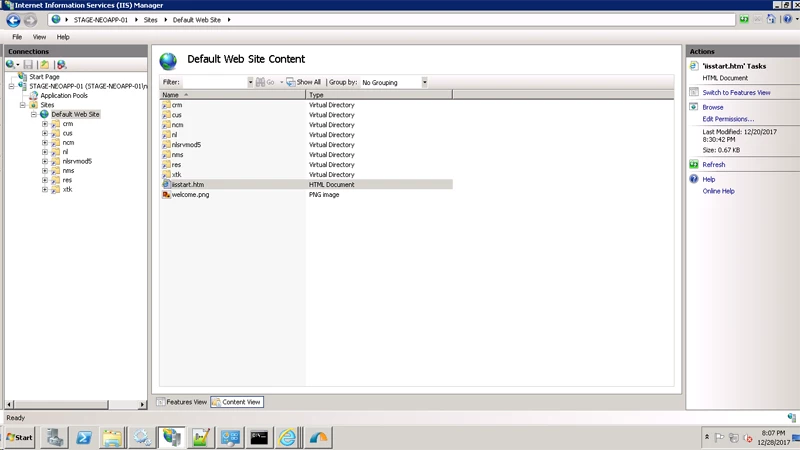
Installation of Neolane app server using exe went fine, Neolane windows service is running, also I have setup IIS 7 web server also according to documentation under the default website:
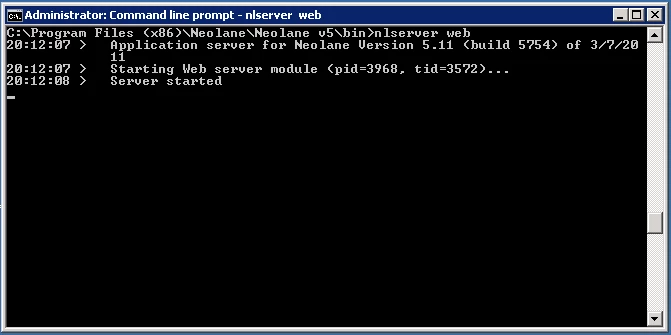
Running nlserver web:
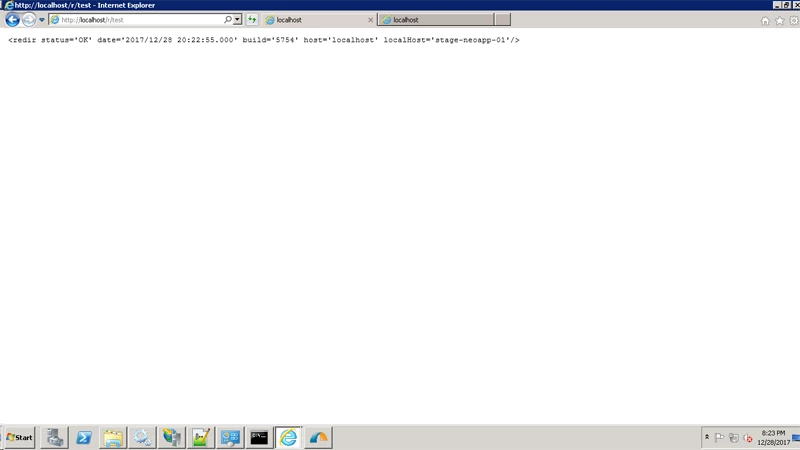
Running localhost/r/test to test redirection
After installing Java SE JDK 6 x64 and testing that java/jre are installed using java -version, every time i run nlserver web -tomcat or nlserver start web I get:
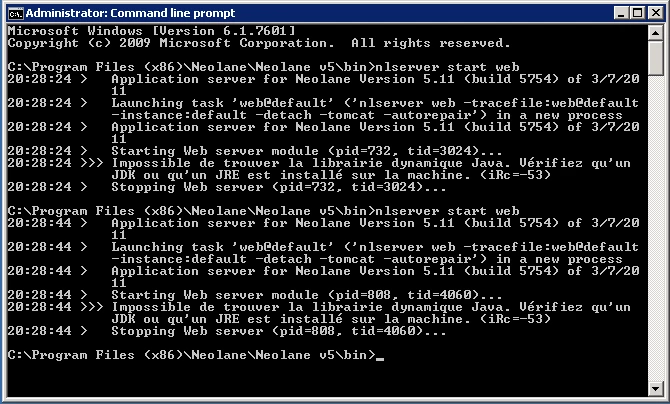
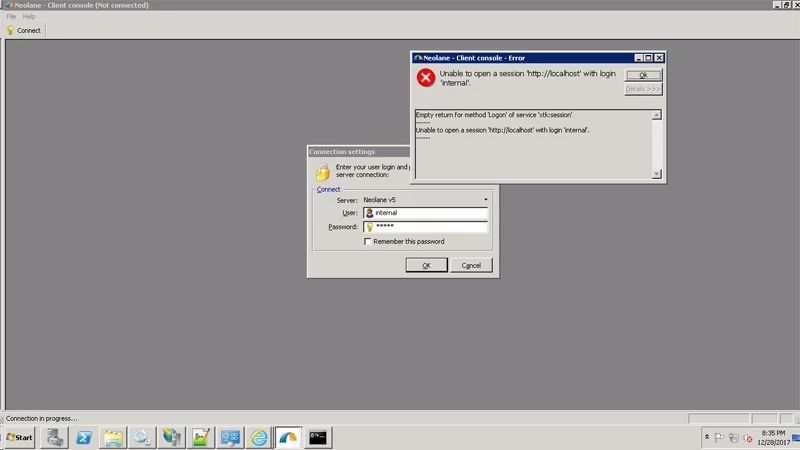
And so i'm stuck in this step, not sure why it's not running the internal tomcat server, which i believe is imperative for running jsp pages on the web server (such as http://localhost/nl/jsp/logon.jsp ). Also i can't login using the neolane client console (internal user password changed), however I believe it is related to also tomcat not starting...
Thanks, appreciate any help on this!