Add Workflow Image at Request Level | Community
Skip to main content
New Participant
January 9, 2023
Solved

Add Workflow Image at Request Level

  • January 9, 2023
  • 1 reply
  • 474 views

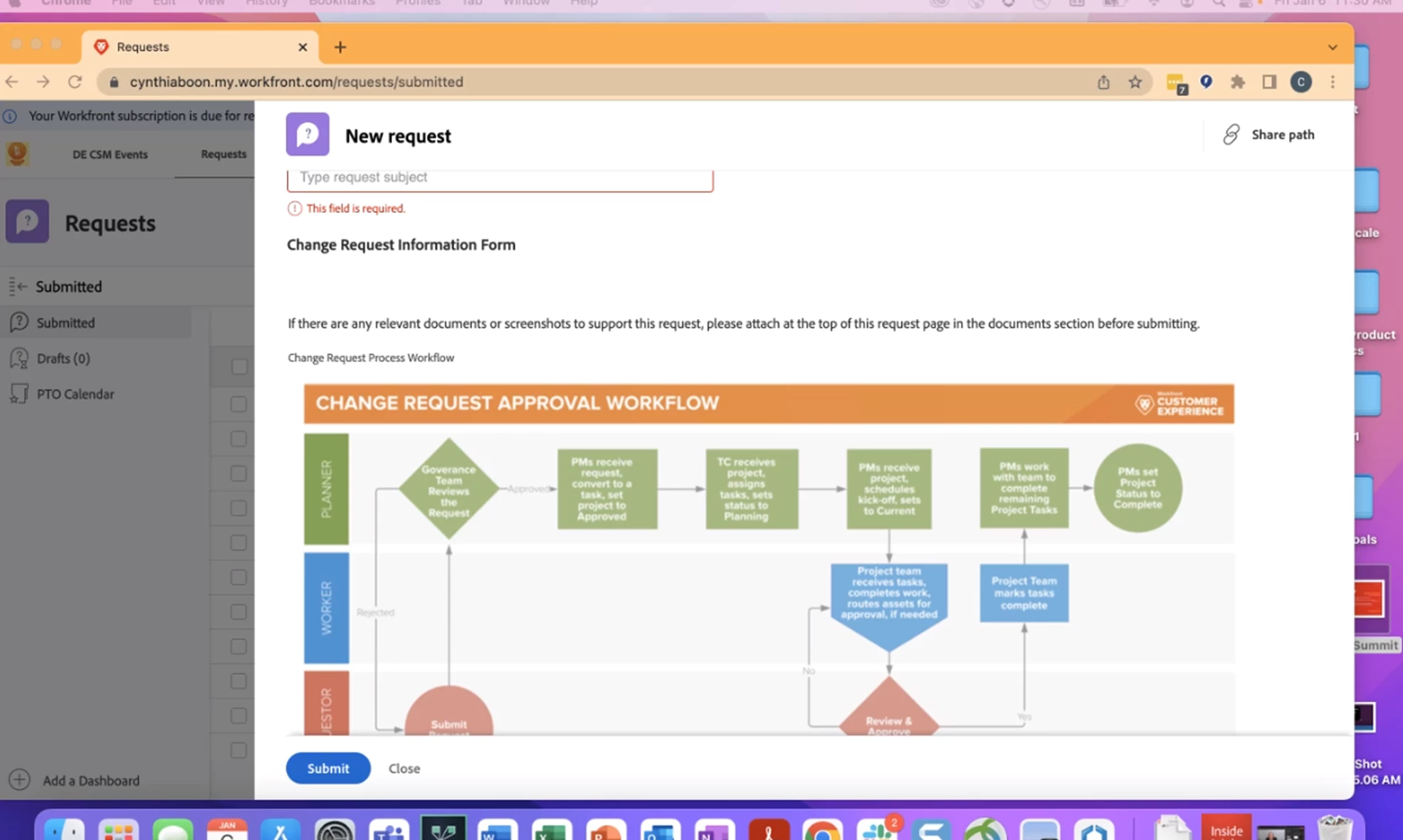
I was on the recent Creative/Marketing monthly call and someone shared their screen which displayed the workflow for the Request.  How do we add this image into the Workflow screen?  
 

This post is no longer active and is closed to new replies. Need help? Start a new post to ask your question.
Best answer by Madalyn_Destafney

Hi there, you do this in the custom form, in your case the request custom form. You have your image saved, go to the request custom form you want this to show in, and add the image form field type and upload the image. Then place the question where you want it in the form/where you want the image to show.

1 reply

Madalyn_Destafney
Madalyn_DestafneyAccepted solution
New Participant
January 9, 2023

Hi there, you do this in the custom form, in your case the request custom form. You have your image saved, go to the request custom form you want this to show in, and add the image form field type and upload the image. Then place the question where you want it in the form/where you want the image to show.

If this helped you, please mark correct to help others : )
