
Better planned hours management in new Priorities view
The new Priorities view has really caught on with our team. The GUI is attractive and the recent release brings a lot of functionality that helps the team have a singular place to go in order to manage work assigned to them. But it could be perfect!
Please add the same "edit allocations" functionality as is available in the Workload Balancer (within the Resource Management section) that allows a user to specify planned hours for a task on a day-to-day, week-to-week, or month-to-month basis.
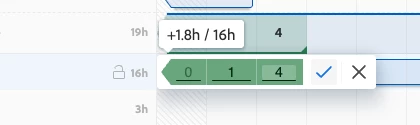
Currently, the Priorities view only allows a user to change the total planned hours of a task over the entire duration of the task.
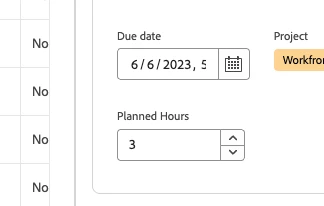
The ability for a working team member to specify the exact amount of hours they will spend on the remainder of a task gives managers a more specific view from week to week. We do not have access restrictions of the Workload Balancer on our team and have found it very useful to use during our meetings when discussing what will be worked on during a given week and each member has the autonomy to update the planned hours for all tasks that are either in progress or about to start.
This granularity that the Workload Balancer provides would make the Priorities view the ONLY view that a team would need in order to make quick, simple changes without having to jump to a different part of Workfront.
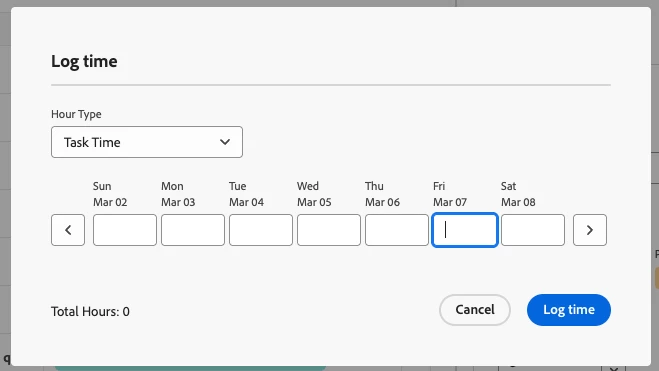
Perhaps the Log Time pop-up (image attached) could be used to enter in allocations?
Thanks!