
Communication of Navigational Bar Changes & Access to Adobe Products - did I miss it? | Community
Skip to main content
ChristinaJay
New Participant
July 22, 2024
Solved

Communication of Navigational Bar Changes & Access to Adobe Products - did I miss it?

  • July 22, 2024
  • 1 reply
  • 663 views

I'm fielding a lot of questions today from our end-users who cannot find their timesheets, requests, projects because there is suddenly a change in their navigational experience in Workfront. Did I miss an announcement of this change?


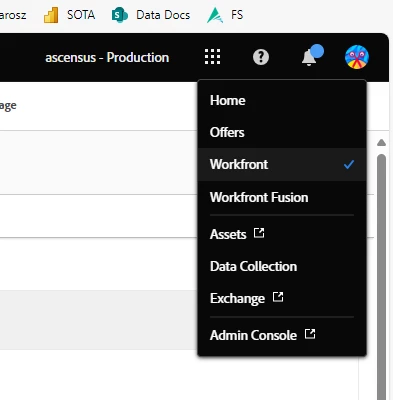
There is now a black bar that replaces their 'waffle menu' with a link to other Adobe products: 


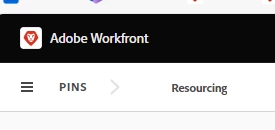
The menu they use has moved completely to the other side, changed the icon, and we have now lost more real estate with this black bar at the top:
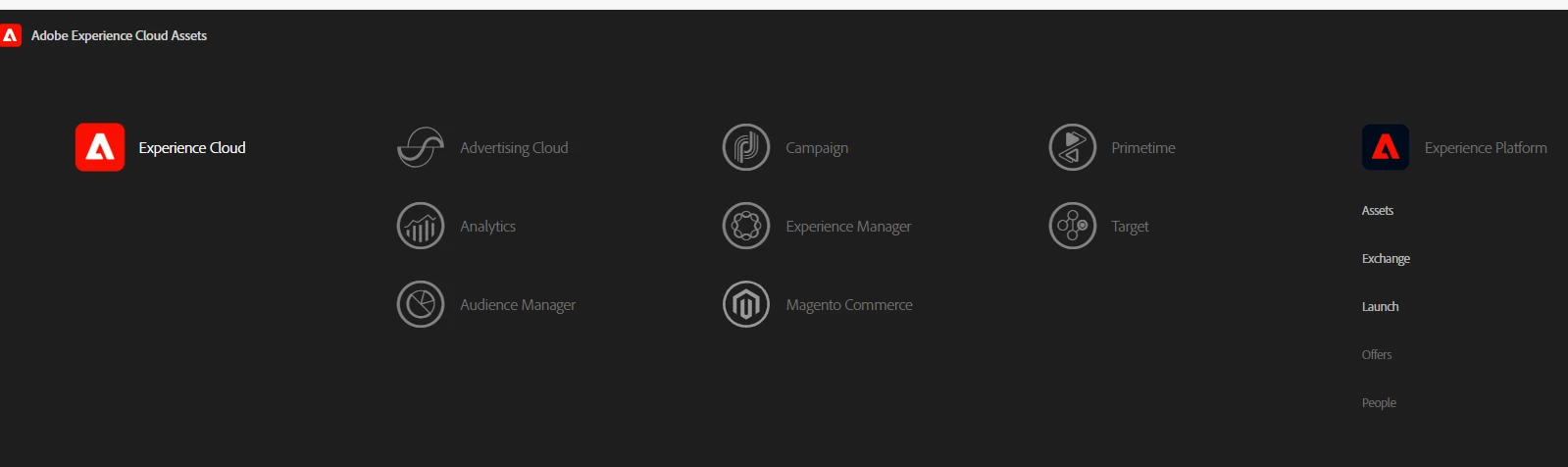
For those trying to 'figure it out' on their own, to add insult to injury, if they click into assets, it doesn't even list Workfront as an option to find (or go back to). How in 


This is maddening. 

This post is no longer active and is closed to new replies. Need help? Start a new post to ask your question.
Best answer by KellieGardner

Actually Christina, I did just read through the release notes for 24.7 and it might be due to that. 


https://experienceleague.adobe.com/en/docs/workfront/using/product-announcements/product-releases/release-24-q3/24-q3-release-overview#other-enhancements


Adobe Unified Experience now available for more Workfront organizations


To allow organizations access to the benefits of the Adobe Unified Experience, we’ve begun making it available to existing Workfront customers.

The Adobe Unified Experience includes:

  • A single login for all Adobe applications through Adobe Experience Cloud
  • An “organization switcher” to move between Workfront organizations and environments
  • Navigation with options for Workfront pages, Adobe Experience Cloud preferences, and your Workfront profile

If your organization is moving to the Adobe Unified Experience with the 24.7 release, your Workfront administrator has received an Announcement Center message about the change.


Previously, the Adobe Unified Experience was available only to new Workfront customers.


1 reply

KellieGardner
New Participant
July 22, 2024

Hi Christina - did you recently make the move to Adobe Console? If so, this is the navigation once you migrate. 

KellieGardner
KellieGardnerAccepted solution
New Participant
July 22, 2024

Actually Christina, I did just read through the release notes for 24.7 and it might be due to that. 


https://experienceleague.adobe.com/en/docs/workfront/using/product-announcements/product-releases/release-24-q3/24-q3-release-overview#other-enhancements


Adobe Unified Experience now available for more Workfront organizations


To allow organizations access to the benefits of the Adobe Unified Experience, we’ve begun making it available to existing Workfront customers.

The Adobe Unified Experience includes:

  • A single login for all Adobe applications through Adobe Experience Cloud
  • An “organization switcher” to move between Workfront organizations and environments
  • Navigation with options for Workfront pages, Adobe Experience Cloud preferences, and your Workfront profile

If your organization is moving to the Adobe Unified Experience with the 24.7 release, your Workfront administrator has received an Announcement Center message about the change.


Previously, the Adobe Unified Experience was available only to new Workfront customers.