Disable download | Community
Skip to main content
New Participant
February 22, 2023
Solved

Disable download

  • February 22, 2023
  • 1 reply
  • 659 views

Good day,


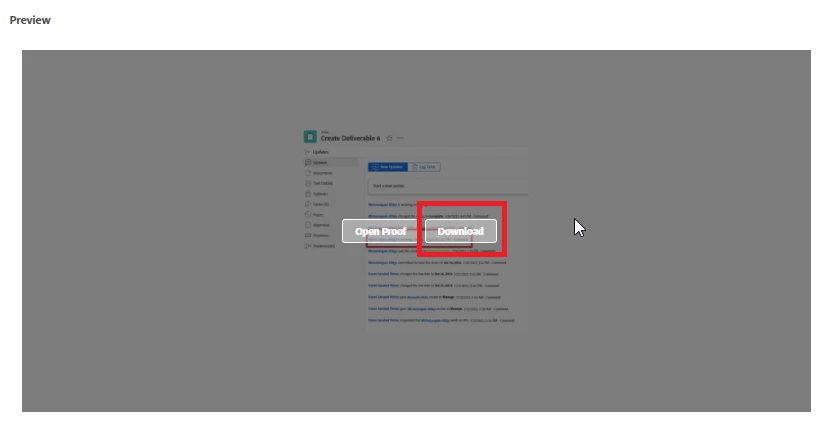
Do we have option to disable Download once document created to proof?


This post is no longer active and is closed to new replies. Need help? Start a new post to ask your question.
Best answer by Madalyn_Destafney

I'm not aware of this but I think it's a good Idea, you should submit it for people to upvote : ) 
BUT, if you went down that path, once the proof is final, your proof owner would need to add a new version as a document (not a proof) as the final file to be downloaded. 

It would be a good setting to have in Setup here - https://micron.my.workfront.com/setup/proof/settings


If people are using files prematurely, you could entertain the idea of your users putting a cover page or watermark on assets. Our creative team does this, the cover page of a proof indicates it's not final/it's for review, and when a proof is final, they upload the final version as a document.

1 reply

Madalyn_Destafney
Madalyn_DestafneyAccepted solution
New Participant
February 24, 2023

I'm not aware of this but I think it's a good Idea, you should submit it for people to upvote : ) 
BUT, if you went down that path, once the proof is final, your proof owner would need to add a new version as a document (not a proof) as the final file to be downloaded. 

It would be a good setting to have in Setup here - https://micron.my.workfront.com/setup/proof/settings


If people are using files prematurely, you could entertain the idea of your users putting a cover page or watermark on assets. Our creative team does this, the cover page of a proof indicates it's not final/it's for review, and when a proof is final, they upload the final version as a document.

If this helped you, please mark correct to help others : )