How can I edit custom fields to be required fields? | Community
Skip to main content
New Participant
February 7, 2023
Solved

How can I edit custom fields to be required fields?

  • February 7, 2023
  • 1 reply
  • 1343 views

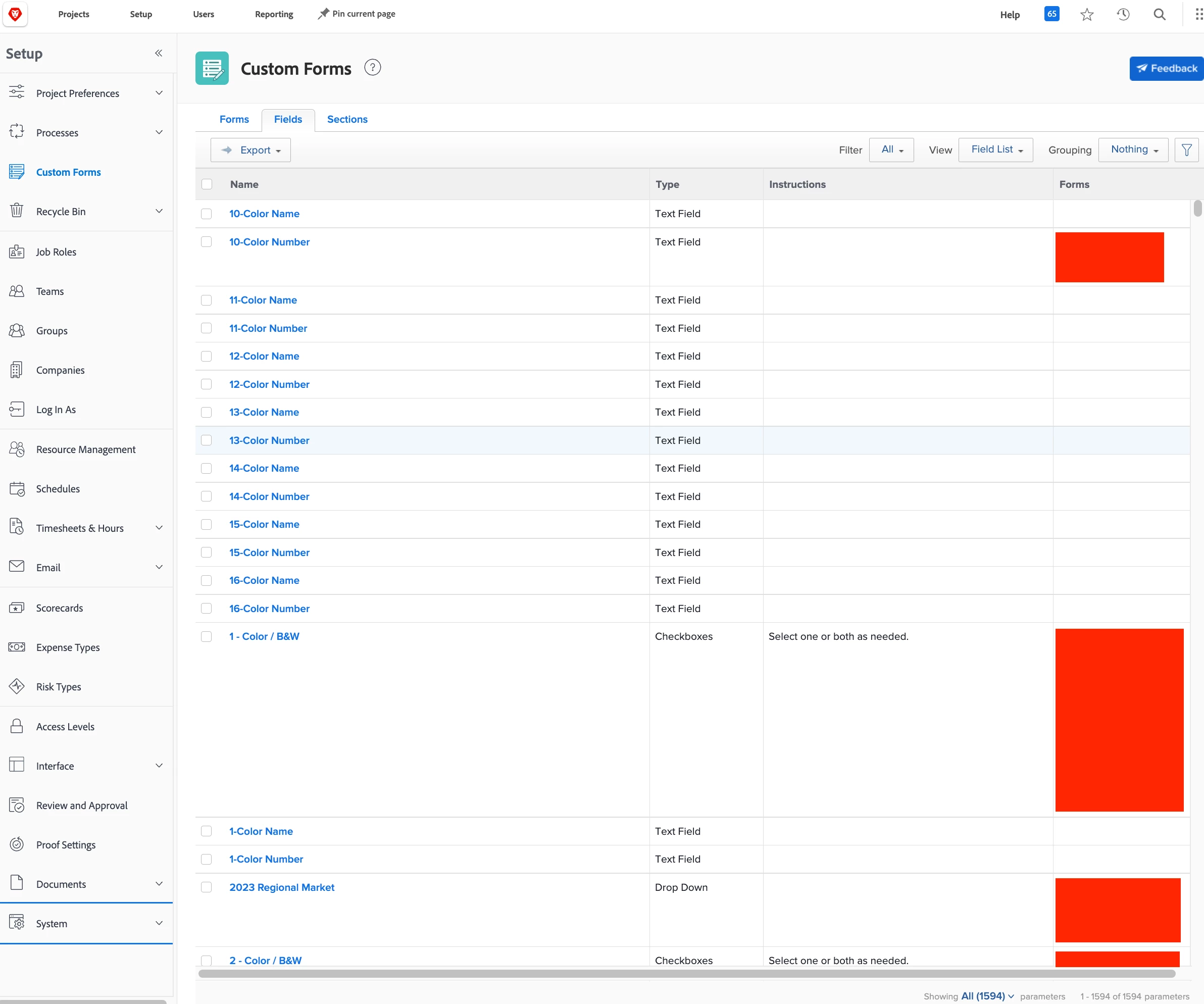
I have a Description text field that is used on a specific custom form that I want to edit and make a required field. I am the global admin, so I should have this right, but I am unable to find the means of doing this. Our company did work with a consultancy group to help with building out this form and streamlining some things, but that shouldn't matter. And when I look at other fields, I am unable to see a way to do much more than a basic edit of them. According to this link from last October, it should be as easy as going to Settings>Account Settings> then opening the Custom Fields tab. However, I am unable to find any settings or account settings options in my backend. In the screenshot provided, this is the extent of my options (I didn't expand the ones that could be, but Account Settings is not in any of them).


Am I overlooking something obvious?


Thank you for any help you can provide!

This post is no longer active and is closed to new replies. Need help? Start a new post to ask your question.
Best answer by Madalyn_Destafney

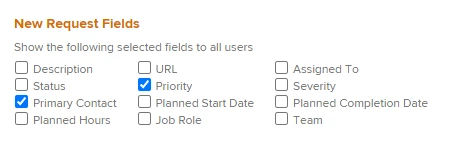
Ah, is that specific description field the native WF description field? You unfortunately cannot make native fields like that required, only custom form fields. If this form you are in is a form associated with a request queue, you can remove the Description portion from the Queue Details setting so it won't show in the request form. Then add a 'Description' custom form field to your request form and make it required. So basically you're just creating your own field for this and not using the native WF field.


1 reply

Madalyn_Destafney
New Participant
February 7, 2023

Hi there, you just need to locate the custom form that the field you want to be required is in, and edit it from the form level. If the field is used in more than 1 form, you'll need to do this for any form you want that field required in. There is a little checkbox under 'Additional Settings' to make it required when you're in the field specifics within the custom form.

If this is what you're looking for, please mark this response correct to help others : )

If this helped you, please mark correct to help others : )
MPH2Author
New Participant
February 7, 2023

So, that's what I assumed would happen, but when I click on the Requestor Details section, this description field isn't editable. So, I'm kind of at a loss as to how I am supposed to make this required when it's not possible here.

Madalyn_Destafney
Madalyn_DestafneyAccepted solution
New Participant
February 7, 2023

Ah, is that specific description field the native WF description field? You unfortunately cannot make native fields like that required, only custom form fields. If this form you are in is a form associated with a request queue, you can remove the Description portion from the Queue Details setting so it won't show in the request form. Then add a 'Description' custom form field to your request form and make it required. So basically you're just creating your own field for this and not using the native WF field.


If this helped you, please mark correct to help others : )