
Solved
How to display empty values on a time report?
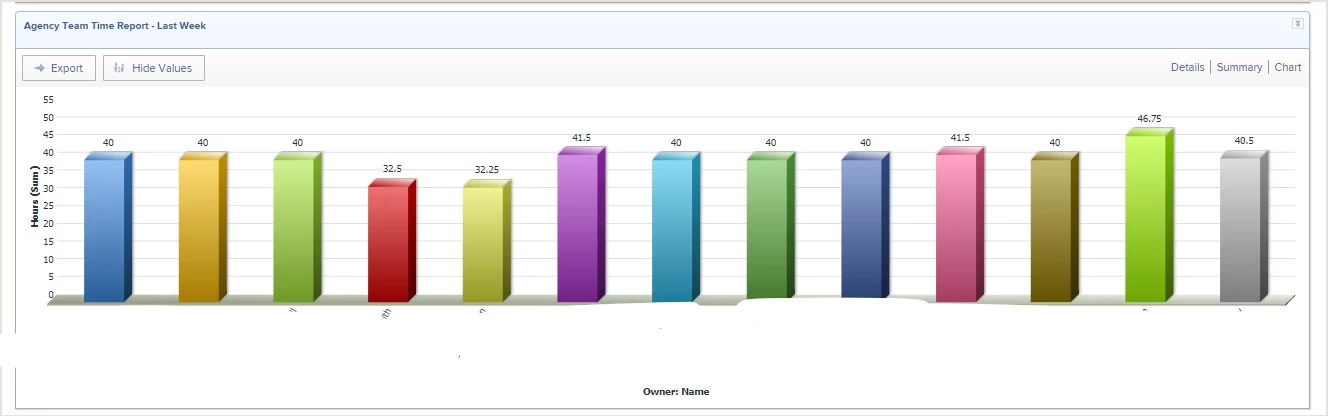
Our director really likes the visual aspect of seeing how their time has been utilized the past week. However, since not everyone is up to date on their timesheets we are missing people from that view. We'd like to still display that person's name in the chart (even if empty) so we can clearly see who is not completing their timesheet.
Right now the only way to do that is to try and figure out who is missing from the displayed hours.
I was successful in getting a report showing no hours - but it does not break it down by week - this only works YTD.
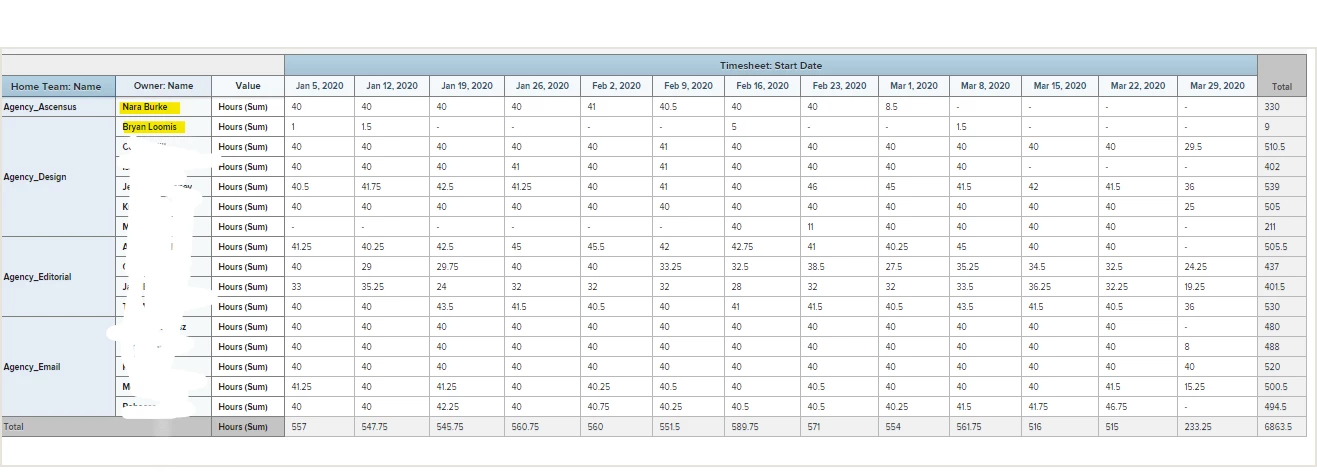
Has anyone come up with a solution to this? I found some old threads, but, it didn't look like it solved it. I want