Project Settings>Schedule | Community
Skip to main content
August 4, 2023
Solved

Project Settings>Schedule

  • August 4, 2023
  • 1 reply
  • 547 views

Hi all,

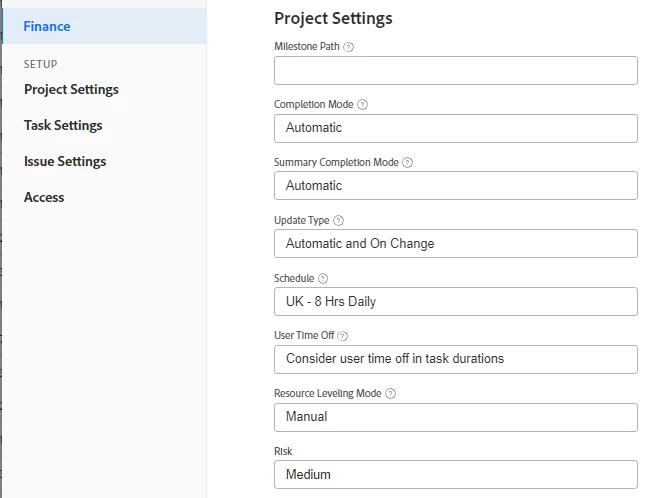
I'm trying to blank out the schedule information from the below as it's having an affect on all the task start times. With this in, it sets all start times to 4pm of the chosen date. When I create a project using the template, I can blank it but many users will forget to do this. Can this be set to be blank by default for new projects?

Thanks


This post is no longer active and is closed to new replies. Need help? Start a new post to ask your question.
Best answer by Madalyn_Destafney

If that schedule is associated with the template, it’ll show with that on default for all projects created using that template. If you don’t want that schedule, clear that field from the template. If some people need that to be a different schedule, you can have a copy of the template for different schedule/shared with different users…

1 reply

Madalyn_Destafney
Madalyn_DestafneyAccepted solution
New Participant
August 4, 2023

If that schedule is associated with the template, it’ll show with that on default for all projects created using that template. If you don’t want that schedule, clear that field from the template. If some people need that to be a different schedule, you can have a copy of the template for different schedule/shared with different users…

If this helped you, please mark correct to help others : )
August 7, 2023

Thanks @madalyn_destafney Amending the template works a treat!
