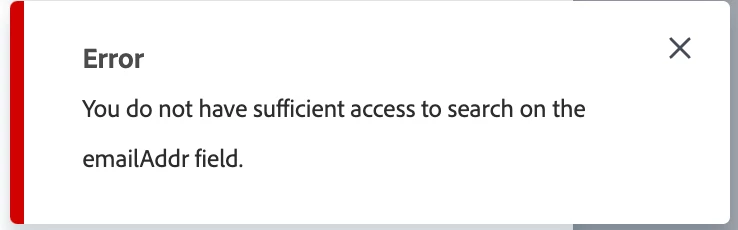
WF > Report > Send Report > Sent To > Error: You do not have sufficient access to search on the emailAddr field. | Community
Skip to main content
jubinjohnpro
Level 2
Oct 13, 2022 2:12 PM UTC

WF > Report > Send Report > Sent To > Error: You do not have sufficient access to search on the emailAddr field.

Hi All,

I am facing the below error when i try to add User/people/email in the send to field under
WF > Report > Send Report > Sent To > Error: You do not have sufficient access to search on the emailAddr field.


Error: You do not have sufficient access to search on the emailAddr field.
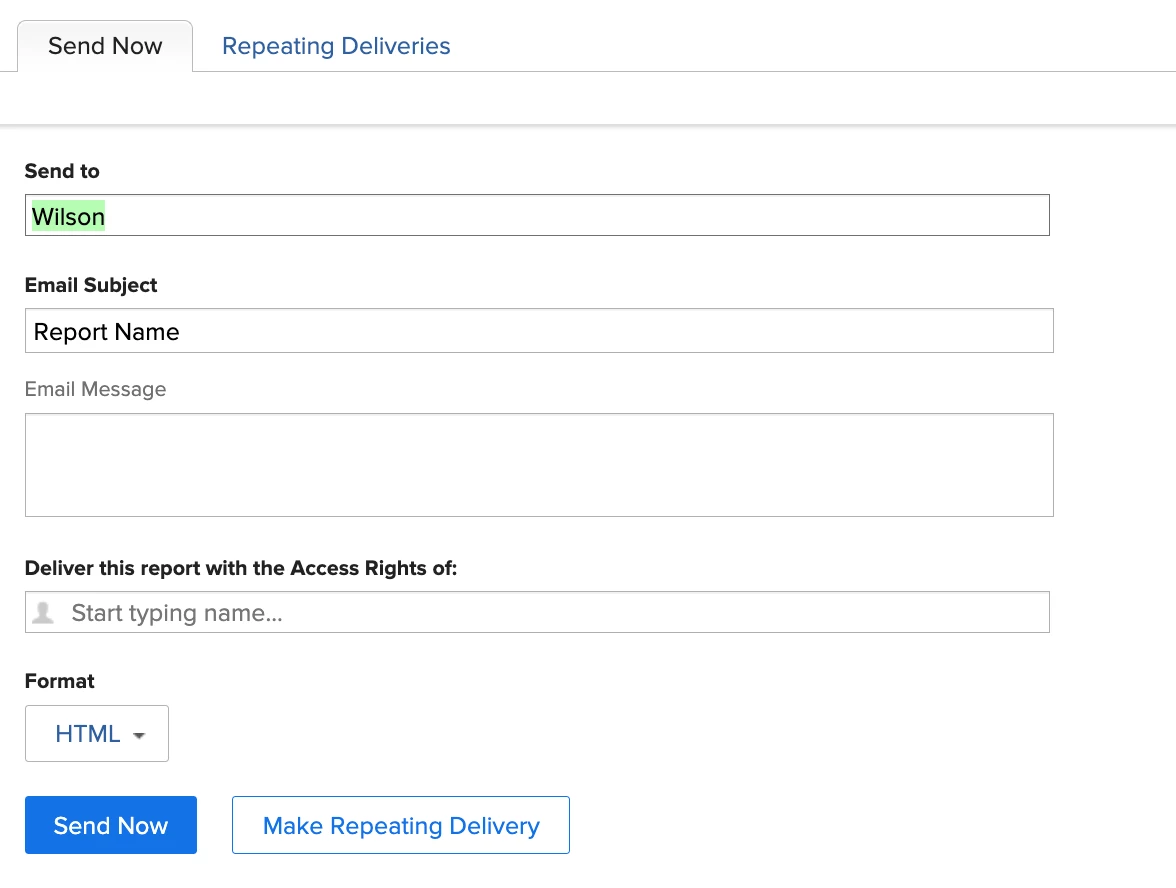


My Queries:

1. Is this feature only available for admins?
2. Can a user with any plan with access to create edit manage Report, dashboard, filters use the Sent to feature?


Awaiting for someones quick help here,


Many Thanks,

Jubin John


This post is no longer active and is closed to new replies. Need help? Start a new post to ask your question.

4 replies

Level 5
Oct 13, 2022 3:09 PM UTC

Does the user have manage access to the report they're trying to send or just view access?  They also need edit access to 

Edit access to Reports, Dashboards, Calendars and Edit access to Filters, Views, Groupings.

Translate
jubinjohnpro
Level 2
Oct 13, 2022 3:12 PM UTC

Yes the User has the Manage access for the report and
Yes the User has edit access to Edit access to Reports, Dashboards, Calendars and Edit access to Filters, Views, Groupings.

Translate
Level 5
Oct 13, 2022 3:15 PM UTC

One other area to look at might be to see if they have access to user contact information.  It is a default for admins but a check box on other levels.

Translate