How to disable download icon for an asset in AEM 6.5? | Community
Skip to main content
This post is no longer active and is closed to new replies. Need help? Start a new post to ask your question.
arunpatidar
arunpatidarAccepted solution
New Participant
November 23, 2020

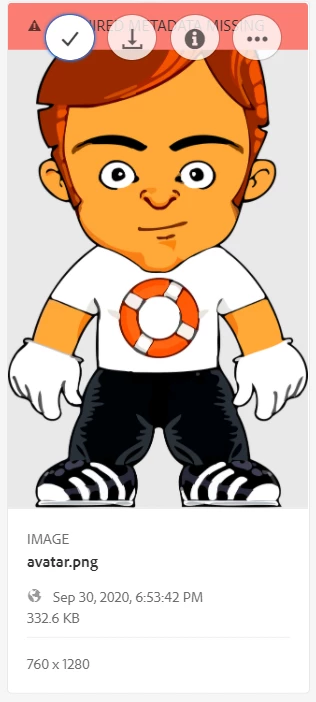
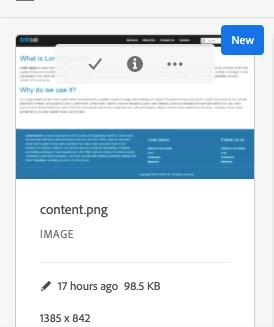
If you want to disable it for all the users then you can simply write CSS.


button._coral-ActionButton._coral-ActionButton--quiet._coral-QuickActions-item[title="Download"] { display: none; }


Arun Patidar

2 replies

Vijayalakshmi_S
Level 10
November 23, 2020

Hi @sudeshna1992,

Adding to @arunpatidar's solution, if you are to disable based on user permissions, then we need to overlay and then write render conditions. (OOB Privilege type can be used)

Sample implementation for reference:

/libs/cq/gui/components/renderconditions/canreadworkflowmodels/canreadworkflowmodels.jsp


Translate
arunpatidar
arunpatidarAccepted solution
New Participant
November 23, 2020

If you want to disable it for all the users then you can simply write CSS.


button._coral-ActionButton._coral-ActionButton--quiet._coral-QuickActions-item[title="Download"] { display: none; }


Translate
Arun Patidar