How to upload package which is not a zip file | Community
Skip to main content
khayc47509129
New Participant
January 4, 2018
Solved

How to upload package which is not a zip file

  • January 4, 2018
  • 3 replies
  • 3633 views

I've been following tutorial of below link.

The assets like style page and toy story asset are downloaded as a folder and not as zip. I tried compressing to zip and formed a zip but the package manager doesn't accept it. The error message is [Zip File is not a content package. Missing 'jcr_root']. But the jcr_root file is right there. Any idea how to get a zip file of this tutorial or how can I fix that folder to be like a package? https://helpx.adobe.com/experience-manager/using/first_aem63_website.html

Thanks and waiting for a fast response.

This post is no longer active and is closed to new replies. Need help? Start a new post to ask your question.
Best answer by smacdonald2008

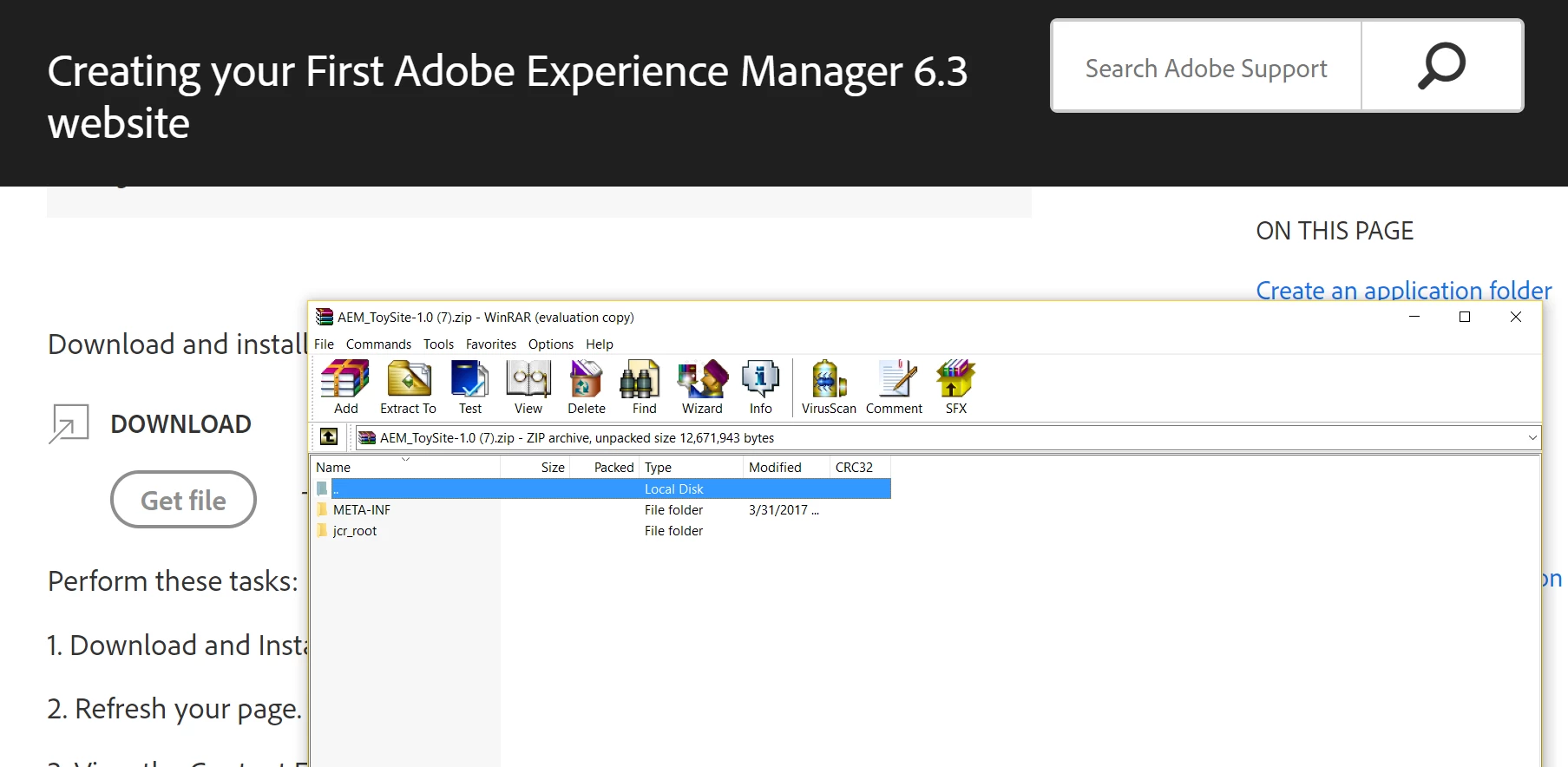
The attachments to this article are ZIP files and are downloaded as ZIP - see here:

Try downloading with a different browser - what browser are you using?

3 replies

khayc47509129
New Participant
January 5, 2018

Thanks now i can download zip file. very strange yesterday i couldn't. may be some auto extractor on my mac went crazy.

Ratna_Kumar
New Participant
January 4, 2018

Hi,

Just now I have downloaded the package from the mentioned article and it is ZIP file only. See the below screenshots for your reference.

Thanks,

Ratna.

smacdonald2008
smacdonald2008Accepted solution
New Participant
January 4, 2018

The attachments to this article are ZIP files and are downloaded as ZIP - see here:

Try downloading with a different browser - what browser are you using?