Previews & Renditions Not Showing Correct Images | Community
Skip to main content
New Participant
August 18, 2023
Solved

Previews & Renditions Not Showing Correct Images

  • August 18, 2023
  • 1 reply
  • 1891 views

Hi all,


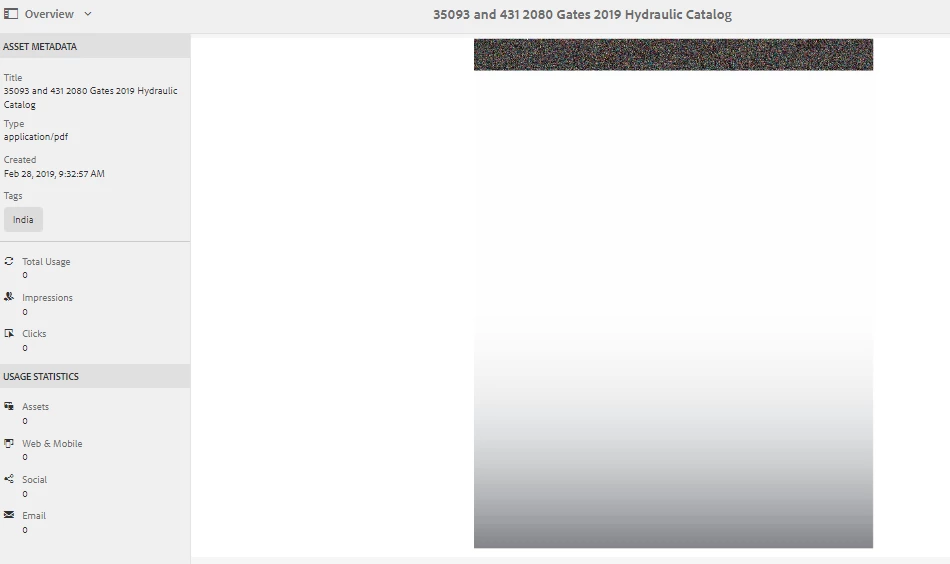
Some of my previews are not showing up correctly when I'm looking through pdf files in AEM. There are a handful where the icons show either a blank image or an image with a pixelated bar at the top and a white to gray gradient. The files looks normal once I download and open them on my desktop. But when I download the file as a rendition, the files appear just as they do in the preview.


Any ideas on what may be causing this or how to resolve it? I need to be able to audit my files in AEM without taking up so much storage on my desktop through downloads.
 

Best answer by Saravanan_Dharmaraj

@morganme1 Could you re-run DAM Update Asset workflow on one of this asset and see if its fixing the issue? Also please tail the logs while running to see if any process failed in the WF which generated this rendition.

1 reply

Saravanan_Dharmaraj
Saravanan_DharmarajAccepted solution
New Participant
August 21, 2023

@morganme1 Could you re-run DAM Update Asset workflow on one of this asset and see if its fixing the issue? Also please tail the logs while running to see if any process failed in the WF which generated this rendition.

MorganMe1Author
New Participant
September 19, 2023

This worked! Thank you for your help!

kautuk_sahni
Employee
June 7, 2024

@morganme1 We hope you found the AEM community valuable. We anticipate your return as either a learner or a contributor. The community benefits from SMEs like you. Please ask your AEM peers to join and contribute. Happy AEM learning!

Kautuk Sahni