Toggle button in Content Fragments | Community
Skip to main content
gkalyan
gkalyanAccepted solution
Level 1
January 23, 2025

@prashardan 

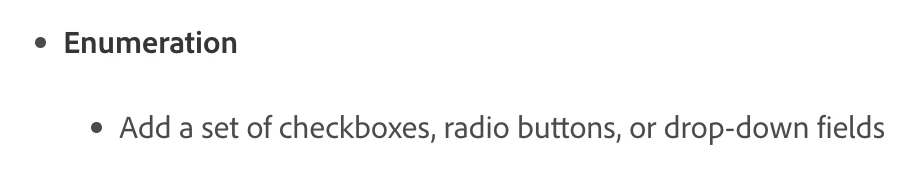
You can use a radio button to toggle.

Here is the list of data types available for defining the CF model

https://experienceleague.adobe.com/en/docs/experience-manager-65/content/assets/content-fragments/content-fragments-models#data-types


2 replies

kautuk_sahni
Employee
January 27, 2025

@prashardan Did you find the suggestion helpful? Please let us know if you require more information. Otherwise, please mark the answer as correct for posterity. If you've discovered a solution yourself, we would appreciate it if you could share it with the community. Thank you!

Translate
Kautuk Sahni
gkalyan
gkalyanAccepted solution
Level 1
January 23, 2025

@prashardan 

You can use a radio button to toggle.

Here is the list of data types available for defining the CF model

https://experienceleague.adobe.com/en/docs/experience-manager-65/content/assets/content-fragments/content-fragments-models#data-types


Translate