Adobe Assets API, when creating a content fragment, how do I add a Multiple Field (single line text) in the body properly? | Community
Skip to main content
New Participant
February 21, 2024
Solved

Adobe Assets API, when creating a content fragment, how do I add a Multiple Field (single line text) in the body properly?

  • February 21, 2024
  • 1 reply
  • 536 views

Creating a content fragment programmatically, it is successful apart from the creation of a multi-field where i

Using this as a reference:
https://developer.adobe.com/experience-manager/reference-materials/6-5/assets-api-content-fragments/index.html#/%7BcfParentPath%7D/createContentFragment


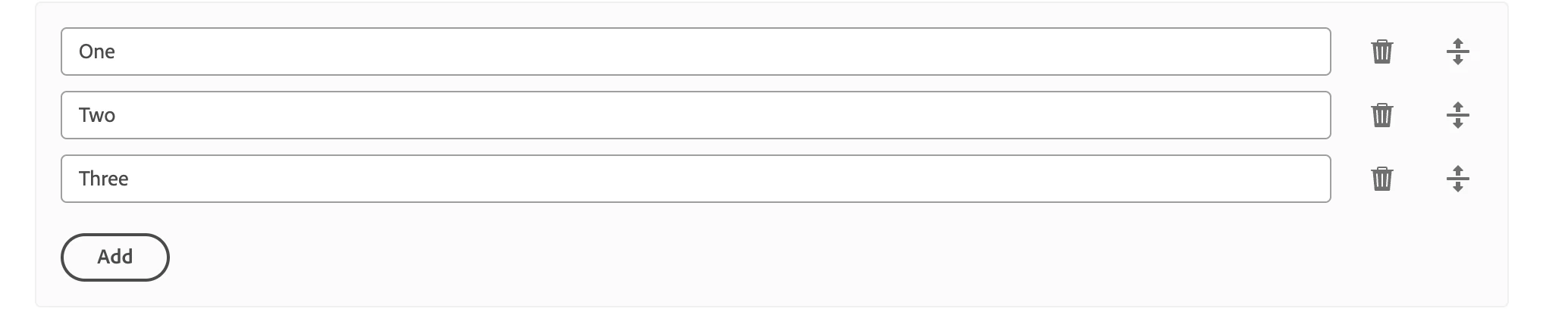
How can I input a multi field text? as seen below:

The data type is 'single line text', and it renders as 'Multiple Field' in my content fragment model. 


for instance a single field is just:

"{elementName}": {        
"value": "<p>The HTML content of the element.</p>",
":type": "text/html",


How would a multiple field text look like if sending a POST? That is dynamic for the size, such as the number of inputs or elements within.

I currently have it looking like this:


"habitat": {
"value": JSON.stringify(test),
":type": "application/json"
},
Where test is an array of form inputs, except it ends up being in the same row, rather than each input taking up 1 field.


So it looks like 'Test1, Test2, Test3' on the same field, rather than:

  1. Test1
  2. Test2
  3. Test3

each being its own field


This post is no longer active and is closed to new replies. Need help? Start a new post to ask your question.
Best answer by EstebanBustamante

Hi, 

You just need to append the values in the "value" field. Something like below:

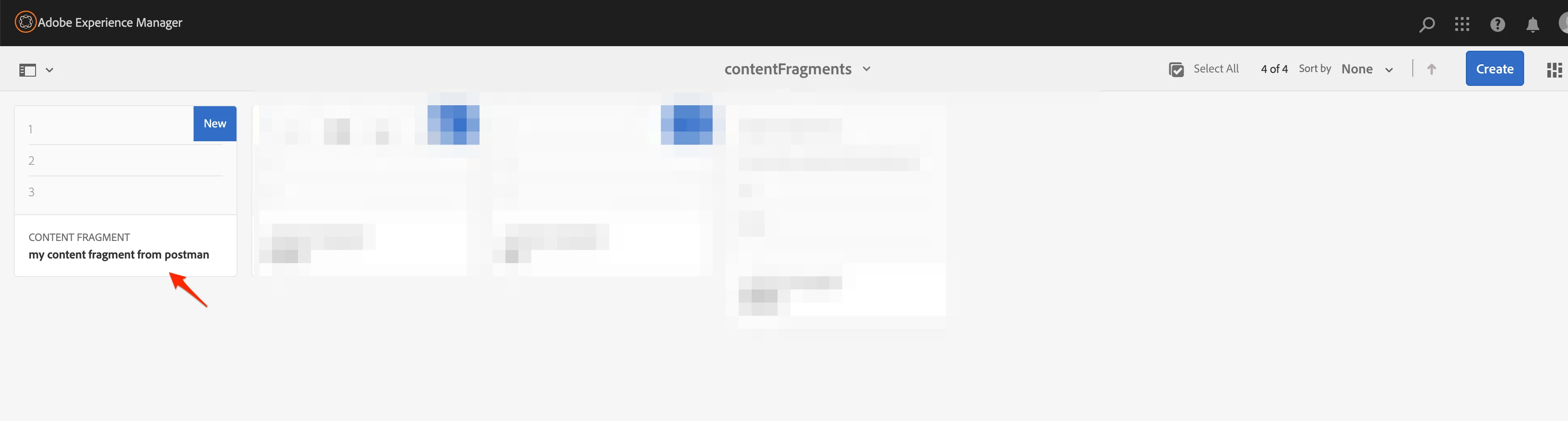
{ "properties": { "cq:model": "/conf/myFolderToCF/settings/dam/cfm/models/demotest", "title": "my content fragment from postman", "description": "my test", "elements": { "myTextFieldName": { ":type": "string", "value": [ "1", "2", "3" ] } } } }


The trick is to first GET a created CF using the Assets API and check how the values are being stored.


Hope this helps.

1 reply

EstebanBustamante
EstebanBustamanteAccepted solution
New Participant
February 21, 2024

Hi, 

You just need to append the values in the "value" field. Something like below:

{ "properties": { "cq:model": "/conf/myFolderToCF/settings/dam/cfm/models/demotest", "title": "my content fragment from postman", "description": "my test", "elements": { "myTextFieldName": { ":type": "string", "value": [ "1", "2", "3" ] } } } }


The trick is to first GET a created CF using the Assets API and check how the values are being stored.


Hope this helps.

Esteban Bustamante