Solved
AEM Quickstart Jar file Not Working
I downloaded the quickstart jar file (link provided by Adobe support team) but it's only showing loading
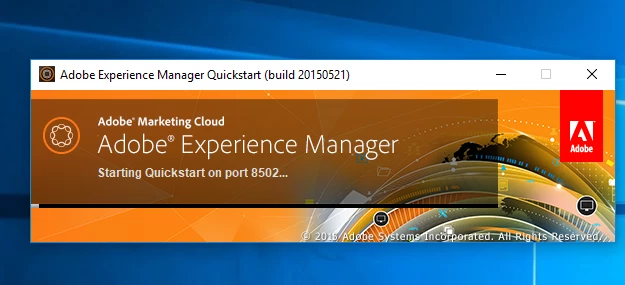
I also changed the port number from the default 6502, but its not working.
Any idea?
I downloaded the quickstart jar file (link provided by Adobe support team) but it's only showing loading
I also changed the port number from the default 6502, but its not working.
Any idea?
I guess this is AEM 6.1 build.
Can you please share your system details and JDK/JRE in use?
I would recommend you to have JRE 1.7 and please read Technical Requirements - docs.adobe.com
~kautuk
Enter your E-mail address. We'll send you an e-mail with instructions to reset your password.