AEM Rich Text Editor Keyboard Accessibility | Community
Skip to main content
New Participant
December 17, 2023

AEM Rich Text Editor Keyboard Accessibility

  • December 17, 2023
  • 1 reply
  • 1018 views

Hi! I am trying to navigate the Rich Text Editor in AEM with a keyboard only. When I am in the RTE I am unable to figure out how to activate the buttons for editing text (alignment, bullets, links, full screen) with the keyboard.
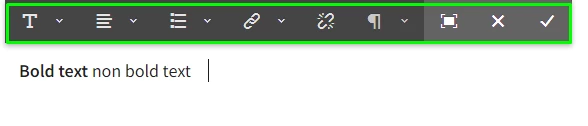
 

Once in Fullscreen mode, I am also not able to access the buttons in the RTE with the keyboard.
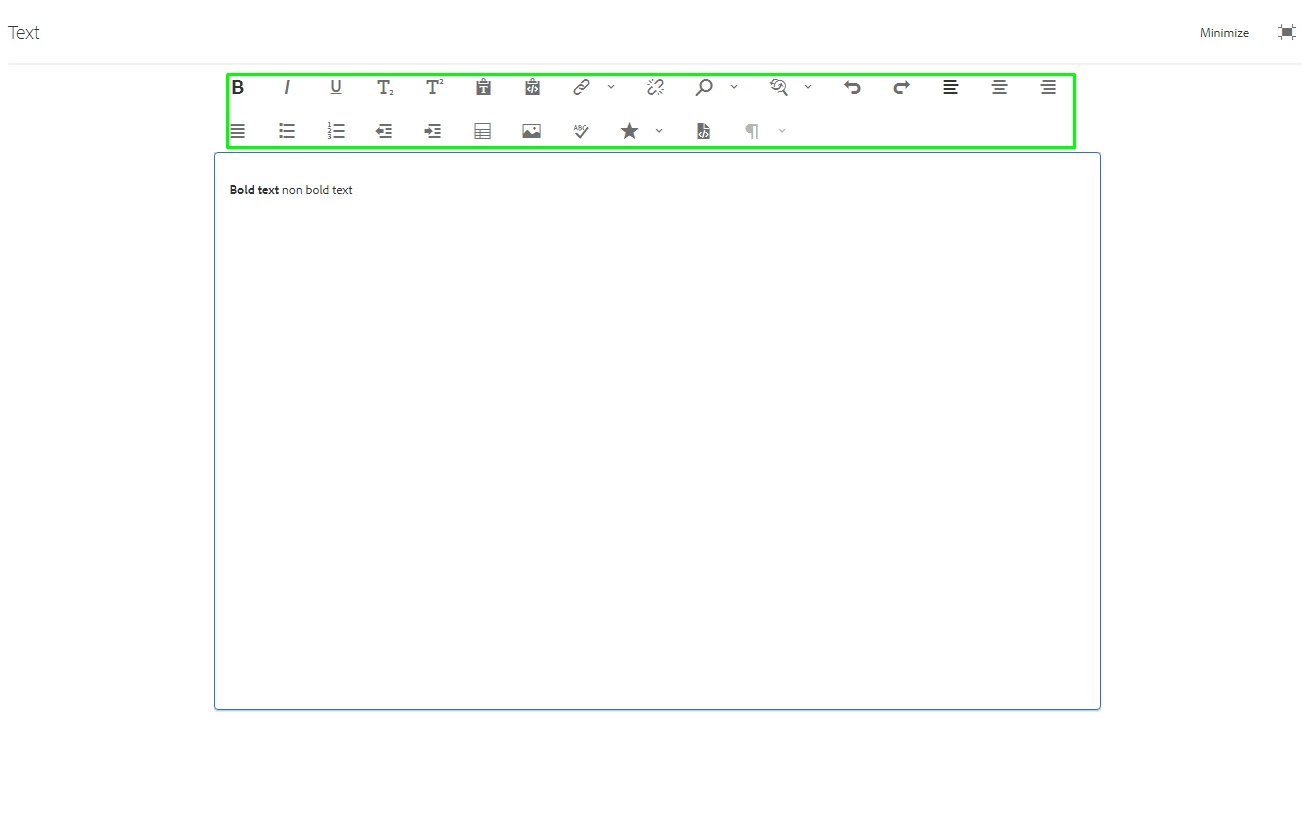
Is there a way to access these buttons with the keyboard? 

This post is no longer active and is closed to new replies. Need help? Start a new post to ask your question.

1 reply

arunpatidar
New Participant
December 18, 2023

Hi @stephaniena 
You can using arrow keys to navigate within RTE toolbar


Arun Patidar
New Participant
December 18, 2023

Thank you so much for your help, Arun! I appreciate it. The video is very useful.


With your help, I was able to get to the toolbar when I am in the Full-Screen RTE by pressing Shift+Tab. Then I can navigate with the arrow keys.


I'm still not able to use the keyboard to get from the text box in an In-Line TouchUI RTE to the toolbar. I'd like to at least be able to get from the In-Line RTE to the Full-Screen RTE with the keyboard. I'm in the WKND demo in AEM 6.5. I added a text component to my page. This is what the RTE looks like: 


arunpatidar
New Participant
December 18, 2023

Hi @stephaniena 
You have to use arrow to navigation inside inline toolbar.

As soon as inline editor is opened, you can navigation to options using right, left arrow keys


Arun Patidar