Solved
AEM running on UBUNTU JAVA 11
martin@martin:~/Desktop/aem$ java -XX:MaxPermSize=256m -Xmx1024M -jar cq-quickstart-6.5.0.jar -XX:+UseParallelGC --add-opens=java.desktop/com.sun.imageio.plugins.jpeg=ALL-UNNAMED --add-opens=java.base/sun.net.www.protocol.jrt=ALL-UNNAMED --add-opens=java.naming/javax.naming.spi=ALL-UNNAMED --add-opens=java.xml/com.sun.org.apache.xerces.internal.dom=ALL-UNNAMED --add-opens=java.base/java.lang=ALL-UNNAMED --add-opens=java.base/jdk.internal.loader=ALL-UNNAMED --add-opens=java.base/java.net=ALL-UNNAMED -Dnashorn.args=--no-deprecation-warning
Java HotSpot(TM) 64-Bit Server VM warning: Ignoring option MaxPermSize; support was removed in 8.0
Loading quickstart properties: default
Loading quickstart properties: instance
org.apache.commons.cli2.OptionException: Unexpected -XX:+UseParallelGC while processing Use these options on the Quickstart command line.
	at org.apache.commons.cli2.commandline.Parser.parse(Parser.java:99)
	at com.adobe.granite.quickstart.base.impl.Main.<init>(Main.java:594)
	at com.adobe.granite.quickstart.base.impl.Main.main(Main.java:981)
Quickstart: aborting
I am running the code above because of
Java 11 Considerations
If you are running Oracle Java 11 (or generally versions of Java newer than 8), additional switches will need to be added to your command line when starting AEM.
- The following - -add-opens switches need to be added in order to prevent related reflection access WARNING messages in the stdout.log
- Additionally, you need to make use of the -XX:+UseParallelGC switch in order to mitigate any potential performance issues.
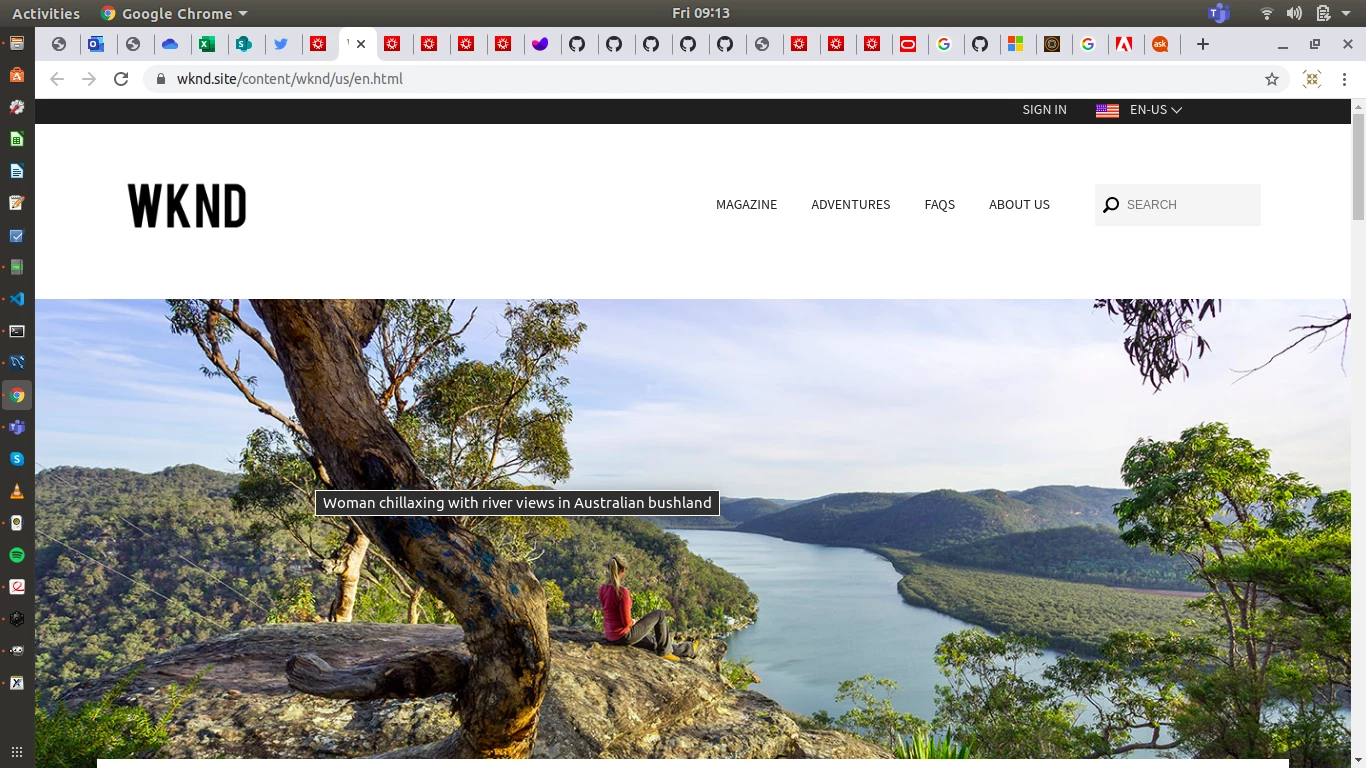
from the Documents so I can view the wknd I wanted to see the
When I access http://localhost:4502/ I am redirected always to http://localhost:4502/libs/granite/core/content/login.html?resource=%2Fsites&$$login$$=%24%24login%24%24&j_reason=unknown&j_reason_code=unknown
even if I access http://localhost:4502/sites I always redirect to
http://localhost:4502/libs/granite/core/content/login.html?resource=%2Fsites&$$login$$=%24%24login%24%24&j_reason=unknown&j_reason_code=unknown
and I see

1. How to fix this error ?
2. How to run the command so I can see the site ?