AEM/Target Integration: Don't see Targeting Option from Edit menu | Community
Skip to main content
Level 3
Aug 8, 2018 9:59 PM UTC

AEM/Target Integration: Don't see Targeting Option from Edit menu

Hi there,

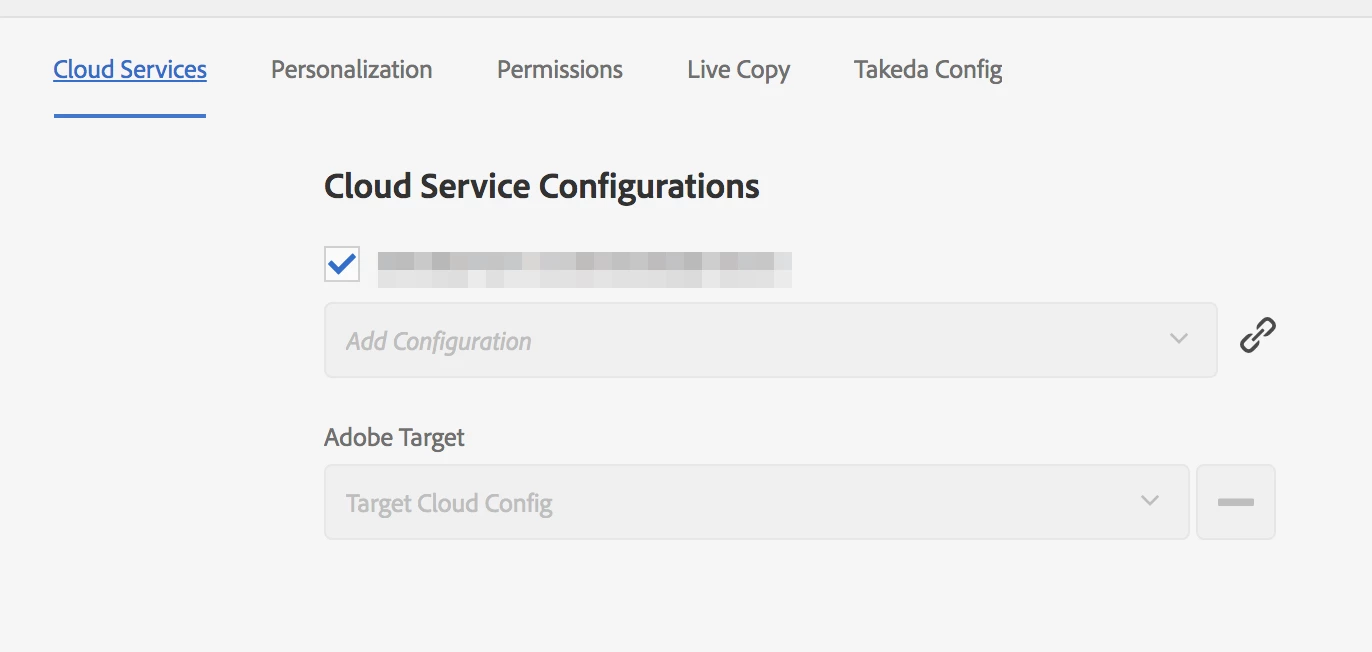
I have successfully created a Cloud Configuration for Target in AEM Cloud Services. I also applied the config on the page I am trying to apply Targeting on.

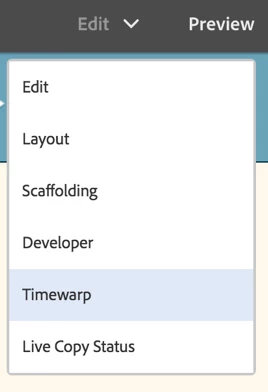
However, I am not able to see the Targeting option in the Edit menu. Couple of screenshots below. Please help.
This post is no longer active and is closed to new replies. Need help? Start a new post to ask your question.

3 replies

Level 4
Feb 25, 2020 6:44 PM UTC

Is there official documentation from Adobe on what scripts should be added? Can you please share that? Im working on AEM v6.5.3 if that helps. 

Translate
arunpatidar
New Participant
Aug 8, 2018 11:32 PM UTC

Hi,

You need to include below clientlibs and resource in page component in order to work with targeting

<!--/* Include Context Hub */-->

<sly data-sly-call="${clientLib.js @ categories='granite.utils'}"/>

<sly data-sly-resource="${'contexthub' @ resourceType='granite/contexthub/components/contexthub'}"/>

Translate
Arun Patidar
NiraEpAuthor
Level 3
Aug 9, 2018 2:35 PM UTC

Thank you! Although adding the references above didn't help directly, it pointed me in the right direction. I had to add these to head.html

<sly data-sly-resource="${'contexthub' @ resourceType='granite/contexthub/components/contexthub'}"/>

<cq:include script="/libs/cq/cloudserviceconfigs/components/servicelibs/servicelibs.jsp"/>

Translate