Solved
aem6.5 richtext modify textarea size
The default textarea is too large. How can I modify the size of the textarea by some fields? Is it possible? Or I must overwrite it and use js to modify it?
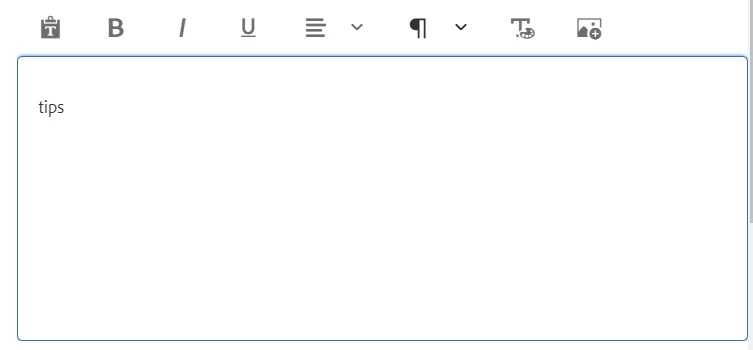
The default textarea is too large. How can I modify the size of the textarea by some fields? Is it possible? Or I must overwrite it and use js to modify it?
@johann_lu , you can create a custom client library that will only be invoked when you are on the editors.html page. The custom client library should contain CSS that will target the Touch UI RTE, and in summary, shrink down the textarea, as what you are expecting. To create a custom client library specifically for the editors.html page, you can follow this blog article -> https://sourcedcode.com/blog/aem/adding-custom-client-library-for-aem-author-editor-touch-ui
Enter your E-mail address. We'll send you an e-mail with instructions to reset your password.