New Participant
January 11, 2021
Solved

AEM6.5 sites facets tags hiding with js

  • January 11, 2021
  • 2 replies
  • 1071 views

Hi Team,

          when i open the tags some tags are getting showed up out of which i'am able to hide the tags with help of js


$('.foundation-collection-item').each(function(){
var programTags = ["Technology","Translation Status","Resource Type","Information Classification", "Facebook"];


var iterator = programTags.values();
for(let program of iterator) {
// console.log(program);
if($(this).attr('data-foundation-picker-collection-item-text') == program){
$(this).hide();
}
}
});
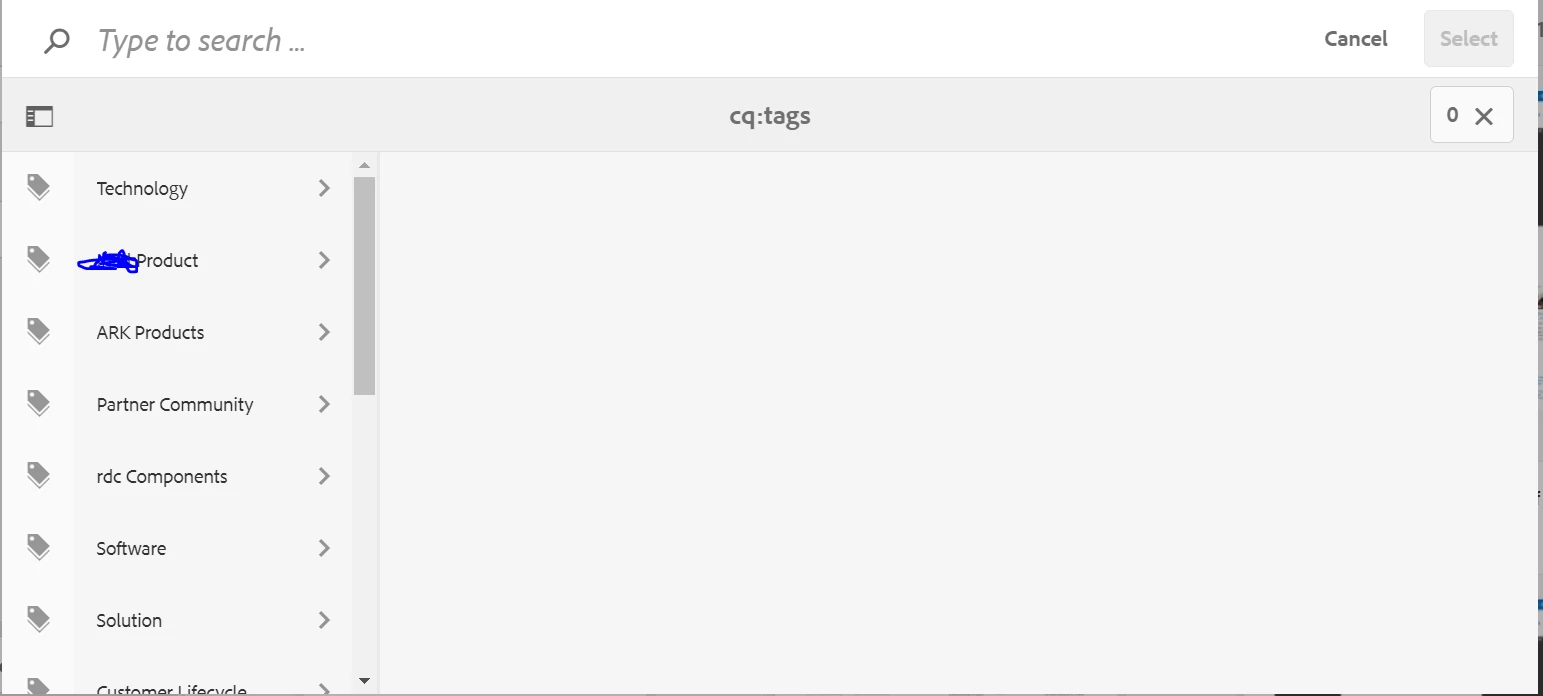
 

but when i scroll down the component additional tags are loading which is not getting considered for hiding
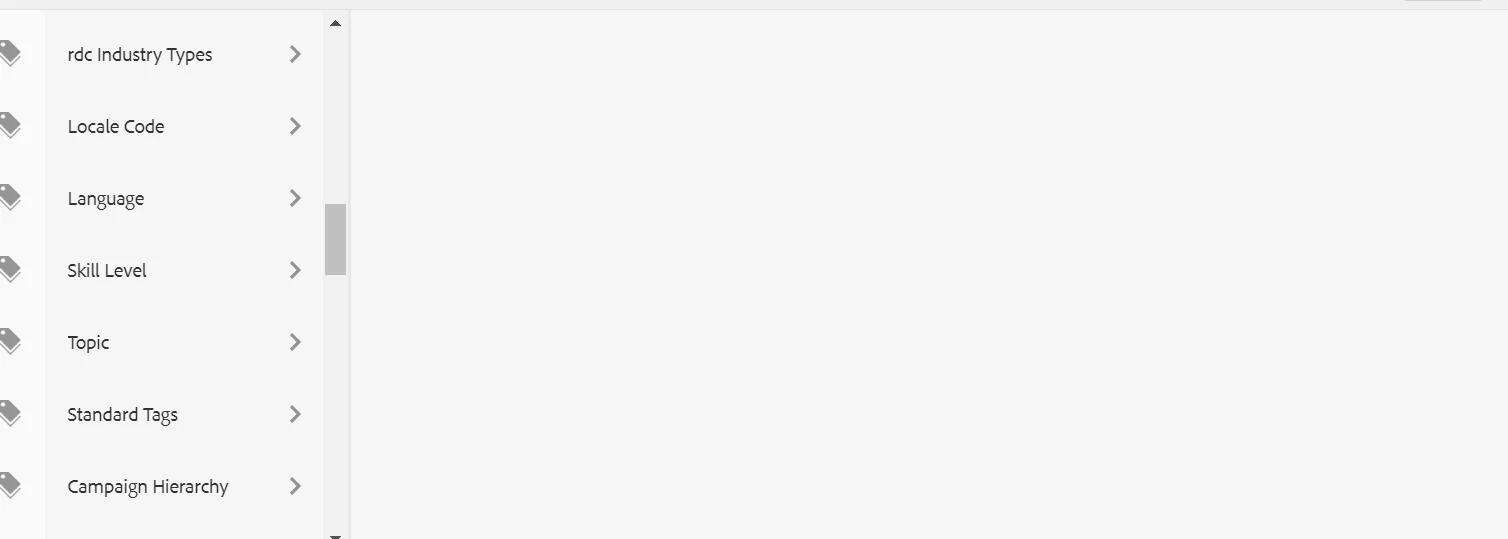
can you please provide  help with it.  

@theo_pendle @kautuk_sahni  @Arun_Patidar  @BrianKasingli  @Vijayalakshmi_S  @vanegi 

This post is no longer active and is closed to new replies. Need help? Start a new post to ask your question.
Best answer by Anudeep_Garnepudi

@sganjewx 

Tag list will be loaded on demand(when you scroll through all the initially loaded tags, then the few more tags will be loaded dynamically). Try to execute the hide functionality in scroll as well and see. Hope this works.

-AG 

2 replies

Anudeep_Garnepudi
Anudeep_GarnepudiAccepted solution
New Participant
January 11, 2021

@sganjewx 

Tag list will be loaded on demand(when you scroll through all the initially loaded tags, then the few more tags will be loaded dynamically). Try to execute the hide functionality in scroll as well and see. Hope this works.

-AG 

sganjewxAuthor
New Participant
January 11, 2021
it worked .Thanks!!!