AIO rde cli issue - not able to run install command to deploy pkgs/file | Community
Skip to main content
New Participant
May 1, 2024
Solved

AIO rde cli issue - not able to run install command to deploy pkgs/file

  • May 1, 2024
  • 3 replies
  • 2226 views


I am getting below error while running "aio aem:rde:install ....." command
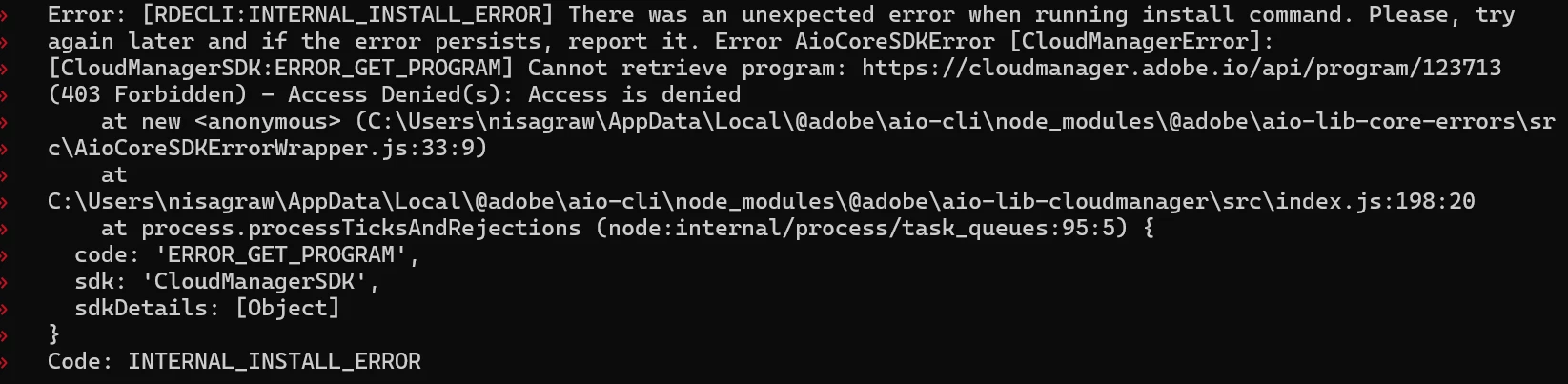
 

I am able to login to rde environment and developer console separately on the browser but not able to push packages.

Any quick help on this?

Any specific access is required to run this command?

This post is no longer active and is closed to new replies. Need help? Start a new post to ask your question.
Best answer by sravs

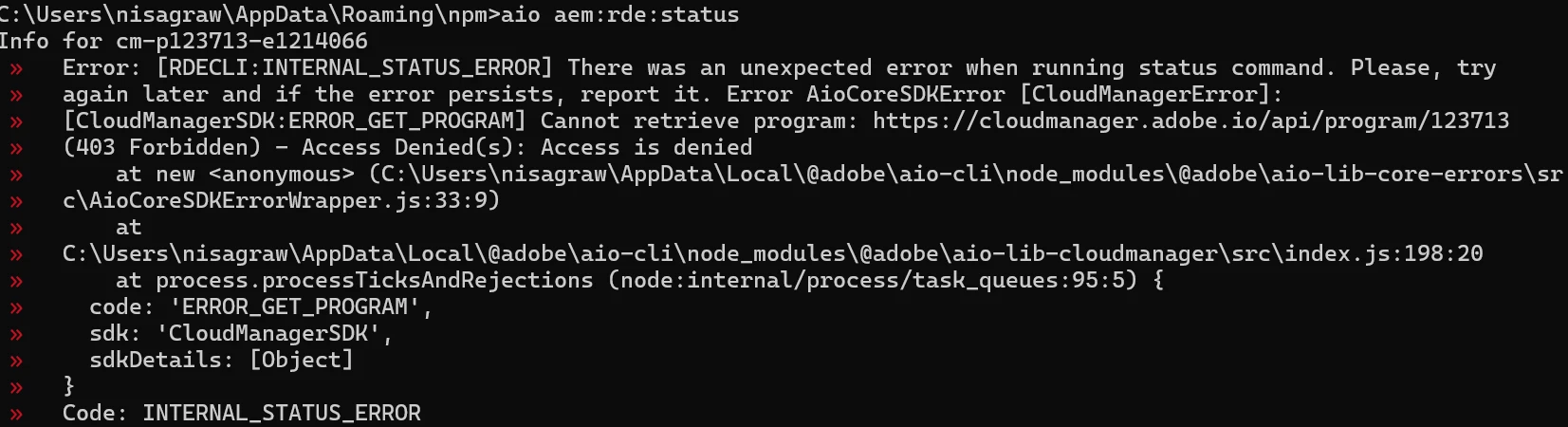
Same error while running "aio aem:rde:status"command:


Check the permissions mentioned here https://experienceleaguecommunities.adobe.com/t5/adobe-experience-manager/adobe-i-o-api-call-access-denied/td-p/391344

3 replies

kautuk_sahni
Employee
May 16, 2024

@nishisharma Did you find the suggestions from users helpful? Please let us know if more information is required. Otherwise, please mark the answer as correct for posterity. If you have found out solution yourself, please share it with the community.

Kautuk Sahni
HrishikeshKagne
New Participant
May 1, 2024

Hi @nishisharma ,


I would suggest to get your access checked for 403 Forbidden Error.

It might just be possible that you are using a different account to access the CLI. This sometimes can happen if you are using multiple IDs which are associated with SSO for Adobe applications.


If you want to refresh simply try the below commands -

aio logout

aio login

The browser sign in window for CLI should appear.


Thanks!

Hrishikesh Kagane
New Participant
May 1, 2024

I have tried all above suggested options...but no luck

sravs
New Participant
May 1, 2024

@nishisharma , check your access for the enivronment which you are trying to push the changes. From your logs it's clearly mentioned that 'Access denied' for program id 123713

sravs
New Participant
May 1, 2024

@nishisharma please make sure you are executing "aio login" before executing the above command. A browser window should open, asking you to sign in with your Adobe ID. If the window did not automatically open, you can also copy paste the URL printed in command prompt to your browser to log in. This will make sure you're logged Adobe I/O.


Please refer https://experienceleaguecommunities.adobe.com/t5/adobe-experience-manager/aio-rde-cli-login-issue/m-p/604456