
Article unavailable in web viewer | Community
Skip to main content
jasonsturges
New Participant
September 15, 2016
Solved

Article unavailable in web viewer

  • September 15, 2016
  • 1 reply
  • 1236 views

Though my content, collections, and layouts are published, when I connect to the URL of my web viewer and browse into an article, the page displays an error:

We're sorry

This article is unavailable
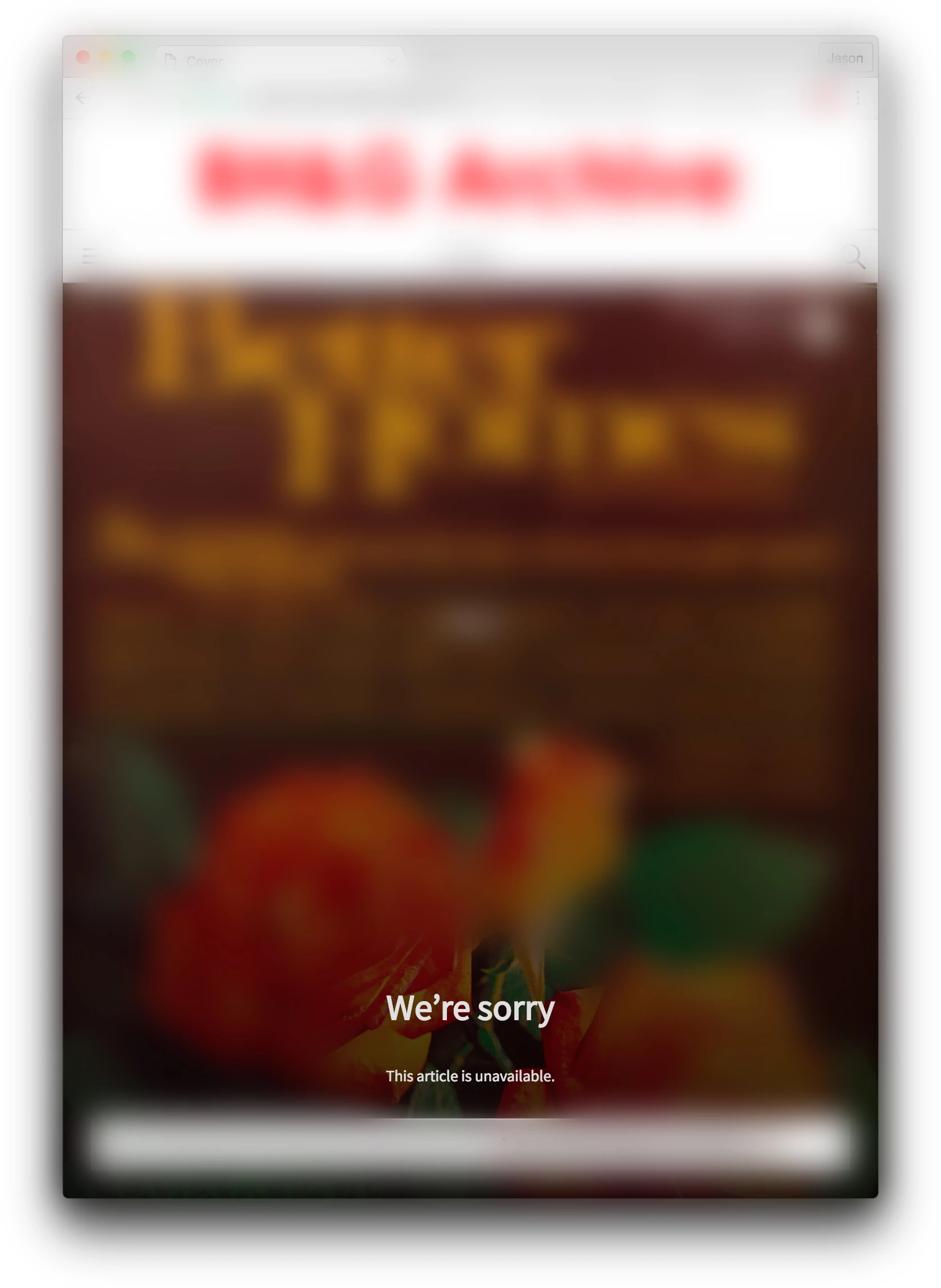
Any recommendation as to actions I am missing?

This post is no longer active and is closed to new replies. Need help? Start a new post to ask your question.
Best answer by bobbr3212

It sounds like the content is being metered in your app. The collection in which the articles appear has a Product ID associated with it. When you edit this Product ID in the Products & Subscriptions Dashboard, is it set to Entitled or Restricted? If you set the collection's Product ID to Free, all articles within that collection will be available. If you don't want that collection to be free--if you want to require a purchase or sign-in--then you should edit article properties and change the Article Access from "Metered" or "Protected" to "Free." Publish and check again.

If that doesn't work, let us know.

1 reply

bobbr3212Accepted solution
Employee
September 15, 2016

It sounds like the content is being metered in your app. The collection in which the articles appear has a Product ID associated with it. When you edit this Product ID in the Products & Subscriptions Dashboard, is it set to Entitled or Restricted? If you set the collection's Product ID to Free, all articles within that collection will be available. If you don't want that collection to be free--if you want to require a purchase or sign-in--then you should edit article properties and change the Article Access from "Metered" or "Protected" to "Free." Publish and check again.

If that doesn't work, let us know.