Back to top functionality in aem sites pages | Community
Skip to main content
New Participant
November 10, 2023
Solved

Back to top functionality in aem sites pages

  • November 10, 2023
  • 2 replies
  • 1196 views

Hello Everyone,

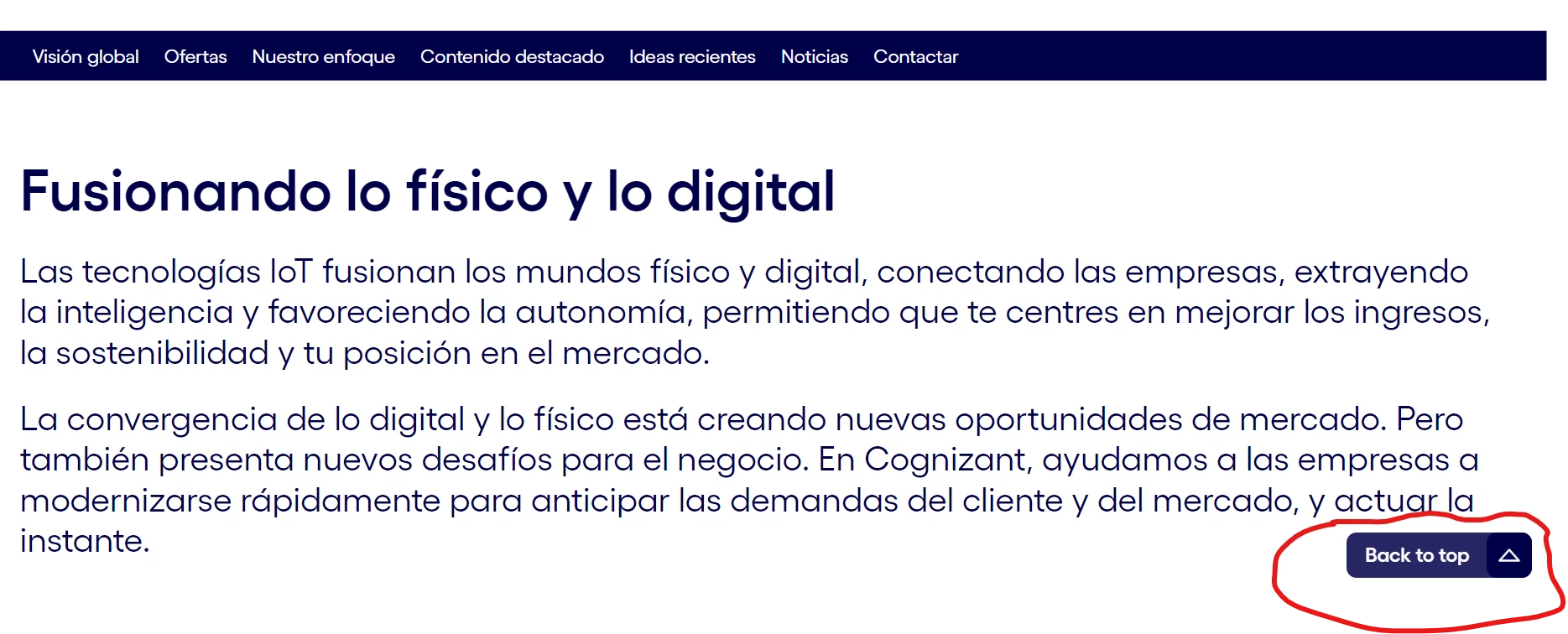
I just want to know that from where we get this "back to top" functionality in aem sites pages. Also want to know where do we put the "back to top" text?


This post is no longer active and is closed to new replies. Need help? Start a new post to ask your question.
Best answer by arunpatidar

Hi @prachimathur 
If you are using dynamic templates, you can author and add go-top-button on all the pages directly from dynamic template.

https://experienceleague.adobe.com/docs/experience-manager-learn/sites/page-authoring/template-editor-feature-video-use.html?lang=en 

2 replies

EstebanBustamante
New Participant
November 10, 2023

That seems to be a custom component that is part of your codebase. I would recommend inspecting the page in the Author to identify which component it is and understand its configuration.

If you need this functionality on another site, you can create a similar component and add it at the template level, as suggested by @arunpatidar.


Hope this helps

Esteban Bustamante
arunpatidar
arunpatidarAccepted solution
New Participant
November 10, 2023

Hi @prachimathur 
If you are using dynamic templates, you can author and add go-top-button on all the pages directly from dynamic template.

https://experienceleague.adobe.com/docs/experience-manager-learn/sites/page-authoring/template-editor-feature-video-use.html?lang=en 

Arun Patidar
New Participant
November 20, 2023

Thanku arun for the correct solution.