Best practices to embed general components(site components) in an Adaptive Form | Community
Skip to main content
Level 4
Mar 19, 2018 3:22 AM UTC
Solved

Best practices to embed general components(site components) in an Adaptive Form

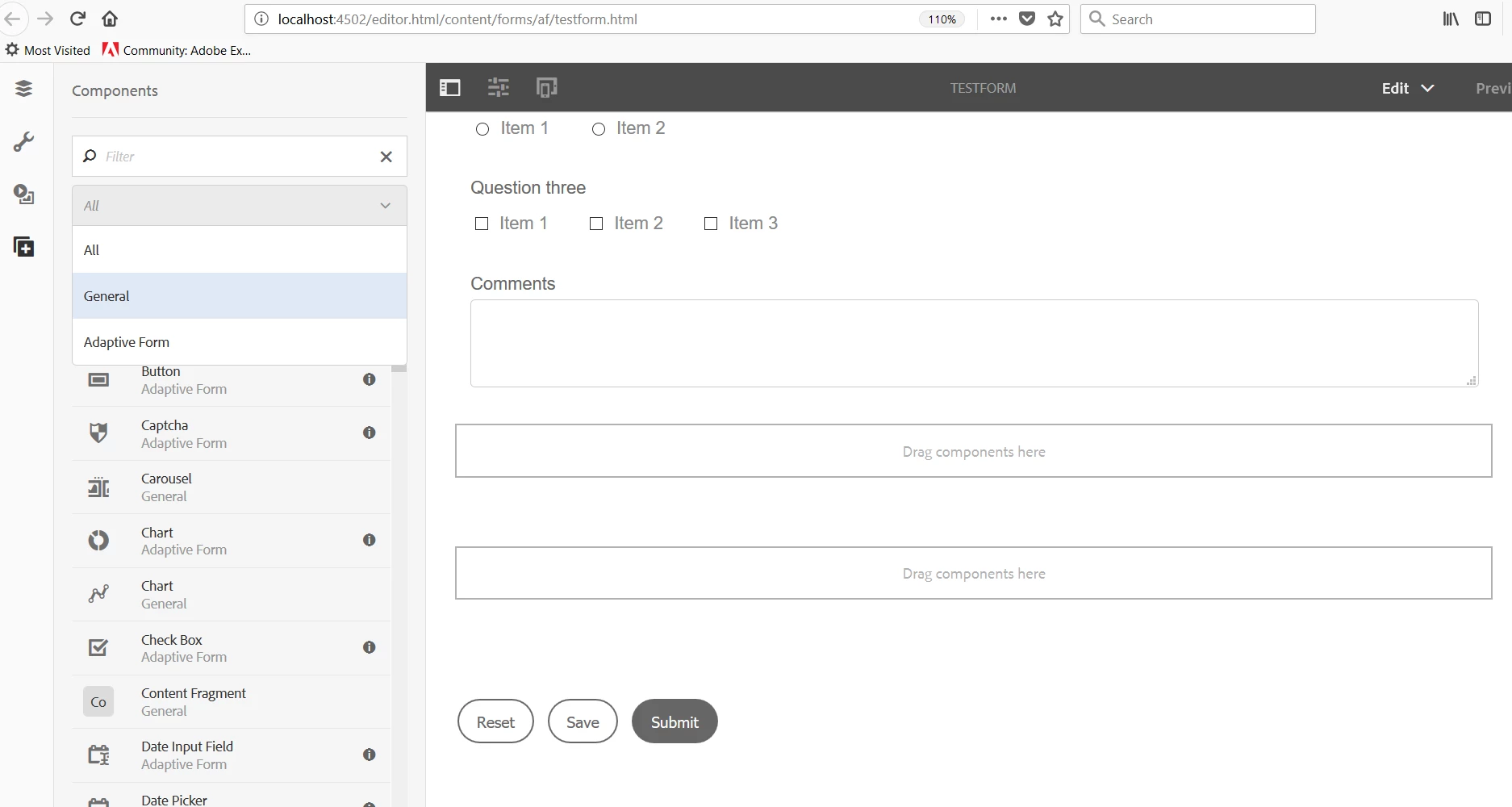
I am working on developing an Adaptive form in AEM. We already have a sites component which we drag into the parsys system on the site pages. However in the AEM forms parsys I am unable to include the site component(General). Its only allowing me to include the adaptive form components. Is there a way to include the sites component within AEM forms or do I need to convert the sites component to an adaptive form component ?

This post is no longer active and is closed to new replies. Need help? Start a new post to ask your question.
smacdonald2008
smacdonald2008Accepted solution
Level 10
Mar 19, 2018 1:52 PM UTC

The Adaptive Form category contains the typical components that you would use in a Form. Like Text boxes, etc.

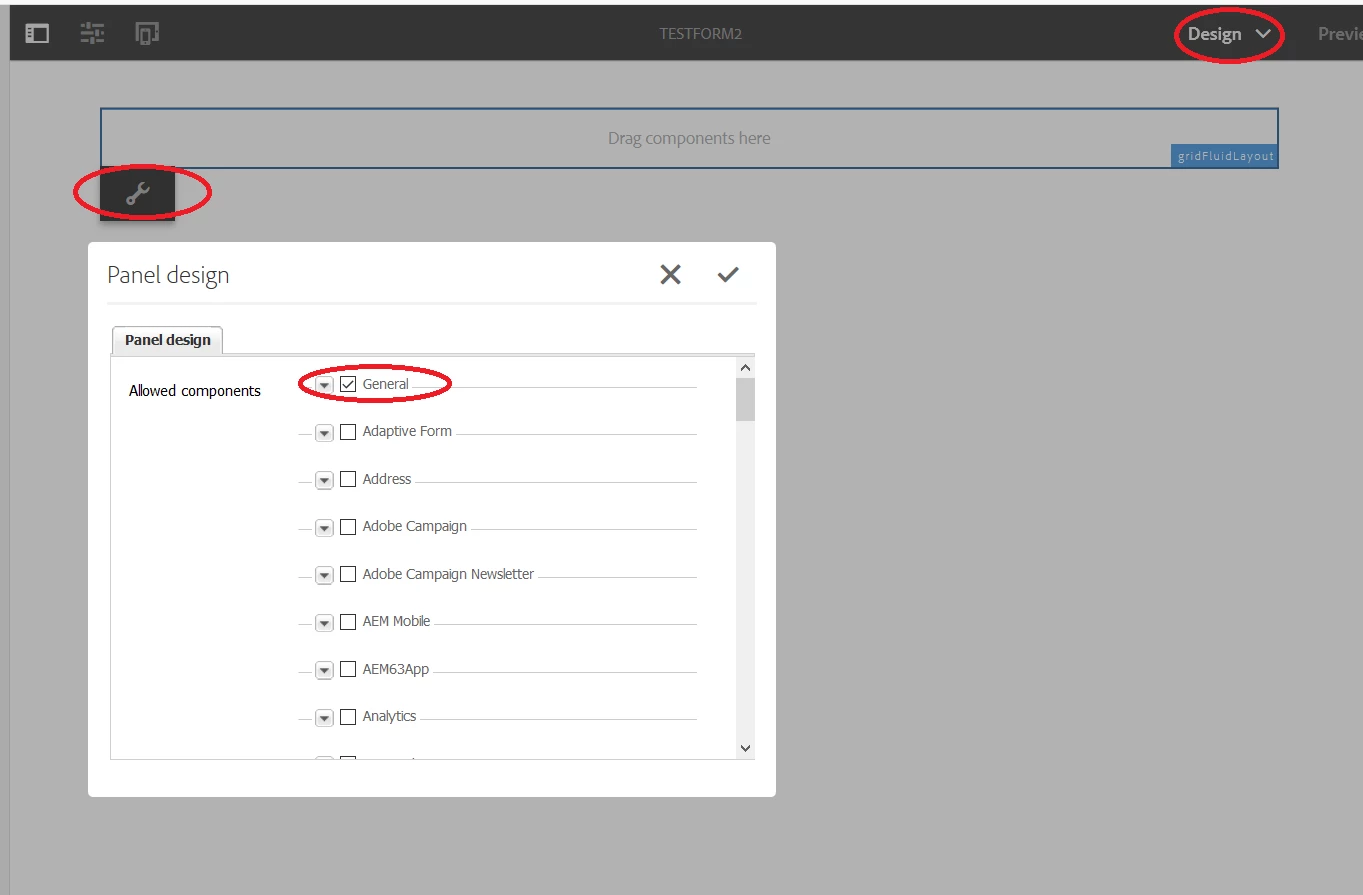
However - an Adaptive form is like other AEM Pages in that you can configure it to let components - for example - from General - be dropped into the form. Use the Design mode - as shown here:

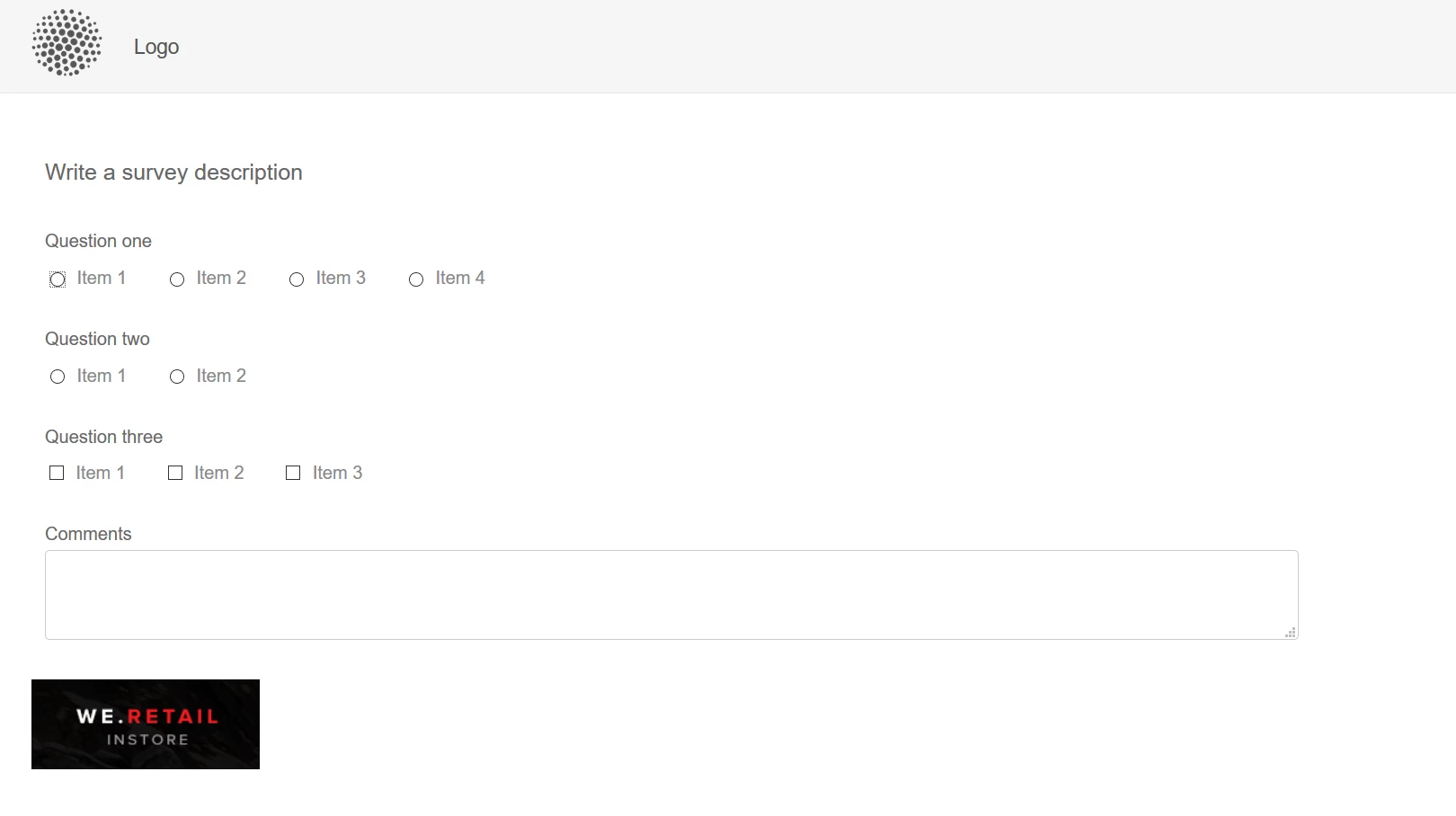
For example, I dropped the General Image component into the form.

Here is the rendered form with the image...

2 replies

nalla0109Author
Level 4
Mar 20, 2018 2:44 AM UTC

Thanks for the response, that helped us. I think the issue is when we create a AEM form template using template editor. In this case we dont have a design mode present. Instead we have content policies present where we can define the design properties. I need to take this route to include the general components in design mode so that I have them in the side kick.

Below link has helped me understanding the content policies:

Page Templates - Editable

Translate
smacdonald2008
smacdonald2008Accepted solution
Level 10
Mar 19, 2018 1:52 PM UTC

The Adaptive Form category contains the typical components that you would use in a Form. Like Text boxes, etc.

However - an Adaptive form is like other AEM Pages in that you can configure it to let components - for example - from General - be dropped into the form. Use the Design mode - as shown here:

For example, I dropped the General Image component into the form.

Here is the rendered form with the image...

Translate