Can not add fields to Content Fragment Model | Community
Skip to main content
Level 3
Jun 21, 2021 7:18 AM UTC
Solved

Can not add fields to Content Fragment Model

Hi all,

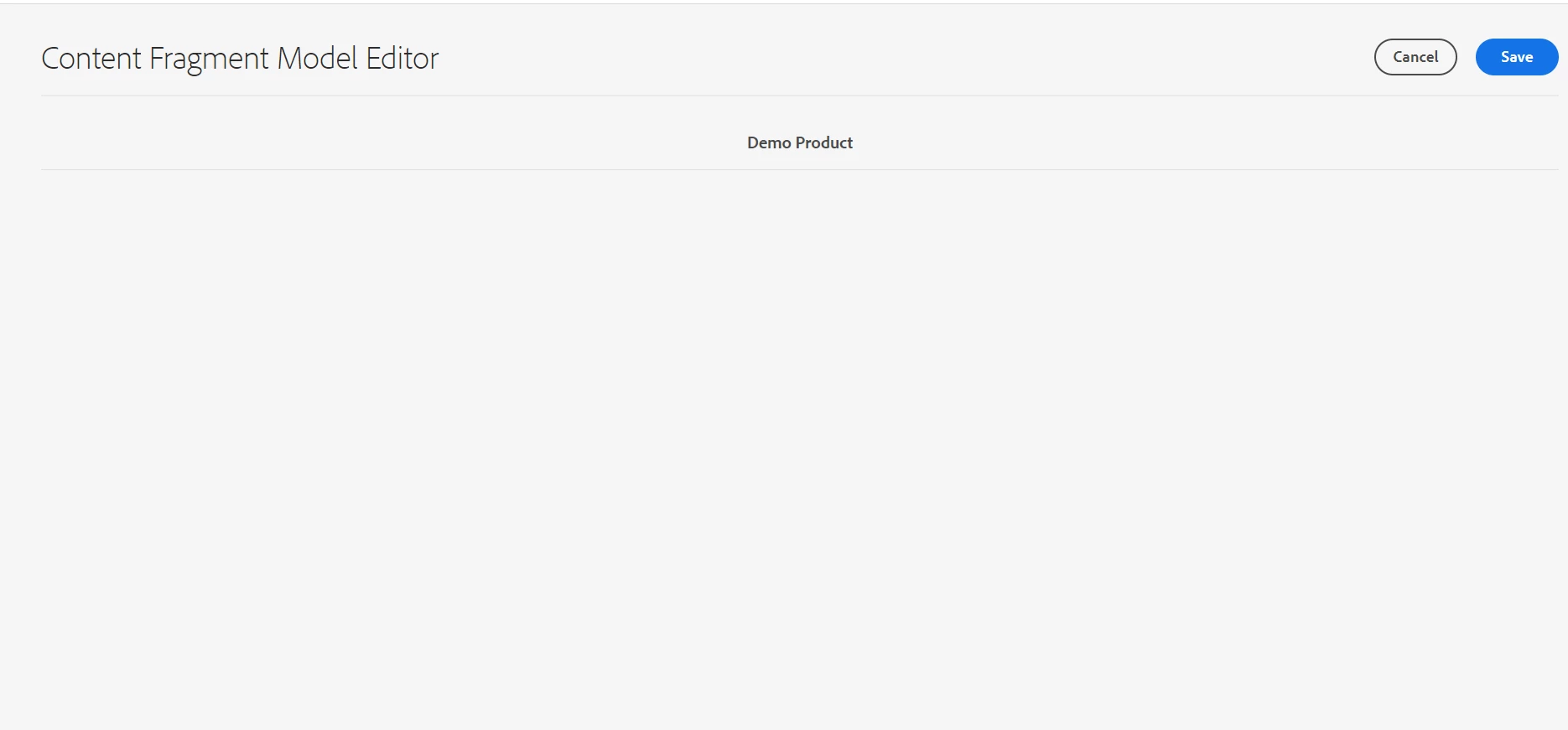
We are trying to add fields to a Content Fragment Model we created. But, there are no fields to add. The page is blank. I am logged in as Admin.
This post is no longer active and is closed to new replies. Need help? Start a new post to ask your question.
Vijayalakshmi_S
Vijayalakshmi_SAccepted solution
Level 10
Jun 21, 2021 7:09 PM UTC

Hi @ad-engineer,

I suggest to try the below steps in the order mentioned and see if it works. (given that you are on admin login + CFM editor is working on global folder, issue should be with way we create and configure CFM - Could see slight changes in the steps you followed)


In your local, navigate to

Try these steps fresh as is with some test name (need not be your project) and see if it works. 

If you still face issues, see if it is possible to grab a screencast and share to narrow down further. 

10 replies

kchaurasiya
Level 5
Jun 22, 2021 1:46 PM UTC

@ad-engineer , As per our previous discussion. I have created the test Content Fragment model you can check and compare with your one. 

CF name : Test  - Once CF is created we can navigate to the below path to check the same.

Crx/de Path : /conf/my-project/settings/dam/cfm/models/test


You can compare the your CF field properties with below and let me know if you found any difference. Below one is working as expected in my local.


Thank You.


Translate
Vijayalakshmi_S
Vijayalakshmi_SAccepted solution
Level 10
Jun 21, 2021 7:09 PM UTC

Hi @ad-engineer,

I suggest to try the below steps in the order mentioned and see if it works. (given that you are on admin login + CFM editor is working on global folder, issue should be with way we create and configure CFM - Could see slight changes in the steps you followed)


In your local, navigate to

Try these steps fresh as is with some test name (need not be your project) and see if it works. 

If you still face issues, see if it is possible to grab a screencast and share to narrow down further. 

Translate
Ritesh_Mittal
New Participant
Jun 21, 2021 12:55 PM UTC

Hi @ad-engineer ,


Just to confirm, while creation of configuration folder, you have selected 'Content Fragment Model' checkbox. Do you see any error in logs?

Translate
Ritesh_Mittal
New Participant
Jun 21, 2021 12:05 PM UTC

Hi @ad-engineer ,


You must be getting some network/console error of libraries not being loaded properly. Do you see below library loaded on your page-

http:<host>:<port>/libs/dam/cfm/models/editor/components/formbuilder/clientlibs.css

Translate
Level 3
Jun 21, 2021 12:27 PM UTC
Hi @ritesh_mittal .Yes this is being loaded. I can add fields if I create CFM on global folder, but not on my project folder.
Translate
kchaurasiya
Level 5
Jun 21, 2021 9:56 AM UTC

@ad-engineer , Can you share the steps that you have followed. I Will check the same in my system. As I can see the fields in content fragment model in my local on AEM 6.4. Thanks

Translate
Level 3
Jun 21, 2021 12:31 PM UTC
Hi @kchaurasiya. I followed the same steps as on the documentation. I created a folder inside configurations browser, and I selected Content Fragment Models on properties of that folder. Then, I created the folder on DAM and mapped it with my CF folder. Then, I tried creating a folder - the structure of that model. I could create it - add name. But when it came to add fields, the page was blank, as shown above. Thanks!
Translate
Level 2
Jun 21, 2021 7:39 AM UTC

Please refer below documentation for more details about content fragments

https://experienceleague.adobe.com/docs/experience-manager-65/assets/fragments/content-fragments-models.html?lang=en


Translate
Level 3
Jun 21, 2021 8:46 AM UTC
I have already done all these steps, but fields are not available to be added
Translate