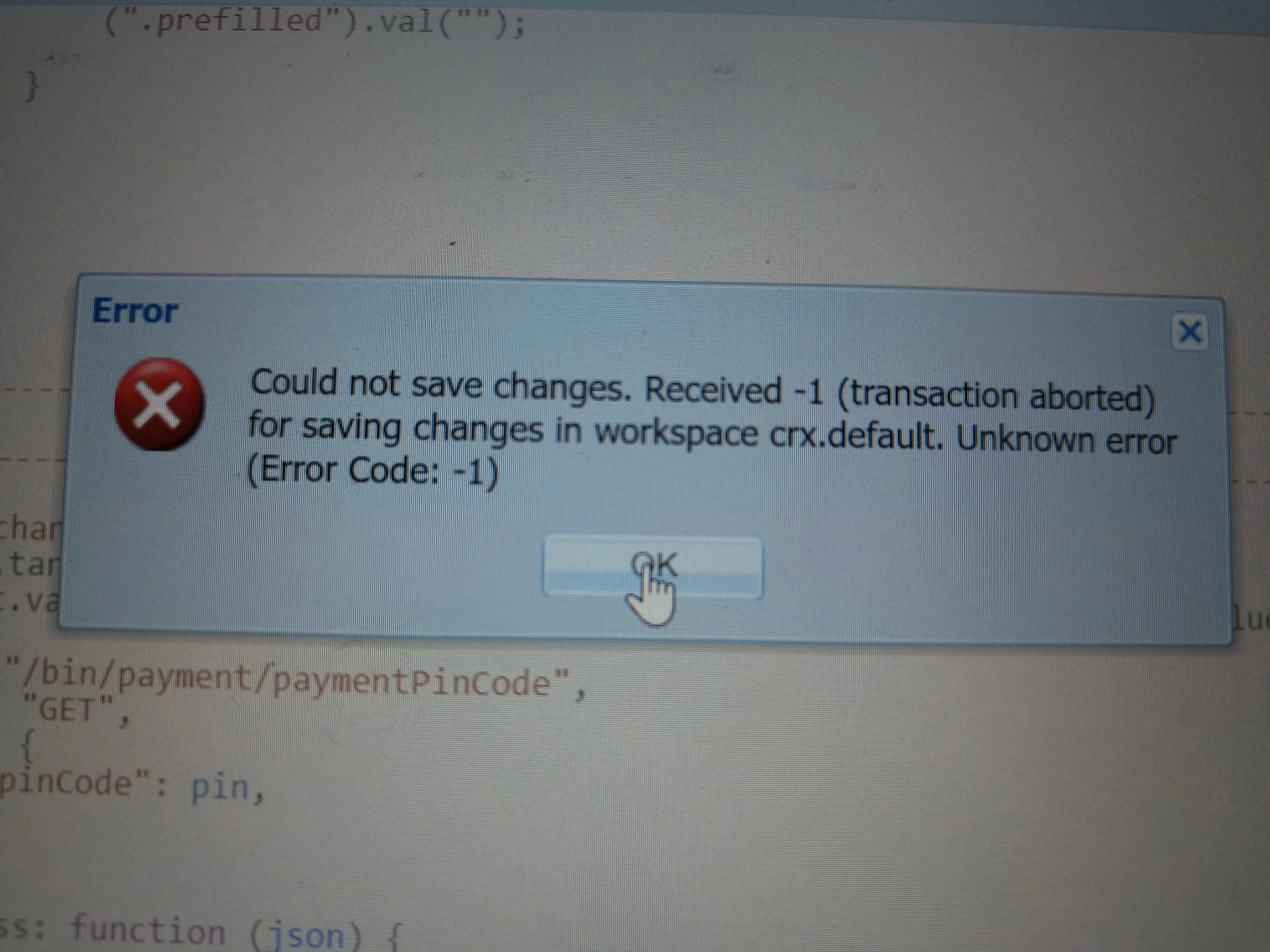
Changes are not saving in CRXDE and giving this kind of error ..even after refresh relogin it's not working | Community
Skip to main content
This post is no longer active and is closed to new replies. Need help? Start a new post to ask your question.
aanchal-sikka
aanchal-sikkaAccepted solution
New Participant
Jun 22, 2023 3:50 AM UTC

Hello @monish_gavali 


Please look into error.log for details. In CRXDE, if an error occurs while saving, then often the issues are:

  • User is trying to create an incorrect node structure
  • User is trying some operation thats not allowed
  • User doesn't have sufficient access


error.log might be able to point you to the exact issue.

Aanchal Sikka

5 replies

Level 1
Jun 22, 2023 5:46 AM UTC

@monish7 : You can check error.log for more details . 

However, it could have occurred due to the following reasons:

  • Restricted access
  • The previous changes are not saved and you try to make the new changes.
  • Folder structure is not correct.


Translate
SivakumarKanoori
New Participant
Jun 22, 2023 4:12 AM UTC

@monish_gavali : Can you let us know , what is the source path and destination path ( from where you are copying to ). 


You can check error.log for more details . 

Some of the reasons,

1) If you opened your aem for long time and session closed .

2) if you dont have sufficient permissions 

3) not following proper folder structure

4) you just created the folder structure and didnt click on save button , but you tried to copy and paste to other location.


Thanks 

Siva


Translate
Thanks,Siva
aanchal-sikka
aanchal-sikkaAccepted solution
New Participant
Jun 22, 2023 3:50 AM UTC

Hello @monish_gavali 


Please look into error.log for details. In CRXDE, if an error occurs while saving, then often the issues are:

  • User is trying to create an incorrect node structure
  • User is trying some operation thats not allowed
  • User doesn't have sufficient access


error.log might be able to point you to the exact issue.

Translate
Aanchal Sikka
SantoshSai
New Participant
Jun 21, 2023 7:49 PM UTC

Hi @monish_gavali ,

I suspect it's because of restricted access to the specific node level. Please check that.

Hope that helps!


Regards,

Santosh

Translate
Santosh Sai
EstebanBustamante
New Participant
Jun 21, 2023 6:52 PM UTC

Please check the error.log and post what is the specific error you are seeing. 

Translate
Esteban Bustamante