ContextHub UI glitched on editor load | Community
Skip to main content
New Participant
April 2, 2020
Solved

ContextHub UI glitched on editor load
  • April 2, 2020
  • 1 reply
  • 6625 views

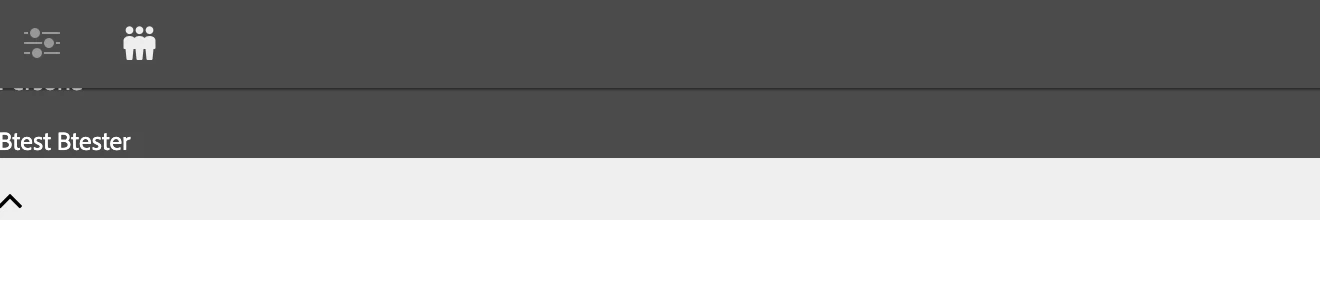
Every so often, the ContextHub UI will glitch out and show like this. To fix this what I've been doing is 'deselecting' the UI, and preview mode, reloading the page, waiting for a couple of seconds, then checking the UI again.


AEM Version: 6.4.5

Running on: Chrome Version 80.0.3987.149 (Official Build) (64-bit)

This post is no longer active and is closed to new replies. Need help? Start a new post to ask your question.
Best answer by sunjot16

Unable to reproduce the issue on OOTB AEM 6.5 instance.

Try installing the latest SP.

jQuery version bundle was upgraded for ContextHub in SP3. https://docs.adobe.com/content/help/en/experience-manager-65/release-notes/service-pack/previous-hotfixes-featurepacks.html


I hope it helps.

1 reply

sunjot16
sunjot16Accepted solution
Employee
April 6, 2020

Unable to reproduce the issue on OOTB AEM 6.5 instance.

Try installing the latest SP.

jQuery version bundle was upgraded for ContextHub in SP3. https://docs.adobe.com/content/help/en/experience-manager-65/release-notes/service-pack/previous-hotfixes-featurepacks.html


I hope it helps.

New Participant
April 16, 2020

I have SP 6.4.5 installed. Do I need something newer? @sunjot16